

Send a Slack alert when a MetaSurvey is completed
Every time a respondent completes a MetaSurvey, a message lands in the Slack channel you choose, carrying the survey results you map into it, so your team reads feedback where they already talk.
 MetaSurvey
 Slack
2 steps Setup ~5 min Used on 3.1k sites Free to import
What this workflow does
Survey answers tend to sit in a dashboard until someone remembers to look. If your team works in Slack, the quickest way to get feedback read is to put it in front of them there. This workflow posts to Slack as each MetaSurvey result comes in.
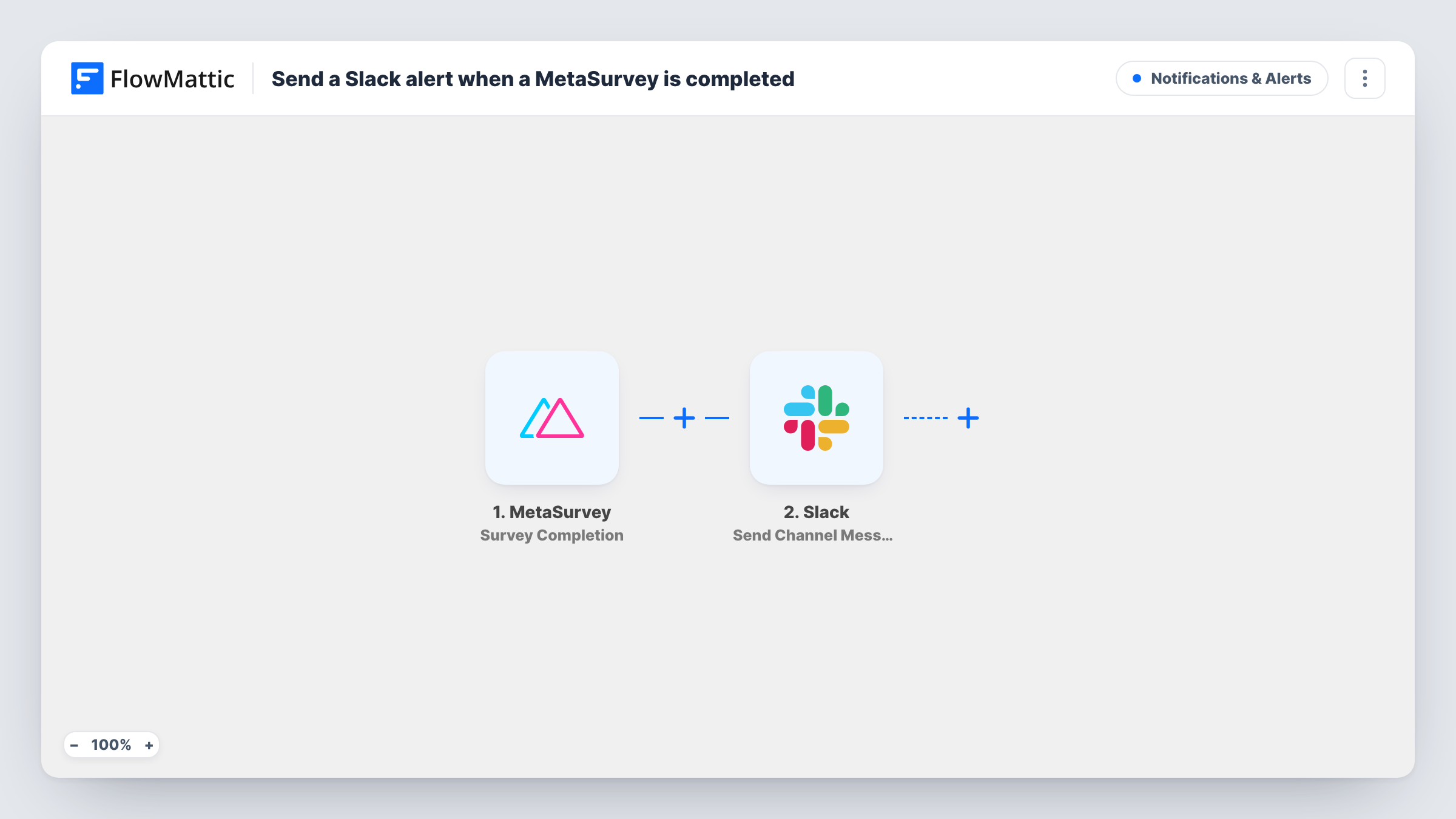
The MetaSurvey trigger fires for survey results, so each completed survey starts one run. FlowMattic passes the results to Slack, and the Send Channel Message action posts to the channel you pick. You decide what the message says and which answers it includes.
Nothing in the template filters responses, so every completion produces a post, positive or negative. On a busy survey that can mean many messages, which is why the tips cover narrowing it down. Each run shows in Task History if a post goes missing.
Customer satisfaction survey
Support leads see each completed satisfaction survey in #customer-feedback and can pick up any unhappy answer the same day.
Post-event feedback
After a webinar, organisers watch responses arrive in a Slack channel while the session is still fresh in their minds.
Internal pulse checks
An HR team runs a short MetaSurvey for staff and has each response posted to a private HR channel, using Slack's private channel action.
How this workflow runs
What happens at each step once the workflow is on, and what you need before you import it.
 MetaSurvey Survey Completion
Starts a run for each MetaSurvey result, which arrives when a respondent finishes the survey. The answers are then ready to place in the Slack message.
- Slack Send Channel Message
Sends your message into the Slack channel set on this step. Build the text from the MetaSurvey answers. This action is for public channels; a private one needs Send Private Channel Message.
What you need
- FlowMatticCore
- MetaSurvey AccountAccount
- Slack AccountAccount
After importing, map your own data. To keep the template universal, not every step is pre-filled. Open each step in the builder and connect your accounts and fields (channels, lists, sheets, recipients) before you switch the workflow on.
Make it yours
Changes worth making after you import it.
- If your survey has a rating question, add a Filter after the trigger to post only when the rating is below a number you choose, so the channel shows only responses that need attention.
- Complete the survey once yourself after import. FlowMattic captures the result, and you can see which answer fields are available for the message.
- Keep the Slack message short and put the answer most people care about first, such as the rating or the main comment.
Questions about this workflow
Does every MetaSurvey response post to Slack?
Yes, as imported. There is no condition in the template, so each survey result runs the Slack step once. Add a Filter if you want fewer posts.
Can I choose which MetaSurvey answers appear in Slack?
Yes. You write the message in the Slack step and insert only the answers you want. Run a test survey first so the answer fields are there to choose from.
Are MetaSurvey responses from before import posted?
No. Only results that come in after the workflow is on start a run, so earlier responses stay in MetaSurvey.
More Notifications & Alerts workflows
Other ready-to-import templates from the same category.




Import this workflow into your WordPress site
Download the JSON, import it from the Workflows screen and connect your accounts. Every run stays on your server, with no per-task fees.
30-day money-back guarantee Unlimited workflows and runs Self-hosted