

Send a Slack alert whenever a Detectify asset changes
Whenever Detectify reports a change to an asset on your attack surface, FlowMattic posts a message to the Slack channel your security team watches, so new or altered domains and services get a second look.
 Detectify
 Slack
Slack2 steps Setup ~5 min Used on 2.7k sites Free to import
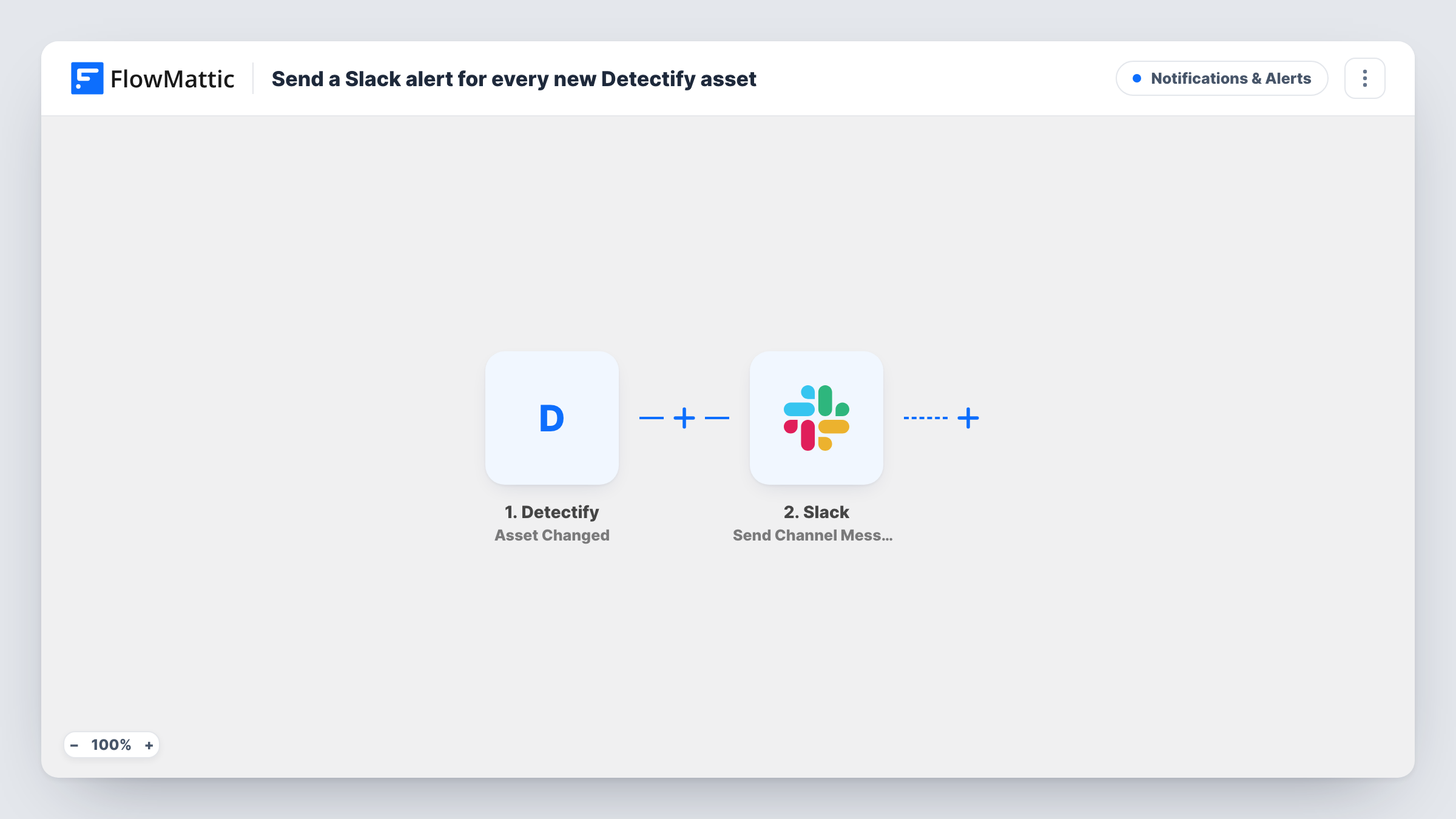
What this workflow does
Your attack surface moves without asking: a new subdomain goes live, a service changes, an old host disappears. Detectify spots those changes, but they only help if someone sees them. This workflow puts each change in a Slack channel, where the security or operations team can decide whether it needs action.
The Detectify trigger fires when an asset on the attack surface changes in Detectify. The asset's details are passed on; trigger a change or wait for one and check the test run to see which fields Detectify includes, such as the asset name.
Then Slack carries the news to your team. That step ships unmapped: after import you choose the channel and write the message, mapping in the asset details so the team knows what changed without opening Detectify.
Every asset change starts a run, so a busy attack surface can post often. If the channel gets noisy, add a Filter on a field from the Detectify data between the trigger and the Slack step. Each run, with what Slack answered, is listed in Task History.
Security channel sees new exposure
A security engineer gets a Slack post in #attack-surface whenever Detectify notices a change, and checks whether a new host should be public.
Shadow IT spotted by operations
An operations team watches for asset changes that nobody announced, such as a marketing subdomain set up by an agency.
Change log for audits
A compliance lead keeps a dedicated Slack channel of Detectify asset changes as an easy-to-search history for security reviews.
How this workflow runs
What happens at each step once the workflow is on, and what you need before you import it.
 Detectify Asset Changed
Starts a run for each attack-surface asset change Detectify reports. The asset's details become available to map into the Slack message; the first run in Task History lists the field names.
- Slack Send Channel Message
Posts the asset change to a Slack channel. Nothing is set in this step yet: choose the channel and write the alert text, mapping in the asset details from Detectify.
What you need
- FlowMatticCore
- Detectify AccountAccount
- Slack AccountAccount
After importing, map your own data. To keep the template universal, not every step is pre-filled. Open each step in the builder and connect your accounts and fields (channels, lists, sheets, recipients) before you switch the workflow on.
Make it yours
Changes worth making after you import it.
- Post to a private security channel by swapping in Slack's Send Private Channel Message action, since asset details can be sensitive.
- Build a second workflow on Detectify's New Finding trigger, so vulnerabilities reach the same channel as asset changes.
- If only some assets matter, put a Filter between the Detectify trigger and the Slack step on a field such as the asset name. Treat the value as an example and use your own domains.
Questions about this workflow
What counts as a Detectify asset change?
FlowMattic describes the trigger as firing when an asset on the attack surface changes in Detectify. Detectify decides what it reports as a change, so check a few runs in Task History to see what your account sends.
Does this alert on Detectify vulnerability findings too?
No. It only covers asset changes. Detectify's New Finding and Scan Completed triggers are separate, so use them in their own workflows for findings and finished scans.
Which Detectify details appear in the Slack message?
The ones you map. The Send Channel Message step is empty in the template, so pick the asset fields your team needs when you write the message.
More Notifications & Alerts workflows
Other ready-to-import templates from the same category.





Import this workflow into your WordPress site
Download the JSON, import it from the Workflows screen and connect your accounts. Every run stays on your server, with no per-task fees.
30-day money-back guarantee Unlimited workflows and runs Self-hosted