

Get notified of Jotform submissions with a Twilio SMS message
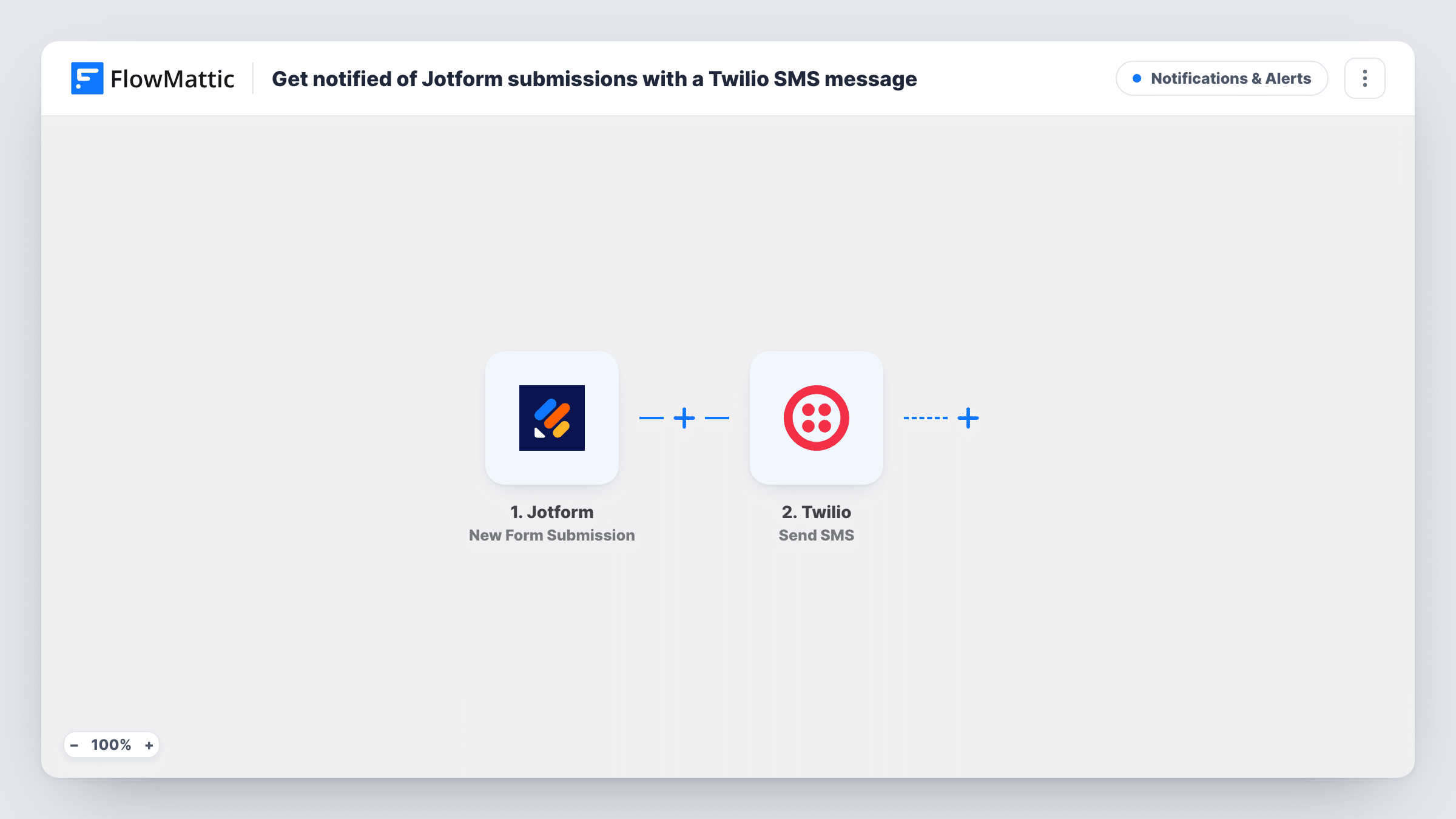
Each time someone submits your Jotform form, FlowMattic sends a text message through Twilio to the number you choose, so you hear about new responses on your phone.
 Jotform
 Twilio
2 steps Setup ~5 min Used on 896 sites Free to import
What this workflow does
Email alerts for form responses get buried, especially when you spend the day away from a desk. A text message on your phone is harder to overlook. This workflow sends one through Twilio for every Jotform submission.
The Jotform trigger runs on each new submission, and FlowMattic captures the answers. The Twilio step then sends an SMS to a number. Here that is your own number, or a teammate's, entered as a fixed value. You write the text and drop in the answers you need, for example the person's name and what they asked for.
Keep the message short, since it is read on a phone screen. Each SMS goes out through your own Twilio account, so check its sending setup before you rely on the alerts. Each run is recorded in Task History along with Twilio's response, which helps when a text doesn't arrive.
Tradespeople on job sites
An electrician gets a text for each quote request from the Jotform on their website, with the customer's suburb and job type, while they are still on another job.
Urgent booking requests
A dog groomer receives an SMS with the requested date for each booking form entry, so same-day requests are seen in time.
Alerting the person on call
A property manager's maintenance form texts the on-call contact with the unit number and the problem described.
How this workflow runs
What happens at each step once the workflow is on, and what you need before you import it.
 Jotform New Form Submission
Runs when a new Jotform submission comes in. Every answer from that response is captured so you can use it in the text message.
- Twilio Send SMS
Sends an SMS through your Twilio account to a phone number. Enter the number that should receive the alert, write the message with the Jotform answers you map, and test it.
What you need
- FlowMatticCore
- Jotform AccountAccount
- Twilio AccountAccount
After importing, map your own data. To keep the template universal, not every step is pre-filled. Open each step in the builder and connect your accounts and fields (channels, lists, sheets, recipients) before you switch the workflow on.
Make it yours
Changes worth making after you import it.
- Add a Filter after the trigger so only certain responses text you, for example when an urgency question is answered High.
- Text the person who filled in the form instead by mapping their phone answer as the recipient, and write the message as a confirmation to them.
- Add a second Twilio Send SMS step if two people should get the alert, each with their own number.
Questions about this workflow
Do I need a Twilio phone number for the Jotform SMS alerts?
You need a Twilio account that can send SMS, including a number or sender it can send from. FlowMattic uses that account to send each text.
Does every Jotform response send a text?
Yes, as imported. Each new submission runs the workflow once. Add a Filter if you want texts only for some answers.
Can the Twilio SMS include all the Jotform answers?
It can include any answer you map, but long messages are hard to read on a phone. Pick the few answers you need to decide what to do next.
Will Jotform still send its own email notifications?
Yes. The workflow only listens for submissions and does not change your Jotform settings.
More Notifications & Alerts workflows
Other ready-to-import templates from the same category.





Import this workflow into your WordPress site
Download the JSON, import it from the Workflows screen and connect your accounts. Every run stays on your server, with no per-task fees.
30-day money-back guarantee Unlimited workflows and runs Self-hosted