

Log new Timetics bookings in a Google Sheets spreadsheet
Every booking created in Timetics is added as a row in a Google Sheets spreadsheet you choose, so you keep a plain record of appointments that you can sort, total and share outside WordPress.
 Timetics
 Google Sheets
2 steps Setup ~5 min Used on 817 sites Free to import
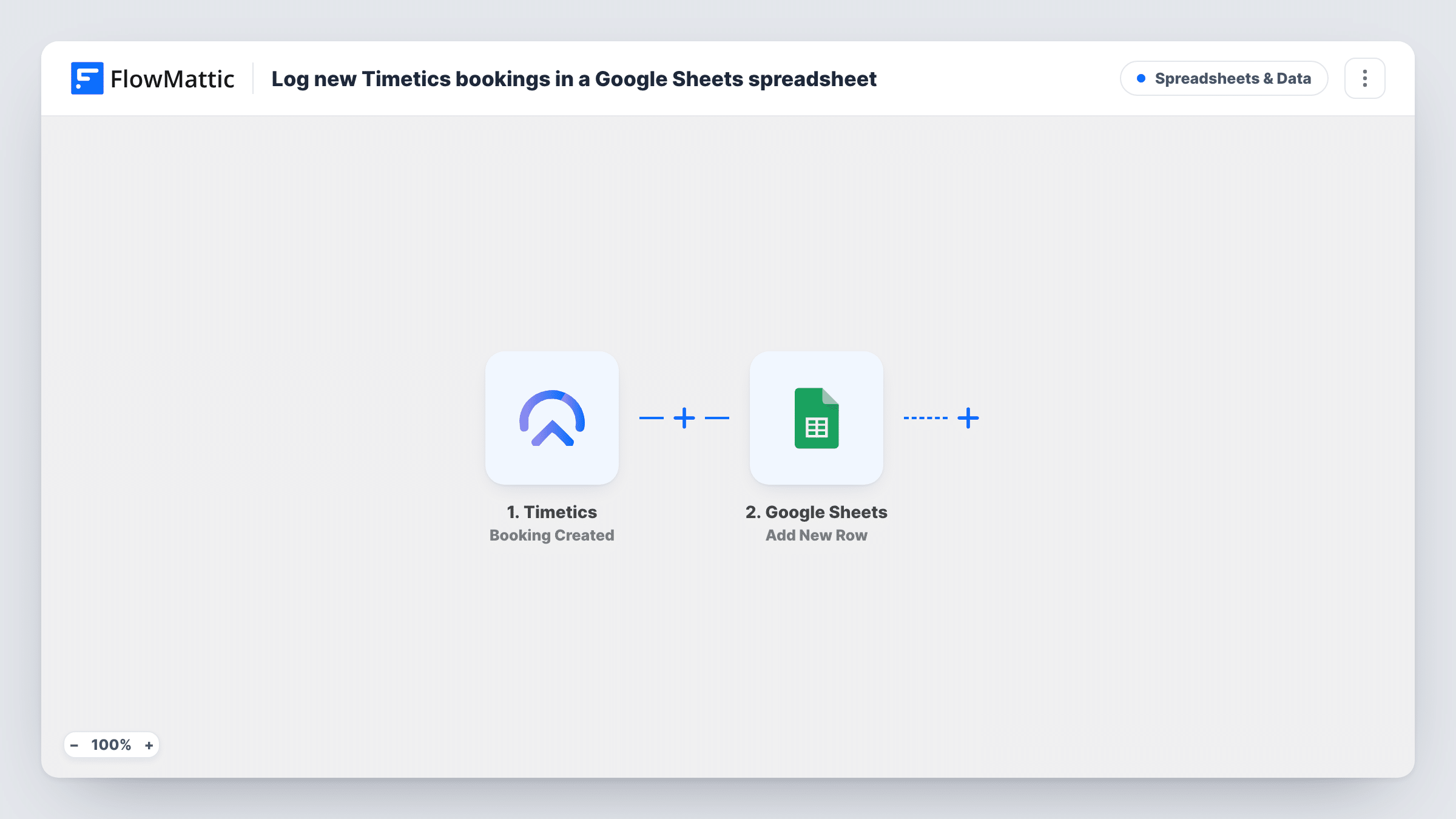
What this workflow does
Timetics keeps your bookings inside WordPress, which is fine for running the calendar but awkward when you want to count sessions per month, share a list with a colleague or build a quick chart. A spreadsheet is better at that. This workflow writes each new booking to Google Sheets as it is made.
The Timetics trigger reacts to each booking that is created on your site. FlowMattic hands the booking data to Google Sheets, and the Add New Row action appends it to the sheet you select, with each column filled from the booking field you map.
The trigger reacts to new bookings only. Timetics has separate Booking Updated and Booking Deleted triggers, and this template uses neither, so a reschedule or a cancellation does not change the row. You can review every logged booking run in Task History.
Monthly session counts for a therapist
Each Timetics appointment adds a row, and a pivot table on a second tab shows how many sessions you held each month.
Sharing bookings with a bookkeeper
Your bookkeeper reads the spreadsheet to match paid bookings with income, without a login to your WordPress site.
Room planning for a training centre
Staff check the sheet each morning to see which bookings were made and prepare rooms to match.
How this workflow runs
What happens at each step once the workflow is on, and what you need before you import it.
 Timetics Booking Created
Fires whenever a booking is created in Timetics on your WordPress site. The booking's data is passed on for the spreadsheet columns.
- Google Sheets Add New Row
Appends the Timetics booking as a row at the bottom of the sheet you select. Link your Google account, choose the spreadsheet and tab, then match each column to a booking field.
What you need
- FlowMatticCore
- Timetics AccountAccount
- Google Sheets AccountAccount
After importing, map your own data. To keep the template universal, not every step is pre-filled. Open each step in the builder and connect your accounts and fields (channels, lists, sheets, recipients) before you switch the workflow on.
Make it yours
Changes worth making after you import it.
- Set up the header row in your sheet before mapping, so each column name shows up in the Google Sheets step.
- Copy the workflow and switch its trigger to Booking Deleted, writing to a second tab, if you want a record of cancellations too.
- Create one test booking in Timetics after import so FlowMattic has real booking data to map from.
Questions about this workflow
Does rescheduling a Timetics booking update the row?
No. The template listens only for Booking Created. Changes and deletions are different Timetics triggers, and the existing row stays as it was.
Are Timetics bookings made before import copied?
No. Only bookings created after the workflow is turned on start a run, so older appointments are not added.
Can several Timetics staff members share one sheet?
Yes. Every booking from the site runs the same workflow. Map the staff or host field to a column if the booking data includes it, so you can filter by person.
More Spreadsheets & Data workflows
Other ready-to-import templates from the same category.




Import this workflow into your WordPress site
Download the JSON, import it from the Workflows screen and connect your accounts. Every run stays on your server, with no per-task fees.
30-day money-back guarantee Unlimited workflows and runs Self-hosted