

Send a Twilio SMS reminder before a RevenueHero meeting begins
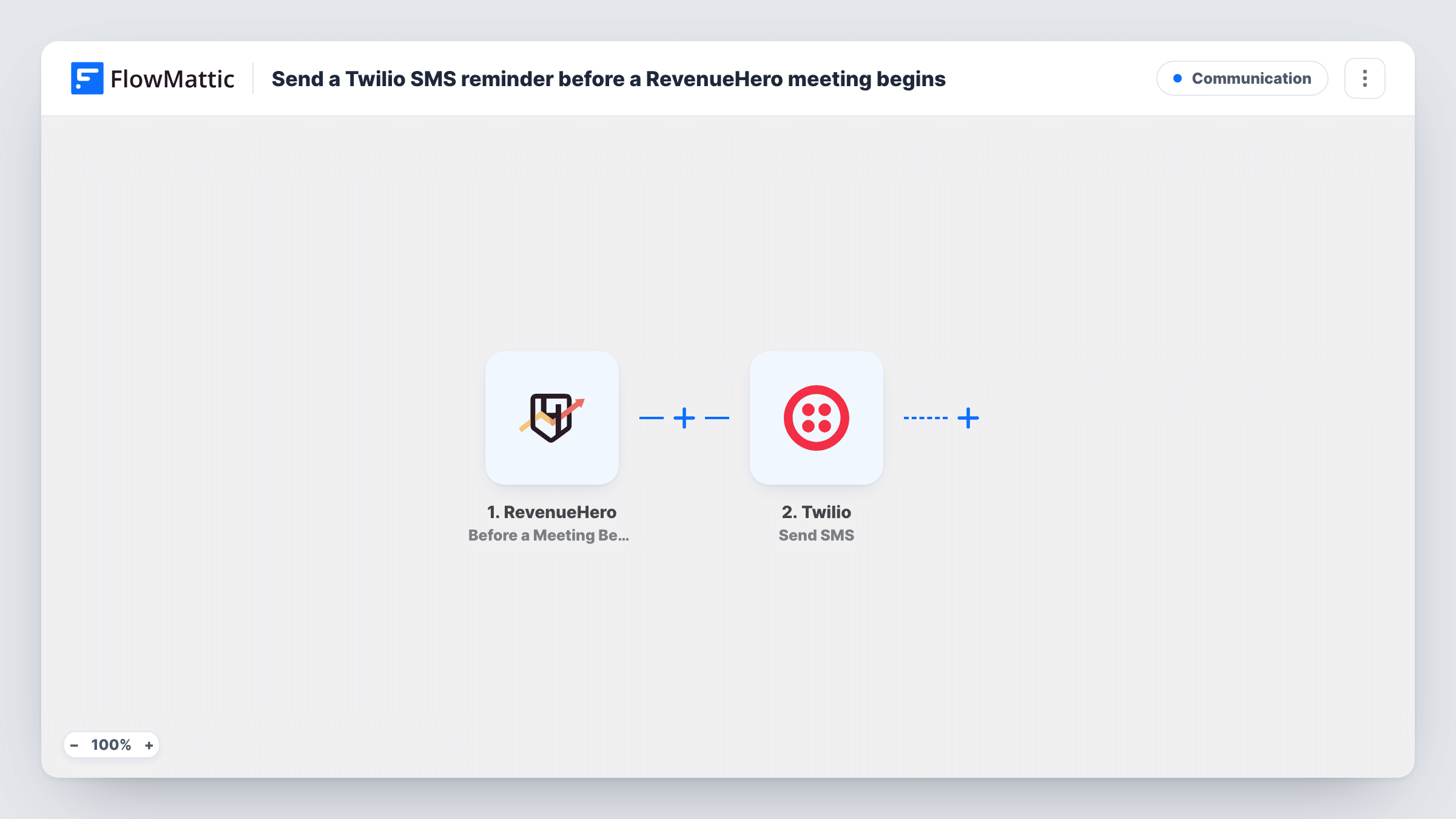
Before a RevenueHero meeting begins, FlowMattic sends a text message through your Twilio account to the phone number you map, reminding the prospect about the call.
 RevenueHero
 Twilio
2 steps Setup ~5 min Used on 2.1k sites Free to import
What this workflow does
Prospects book a sales call in the moment and then forget about it. A text message just before the call is harder to miss than another email. This workflow sends one through Twilio for each upcoming RevenueHero meeting.
The RevenueHero trigger, Before a Meeting Begins, fires ahead of a scheduled meeting. FlowMattic receives the meeting data and passes it to Twilio. The Send SMS step texts the number you map, from your Twilio phone number, with a short message you write using values such as the prospect's name and the meeting time.
The text can only go out if the meeting data holds a phone number. If your RevenueHero form doesn't ask for one, there's nothing to map, and Task History shows the Twilio error for that run. Check a test booking to see the number and how far ahead of the meeting the trigger arrives.
Demo reminders for inbound leads
A prospect books a demo from your pricing page. Before the call, they get a text with the meeting time and the rep's name.
Field sales teams on the move
Prospects booked into a rep's calendar receive a reminder text, which is easy to read on a phone when they're away from email.
Calls booked across time zones
Map the meeting time into the text, so prospects in another region see when the call is before it starts.
How this workflow runs
What happens at each step once the workflow is on, and what you need before you import it.
 RevenueHero Before a Meeting Begins
Fires before a RevenueHero meeting begins. The meeting data, such as the prospect's details and the start time, is passed on for the text message.
- Twilio Send SMS
Sends a text through your Twilio account to the number you map. Map the prospect's phone from the RevenueHero data, write the message, and connect Twilio on import.
What you need
- FlowMatticCore
- RevenueHero AccountAccount
- Twilio AccountAccount
After importing, map your own data. To keep the template universal, not every step is pre-filled. Open each step in the builder and connect your accounts and fields (channels, lists, sheets, recipients) before you switch the workflow on.
Make it yours
Changes worth making after you import it.
- Make the phone field required on the form that feeds RevenueHero, so every booking has a number to text.
- Phone numbers typed without a country code may not reach Twilio correctly. Check the format in a test run, and add a Text Formatter step to clean it if needed.
- Keep the message short and include the meeting time and the rep's name, so the prospect knows exactly which call it is.
Questions about this workflow
How long before the RevenueHero meeting is the SMS sent?
The text goes out when RevenueHero sends the Before a Meeting Begins event. Book a test meeting to see how far ahead it arrives.
Which number does the RevenueHero reminder text come from?
It comes from a Twilio number you own. Twilio only sends from numbers held in your account, and you connect that account when you import the workflow.
What if the prospect gave no phone number in RevenueHero?
The Send SMS step has no number to text, so no message is sent. You'll find Twilio's error for that run under the SMS step in Task History.
More Communication workflows
Other ready-to-import templates from the same category.






Import this workflow into your WordPress site
Download the JSON, import it from the Workflows screen and connect your accounts. Every run stays on your server, with no per-task fees.
30-day money-back guarantee Unlimited workflows and runs Self-hosted