

Post a Discord alert when a Localazy content import comes back empty
When a Localazy import finishes with no changes, FlowMattic posts a message to your Discord channel, so the person who ran the import learns that nothing new reached the project.
 Localazy
 Discord
2 steps Setup ~5 min Used on 1.4k sites Free to import
What this workflow does
An import that finishes with no changes looks like success, but it can mean the wrong file was uploaded or the source strings were never updated. If nobody notices, translators keep working on old text. This workflow raises the point in Discord, where your team already talks.
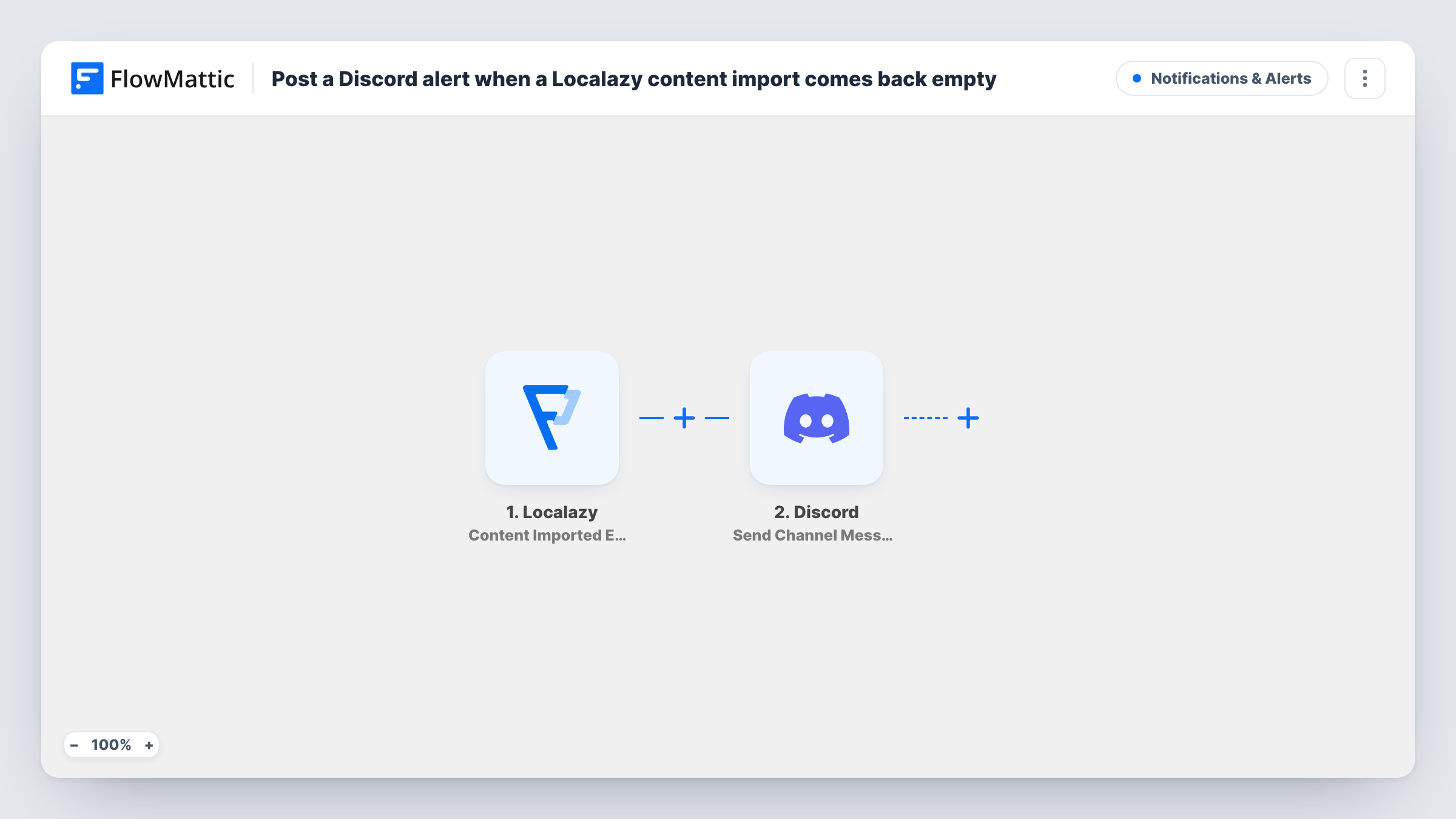
The Localazy trigger, Content Imported Empty, fires when an import finishes and nothing changed. FlowMattic then runs Discord's Send Channel Message action, which posts to the channel you pick. You write the message and map in whatever event details Localazy sends, such as the project.
Only empty imports start the workflow. Imports that do bring in strings don't post anything. Each empty import produces one message, and Task History keeps a record of every run.
Catching a stale CI upload
Your build pipeline uploads source strings to Localazy on every release. A Discord post on an empty import tells developers the pipeline sent an unchanged file.
Agency handling client projects
Project managers see in the client's Discord channel when an import they expected to add copy brought in nothing.
Open-source translation community
Maintainers hear in the project Discord when a string update didn't land, before volunteers start translating.
How this workflow runs
What happens at each step once the workflow is on, and what you need before you import it.
 Localazy Content Imported Empty
Fires when a content import in your Localazy project finishes with no changes. The event data Localazy sends is passed on for the Discord message.
- Discord Send Channel Message
Sends the alert to whichever Discord channel you select. Write the alert text, map in the Localazy event details you want, and connect your Discord server.
What you need
- FlowMatticCore
- Localazy AccountAccount
- Discord AccountAccount
After importing, map your own data. To keep the template universal, not every step is pre-filled. Open each step in the builder and connect your accounts and fields (channels, lists, sheets, recipients) before you switch the workflow on.
Make it yours
Changes worth making after you import it.
- Mention a role in the Discord message, such as your localization lead, so the right person sees the empty import.
- Run an import with an unchanged file after you set up the workflow, so FlowMattic captures the real Localazy fields to map into the message.
- Add a Filter on the project name from a test run if you only want alerts for one Localazy project.
Questions about this workflow
Does this post for Localazy imports that add strings?
No. The trigger is Content Imported Empty, which fires only when an import finishes with no changes.
Can I send the alert somewhere other than Discord?
Yes. Replace the Discord step with another app's message action in FlowMattic, such as Slack, and map the same Localazy data.
Does the workflow retry the Localazy import?
No. It only posts a message. Fixing the source file and importing again is up to your team.
More Notifications & Alerts workflows
Other ready-to-import templates from the same category.




Import this workflow into your WordPress site
Download the JSON, import it from the Workflows screen and connect your accounts. Every run stays on your server, with no per-task fees.
30-day money-back guarantee Unlimited workflows and runs Self-hosted