

Send a Slack alert to the hiring team when a new Breezy HR candidate is added
When a candidate enters Breezy HR, this workflow posts a message in a Slack channel so your hiring team knows a new applicant is waiting for review.
 Breezy HR
 Slack
2 steps Setup ~5 min Used on 1.7k sites Free to import
What this workflow does
Recruiters and hiring managers rarely sit in their applicant tracking system all day. Without a nudge, new candidates can wait days before anyone looks at them. This workflow sends that nudge to Slack, where the team already talks.
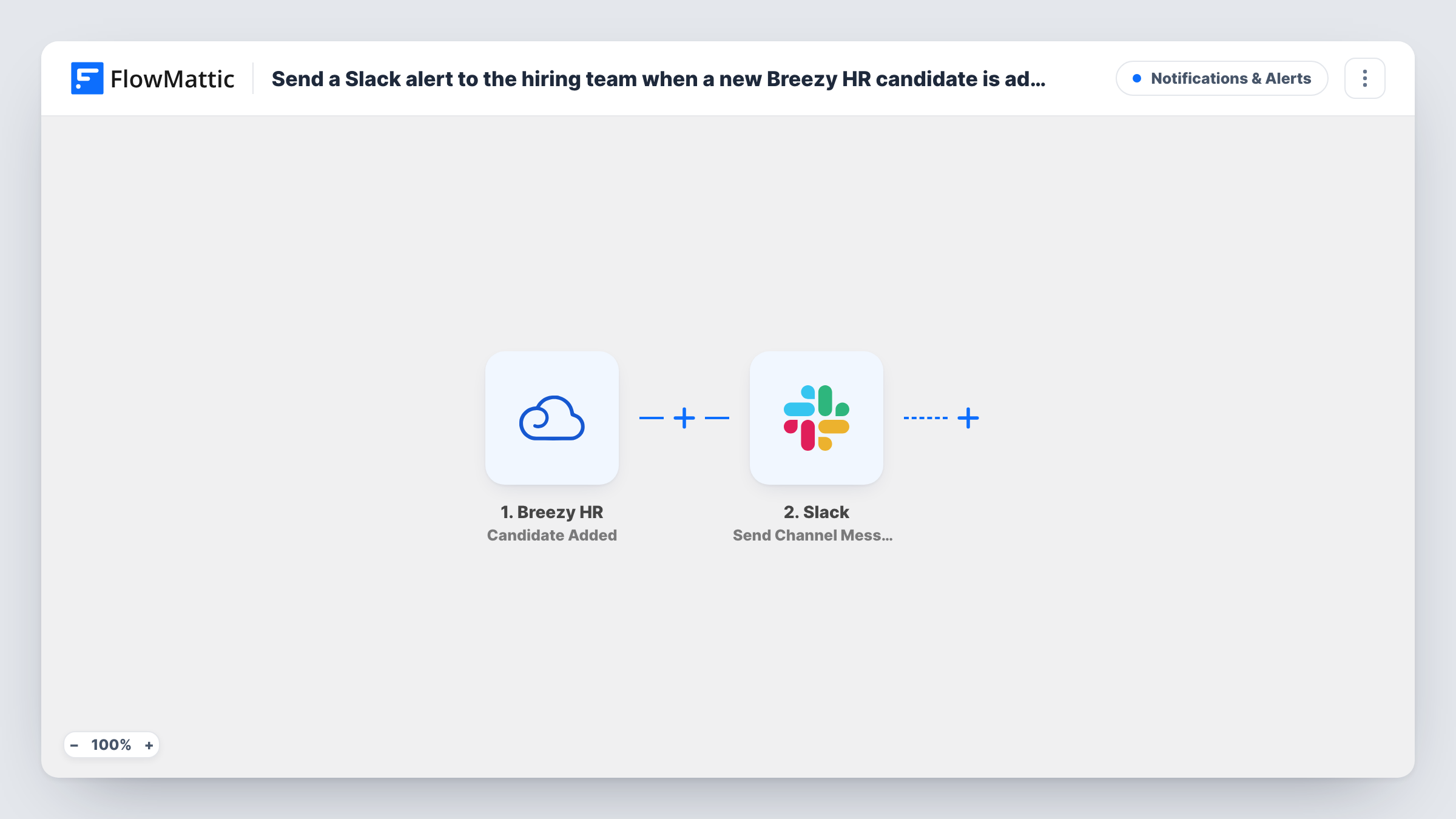
The Breezy HR trigger fires when a candidate enters the system. FlowMattic passes the candidate's details to Slack, where Send Channel Message posts in the channel you choose. You write the message and map in candidate values, such as their name and the position they applied for.
Every candidate added in Breezy HR produces one Slack post, as there's no Filter in the template. The trigger covers any candidate entering the system, so test whether candidates your team adds by hand also post. Each post is recorded in Task History, so you can check that an alert went out.
Small startup hiring for several roles
Founders get a post in a hiring channel for each new Breezy HR candidate and decide in the thread who reviews them.
Agency recruiting for clients
Recruiters on the account see new candidates in Slack straight away, alongside the client discussion in the same workspace.
Seasonal hiring rush
During a busy hiring period, store managers watch one Slack channel instead of logging in to Breezy HR to check for applicants.
How this workflow runs
What happens at each step once the workflow is on, and what you need before you import it.
 Breezy HR Candidate Added
Runs when a candidate enters Breezy HR. The candidate's details are passed on for the Slack message.
- Slack Send Channel Message
Posts a message to the Slack channel you pick, with candidate details you map into the text. Connect your Slack workspace, then add a test candidate to check the post.
What you need
- FlowMatticCore
- Breezy HR AccountAccount
- Slack AccountAccount
After importing, map your own data. To keep the template universal, not every step is pre-filled. Open each step in the builder and connect your accounts and fields (channels, lists, sheets, recipients) before you switch the workflow on.
Make it yours
Changes worth making after you import it.
- Use a Router with one route per position, each posting to that team's own Slack channel, so engineers and sales hear only about their candidates.
- Hiring channels are often private. Swap the step for Slack's Send Private Channel Message action if yours is.
- Add a Filter after the trigger to alert only for certain positions, by checking the position value from the candidate event.
Questions about this workflow
Does every new Breezy HR candidate send a Slack message?
Yes, as imported. There's no Filter, so each candidate who enters Breezy HR produces one post.
Can the Slack alert include a link to the Breezy HR candidate?
If the candidate event carries a profile link or ID, you can map it into the message. Add a test candidate and check Task History to see what's available.
Will candidate stage changes in Breezy HR post to Slack too?
No. This trigger fires when a candidate is added. Stage changes need a separate workflow with a different Breezy HR trigger.
More Notifications & Alerts workflows
Other ready-to-import templates from the same category.





Import this workflow into your WordPress site
Download the JSON, import it from the Workflows screen and connect your accounts. Every run stays on your server, with no per-task fees.
30-day money-back guarantee Unlimited workflows and runs Self-hosted