

Send a Telegram notification when a Qlik user is created or deleted
When a user account is created or deleted in Qlik, FlowMattic posts a text message to the Telegram chat you choose, so admins hear about access changes as they happen.
 Qlik
 Telegram
2 steps Setup ~5 min Used on 829 sites Free to import
What this workflow does
Changes to who can open your Qlik apps matter to more people than the admin who made them. Security, finance and team leads may all want to know when an account appears or disappears. This workflow sends each of those changes to a Telegram chat, where your admins already talk.
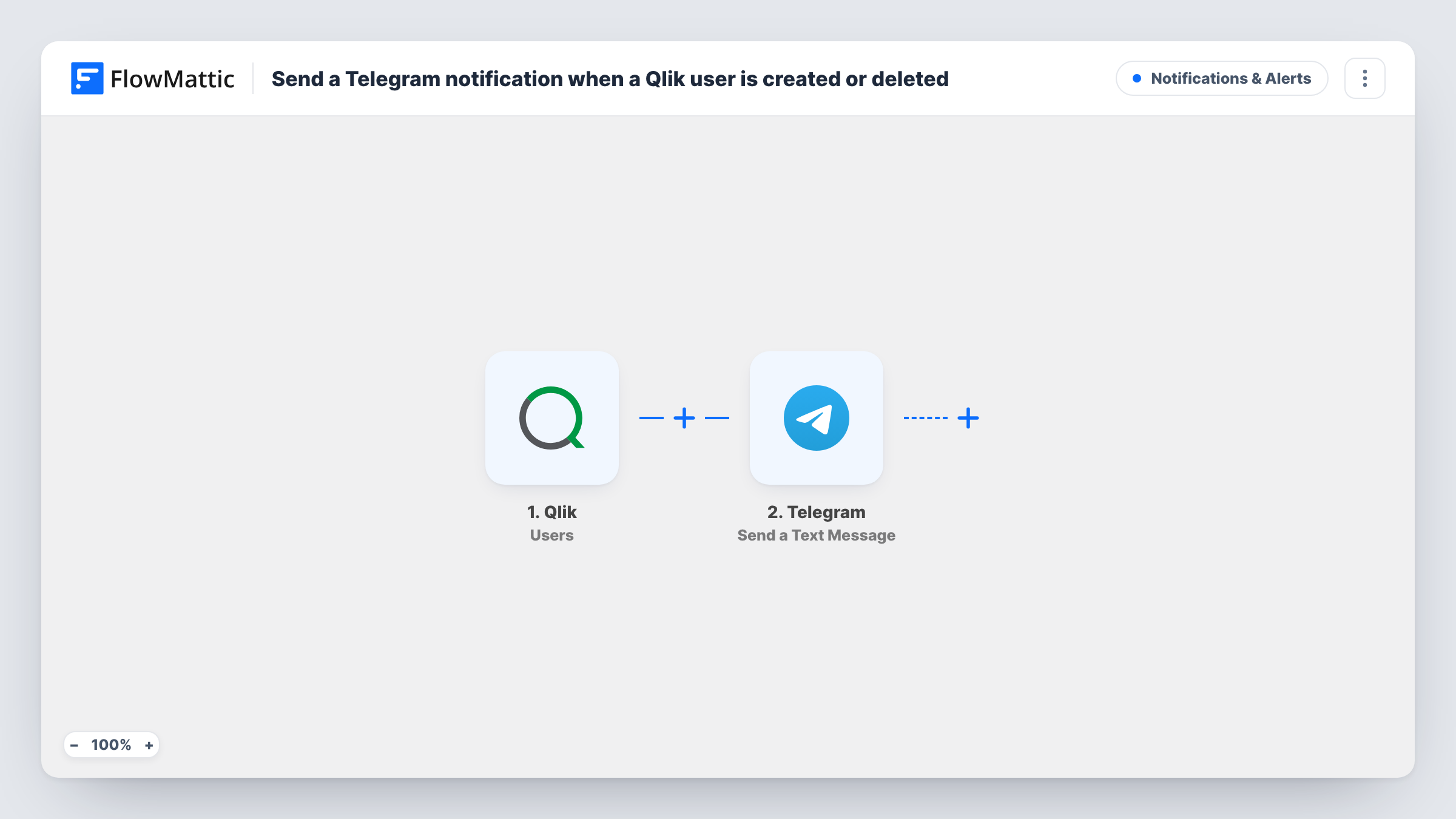
The Qlik Users trigger fires when a user is created or deleted, based on the events your Qlik webhook is set to send. Keep both events selected for this flow, since the title promises alerts for each. The data Qlik sends with the event is then available to map into the message.
The Telegram step sends a text message through your bot, and Telegram supports markup in it, so you can make the user's name bold or split the alert over several lines. The step ships unmapped: after import you connect your bot, choose the group or channel the alert goes to, and write the message. Put the event type from the Qlik payload into the text so readers can tell an added account from a removed one.
Every created or deleted user sends one message. Add your bot to the group or channel first, or Telegram can't deliver there; Task History shows Telegram's reply for each run.
Admin group alert for new Qlik accounts
A BI team's Telegram group gets a message each time someone is given a Qlik account, so a second admin can confirm the request was approved.
Offboarding confirmation
When HR asks for a leaver's Qlik access to be removed, the deletion message in Telegram confirms it was done, with the user's name from the Qlik payload.
Audit channel for a consultancy
A consultancy that manages a client's Qlik tenant posts every account change to a Telegram channel the client's IT lead follows.
How this workflow runs
What happens at each step once the workflow is on, and what you need before you import it.
 Qlik Users
Fires when Qlik reports that a user was created or deleted. Keep both events selected on the Qlik webhook so the chat hears about each, and check a test run for the field that names the event.
- Telegram Send a Text Message
Your Telegram bot posts a text alert about the Qlik account to the group or channel you pick. The message is yours to write after import: map the user's name, email and the event type from Qlik so admins know what changed.
What you need
- FlowMatticCore
- Qlik AccountAccount
- Telegram AccountAccount
After importing, map your own data. To keep the template universal, not every step is pre-filled. Open each step in the builder and connect your accounts and fields (channels, lists, sheets, recipients) before you switch the workflow on.
Make it yours
Changes worth making after you import it.
- Start the message with the event type in bold, using Telegram markup, so a removal stands out from an addition when the chat scrolls past.
- If you only care about removals, put a Filter between the Qlik trigger and the Telegram step that continues when the event type names a deletion; the payload of a test deletion shows the value to match.
- Send the alerts to a Telegram channel only admins can read, since the message may include names and email addresses of staff.
Questions about this workflow
Can I tell whether the Qlik user was added or removed?
Yes, if you put the event type into the message. Create and delete a test user, look at what FlowMattic received from Qlik, and map the field that names the event into the Telegram text.
Do I need a Telegram bot to get these Qlik alerts?
Yes. The Send a Text Message step posts as a bot. Create one with BotFather, add it to the group or channel you want alerts in, and connect the bot to FlowMattic.
Will I also hear about Qlik app changes?
No. This trigger covers user events only. Qlik app events such as reloads and publishing come from FlowMattic's separate Qlik Apps trigger, which you can use in another workflow.
More Notifications & Alerts workflows
Other ready-to-import templates from the same category.




Import this workflow into your WordPress site
Download the JSON, import it from the Workflows screen and connect your accounts. Every run stays on your server, with no per-task fees.
30-day money-back guarantee Unlimited workflows and runs Self-hosted