

Send a Slack alert when a Braintree payment event occurs
When a Braintree event you have chosen happens, such as a transaction or subscription change, this workflow posts a message about it to a Slack channel so your team sees payment activity as it comes in.
 Braintree
 Slack
Slack2 steps Setup ~5 min Used on 2.8k sites Free to import
What this workflow does
Payment activity in Braintree is easy to miss if you only check the control panel now and then. A disputed charge or a cancelled subscription is something your team wants to hear about the same day. This workflow turns the Braintree events you pick into Slack messages.
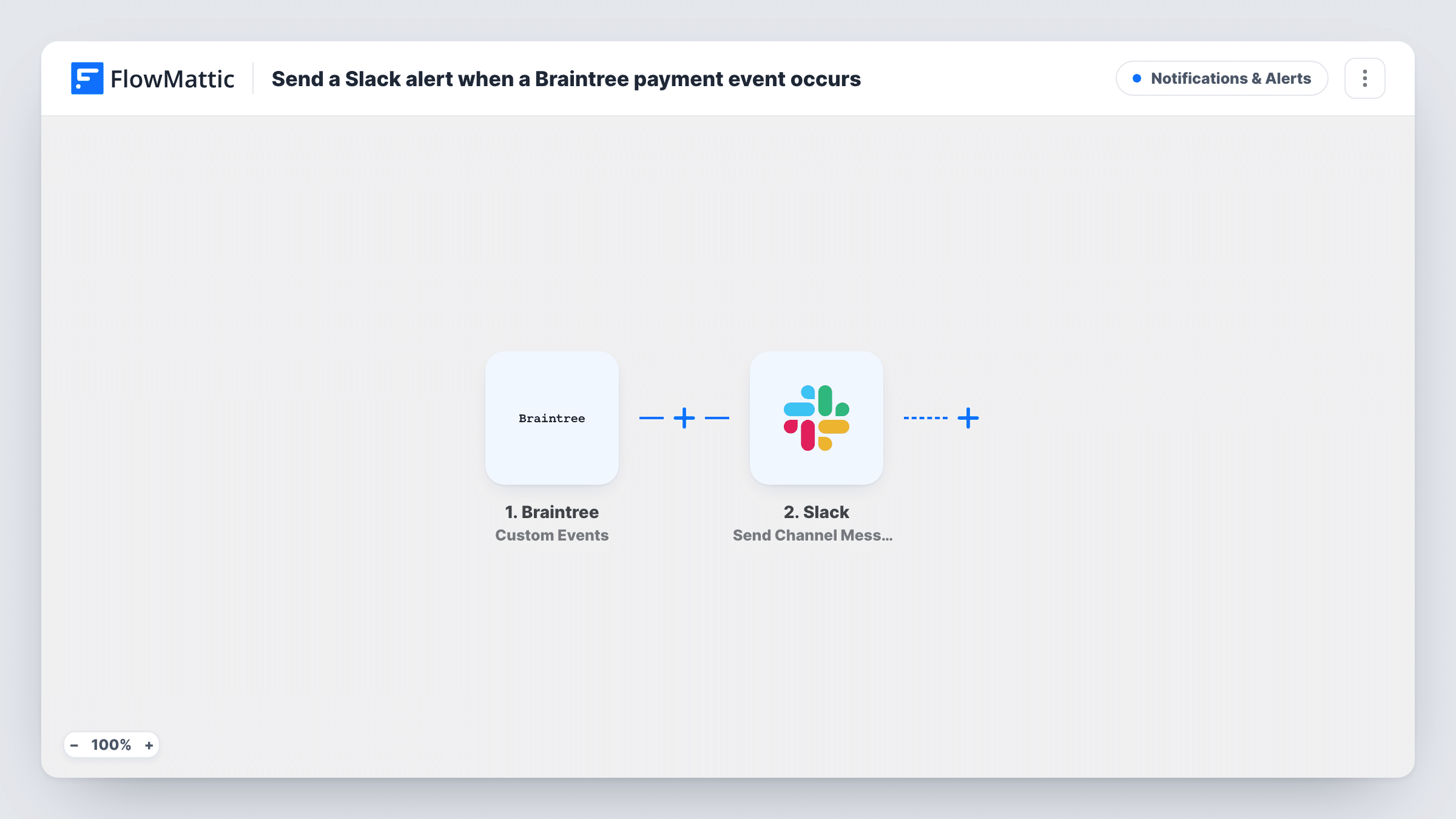
The Braintree trigger is Custom Events, which fires for the events you choose for it in Braintree. FlowMattic receives the event data Braintree sends with each one. The Slack step then runs Send Channel Message and posts a message to the channel you pick, built from the event details you map in.
Every chosen event becomes a message, so decide carefully which ones to send. Choosing a few meaningful events keeps the channel readable. You can read each run in Task History, including the data Braintree delivered and Slack's reply.
Dispute alerts for the finance team
Send Braintree dispute events only, so the finance channel gets a message each time a customer opens a dispute and someone can respond quickly.
Subscription changes for a SaaS team
Choose subscription events such as cancellations, so the customer success channel hears about each one and can reach out to the account.
Payout and settlement watch
A small shop owner selects the Braintree events about money moving, and a team channel shows them without anyone logging in to the control panel.
How this workflow runs
What happens at each step once the workflow is on, and what you need before you import it.
 Braintree Custom Events
Receives the Braintree events you choose for this trigger. Each one starts a run and hands its event data to the Slack step for mapping.
- Slack Send Channel Message
Writes an alert into the Slack channel you name for it. Map the Braintree event type and details into the message text so the team can see what happened.
What you need
- FlowMatticCore
- Braintree AccountAccount
- Slack AccountAccount
After importing, map your own data. To keep the template universal, not every step is pre-filled. Open each step in the builder and connect your accounts and fields (channels, lists, sheets, recipients) before you switch the workflow on.
Make it yours
Changes worth making after you import it.
- Pick only the Braintree events your team acts on. Every event you choose posts a message, so sending all of them can bury the important ones.
- This Slack action targets a standard channel. For a private channel use Slack's Send Private Channel Message action, or Send Direct Message to alert one person.
- Need a Braintree event log too? Add a Google Sheets Add New Row step after Slack to log each Braintree event with its type and amount, if the event carries one.
Questions about this workflow
Which Braintree events trigger the Slack message?
Only the ones you choose for the Custom Events trigger. Each chosen event that happens starts one run and one Slack message.
Can I send different Braintree events to different Slack channels?
Yes, after import. Add a Router with a route per event type, using distinct values so each event matches one route, and give each route its own Slack step.
Will the Slack alert include the Braintree amount and customer?
Only if the event data includes them. Trigger a test event and look at the captured fields, then map what you need into the message.
Does this change anything in my Braintree account?
No. FlowMattic only receives Braintree's event notifications and posts to Slack. It doesn't create, refund or edit any payment.
More Notifications & Alerts workflows
Other ready-to-import templates from the same category.




Import this workflow into your WordPress site
Download the JSON, import it from the Workflows screen and connect your accounts. Every run stays on your server, with no per-task fees.
30-day money-back guarantee Unlimited workflows and runs Self-hosted