

Update Zoho Creator records from updated Google Sheets rows
Edit a row in your Google Sheets spreadsheet and FlowMattic sends the new values to the matching Zoho Creator record, using a record ID you keep in the row, so you can maintain app data from a sheet.
 Google Sheets
 Zoho Creator
2 steps Setup ~5 min Used on 3.3k sites Free to import
What this workflow does
Plenty of teams find it quicker to correct data in a spreadsheet than to open each record in a custom app. If your Zoho Creator records also live as rows in a sheet, this workflow carries your sheet edits across, so you change a price, a status or an address once and the record follows.
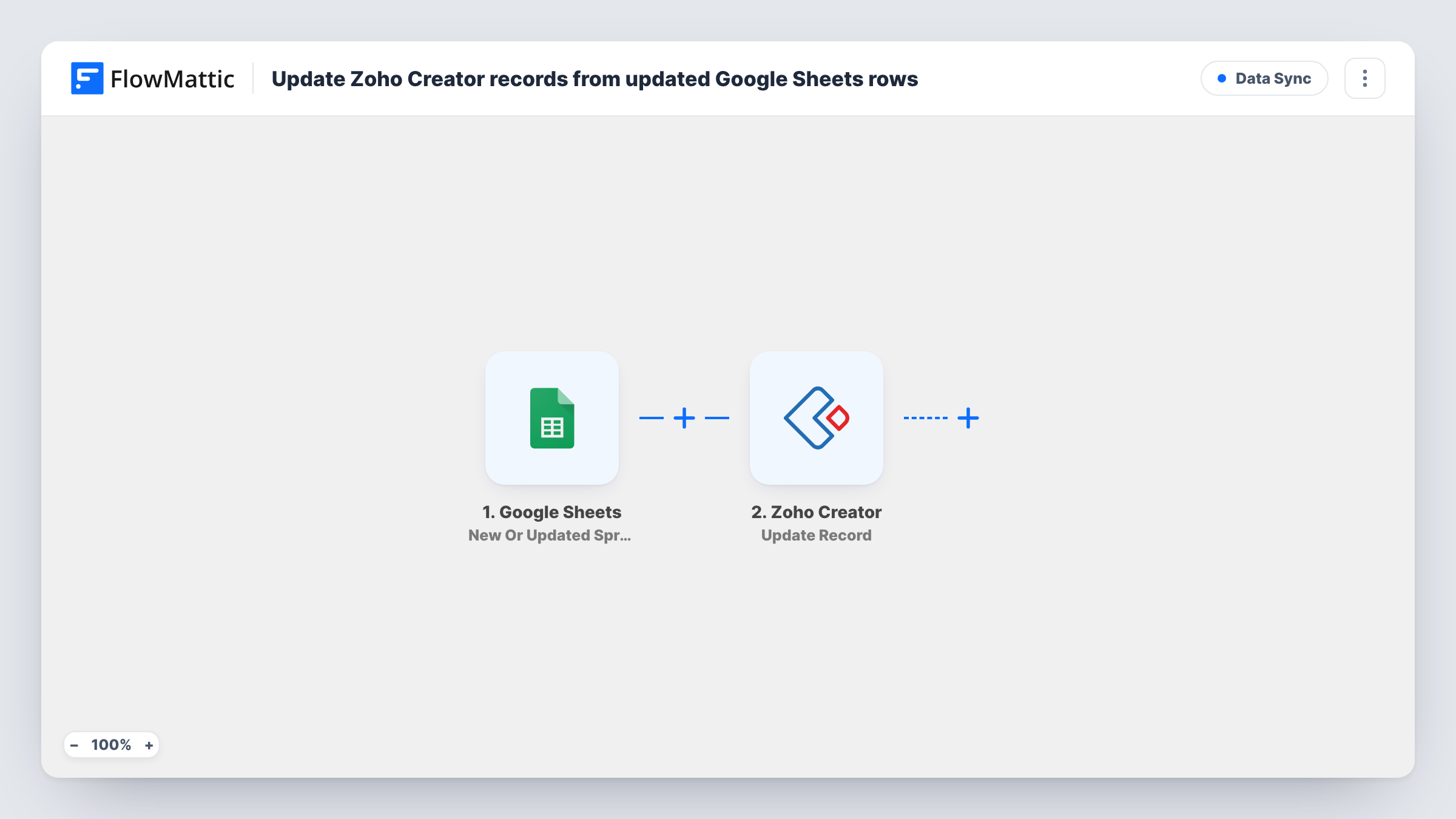
The Google Sheets trigger, New Or Updated Spreadsheet Row, watches the spreadsheet you choose and starts a run when a row in it changes. FlowMattic hands that row's cell values to Zoho Creator, where Update Record changes one existing record identified by its ID. You map the row's columns to the record's fields.
The key requirement is that each row knows which record it belongs to. Keep the Zoho Creator record ID in its own column and map it as the record to update. A row with no ID, or with an ID that doesn't exist, gives an error you can read in Task History, and no record is created. This template only edits records that are already in your app.
Bulk price corrections in a product catalog app
Your Zoho Creator catalog app is mirrored in a sheet with a record ID column. You fix prices row by row in the sheet, and each edited row updates its product record.
Field staff updating job details
Technicians without Zoho Creator access edit a shared sheet of jobs. Each changed row pushes the new notes or dates to the job record in your Creator app.
Cleaning up imported records
After exporting records from Zoho Creator to a sheet with their IDs, you correct spelling and missing values in the sheet, and the fixes flow back to the records.
How this workflow runs
What happens at each step once the workflow is on, and what you need before you import it.
 Google Sheets New Or Updated Spreadsheet Row
Watches the Google Sheets spreadsheet and worksheet you pick and starts a run when a row in it changes. The values in that row become available to map into Zoho Creator.
- Zoho Creator Update Record
Updates one existing Zoho Creator record, identified by its ID. Map the column that holds the record ID, then map the other columns to the fields you want changed. Connect your Zoho account on import.
What you need
- FlowMatticCore
- Google Sheets AccountAccount
- Zoho Creator AccountAccount
After importing, map your own data. To keep the template universal, not every step is pre-filled. Open each step in the builder and connect your accounts and fields (channels, lists, sheets, recipients) before you switch the workflow on.
Make it yours
Changes worth making after you import it.
- Add a column such as Sync with values yes or no, and a Filter after the trigger that continues only when it says yes. Rows you're still editing then don't reach Zoho Creator.
- Add a Filter that stops the run when the record ID column is empty, so new rows typed into the sheet without an ID don't leave errors in Task History.
- Test on one row whose record ID you know, then open that record in Zoho Creator to check each mapped field changed as expected before you turn the workflow on.
Questions about this workflow
How does the workflow know which Zoho Creator record a row matches?
Through the record ID you map from the row. The sheet needs a column with each record's Zoho Creator ID; nothing in the template looks records up by name or email.
Will a new Google Sheets row create a Zoho Creator record?
No. The only action is Update Record, which changes a record that already exists. A row without a valid ID produces an error in Task History. Creating records would need a different Zoho Creator action.
Does editing the Zoho Creator record update the sheet too?
No. The sync runs one way, from the sheet to Zoho Creator. Changes made inside Zoho Creator stay there unless you build a second workflow for the other direction.
What if a Google Sheets cell I map is blank?
The blank value is passed to the mapped Zoho Creator field, which may clear what was there. Map only the columns you keep filled, or run a test on a sample record first.
More Data Sync workflows
Other ready-to-import templates from the same category.






Import this workflow into your WordPress site
Download the JSON, import it from the Workflows screen and connect your accounts. Every run stays on your server, with no per-task fees.
30-day money-back guarantee Unlimited workflows and runs Self-hosted