

When a Caspio record is updated, find the matching Google Sheets row, alert the team in Slack, then update the row
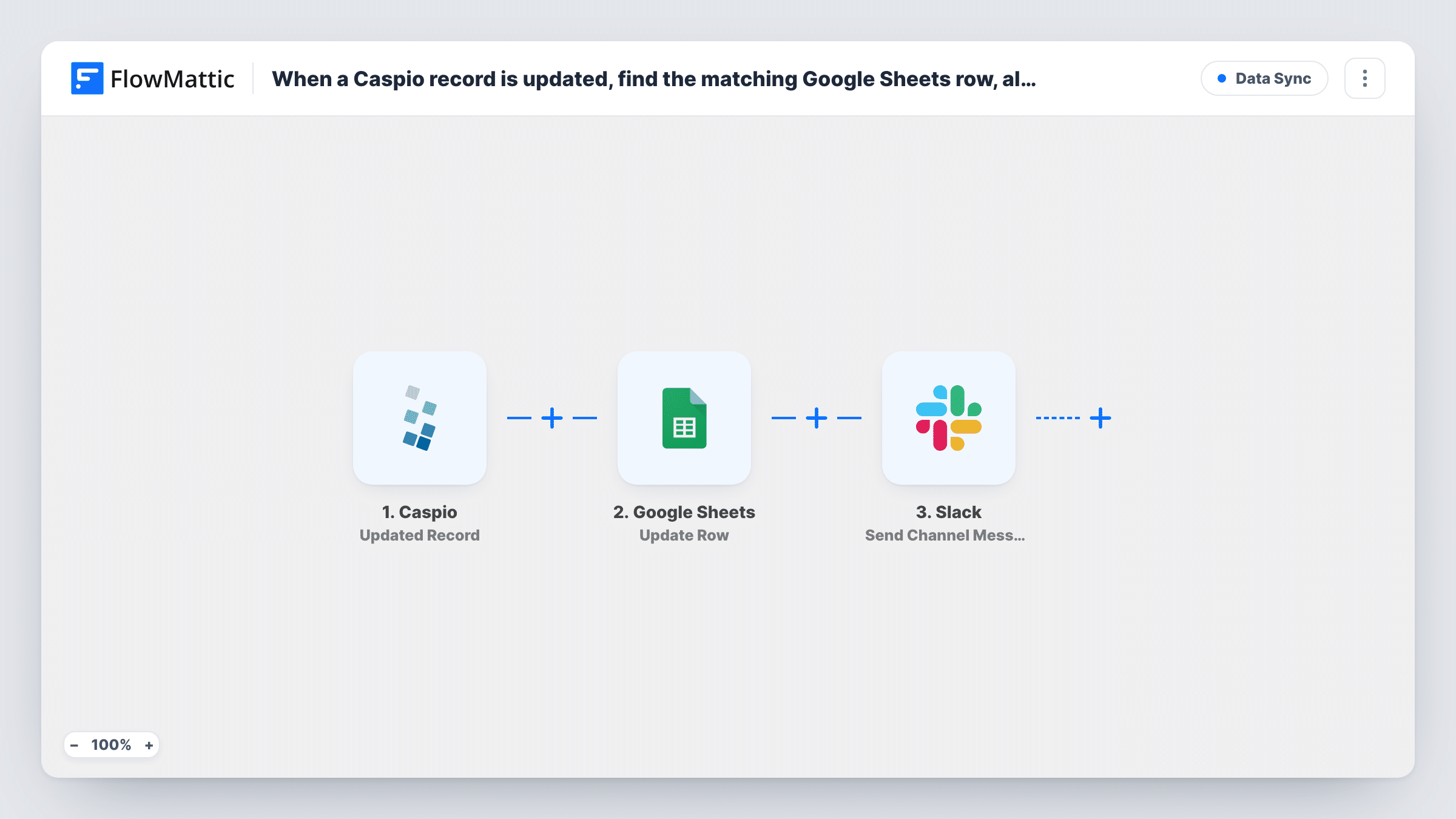
When a record changes in a Caspio table, FlowMattic looks up the matching Google Sheets row, posts an alert to a Slack channel, then updates that row with the new values.
 Caspio
 Google Sheets
 Slack
Slack4 steps Setup ~8 min Used on 2.9k sites Free to import
What this workflow does
Teams that run an app on Caspio often keep a spreadsheet copy for reporting or for people who don't use the database. That copy drifts as soon as someone edits a record. This workflow keeps the row in step and tells the team what changed.
A run starts whenever a record is updated in the Caspio table you choose. The first Google Sheets step, Lookup Row Data, searches your sheet for a value from the record, such as its ID or email. Your sheet needs a column that holds that value for every record; without it there's nothing to match.
Next, Send Channel Message posts to the Slack channel you pick, with the details you write in. Last, Update Row writes the new Caspio values into the row the lookup found, using the row reference from that search.
None of the Sheets or Slack steps are configured in the template. After import you pick the spreadsheet, the search column and value, the Slack channel and text, and which Caspio fields go into which columns. Every edit to a record runs the whole flow, so a busy table means frequent Slack posts. Test by editing a record that's already in the sheet and check Task History for the row the lookup returned.
Inventory sheet for the warehouse
A distributor tracks stock in a Caspio app and keeps a Google Sheet for the warehouse; each stock edit updates the sheet and pings the logistics channel.
Student records for an admissions team
A college updates applicant status in Caspio, and the admissions sheet and Slack channel both show the change without someone re-typing it.
Service tickets mirrored for managers
A field-service company edits job records in Caspio; managers who live in spreadsheets see the current state and get a Slack note on each change.
How this workflow runs
What happens at each step once the workflow is on, and what you need before you import it.
 Caspio Updated Record
Starts the workflow when a record is updated in the Caspio table you choose. The record's fields, including the one you use to match rows, are passed to the next steps.
- Google Sheets Lookup Row Data
Searches your spreadsheet for a value from the Caspio record. The step ships unmapped: pick the sheet and the column holding the record's ID or other unique value, then map that value from the trigger.
- Slack Send Channel Message
Posts a message about the change to the Slack channel you choose. No text is set in the template, so write the alert and map the Caspio fields the team needs to see.
- Google Sheets Update Row
Updates the row found by the lookup with the new Caspio values. Map the row identifier that Lookup Row Data returned (a test run shows it), then map each Caspio field to its column.
What you need
- FlowMatticCore
- Caspio AccountAccount
- Google Sheets AccountAccount
- Slack AccountAccount
After importing, map your own data. To keep the template universal, not every step is pre-filled. Open each step in the builder and connect your accounts and fields (channels, lists, sheets, recipients) before you switch the workflow on.
Make it yours
Changes worth making after you import it.
- Use the Caspio record's unique ID as the search column in Lookup Row Data, since names or emails can repeat or change.
- Add a Filter between the Lookup Row Data step and the Slack step that continues only when a field you care about, such as status, has the value worth an alert. Note it also stops the Update Row step for records it blocks.
- Post to a private channel with Slack's Send Private Channel Message action instead of Send Channel Message.
- Pair this workflow with one on Caspio's New Record trigger that adds a row, so new records reach the sheet before their first edit.
Questions about this workflow
How does the workflow find the right Google Sheets row for a Caspio record?
It searches one column of your sheet for a value from the record. Keep the Caspio record ID, or another unique field, in that column for every row.
What if the Caspio record isn't in the sheet yet?
The lookup has no row to return, so there's nothing for Update Row to change. Task History shows what the lookup found; a second workflow on New Record can add rows for new records.
Will the team get a Slack message for every Caspio edit?
Yes, as shipped. Each update to a record in the chosen table starts a run. Put a Filter between the lookup and the Slack step if only some changes matter, keeping in mind it also stops the row update.
Which Google Sheets columns get updated?
The ones you map in Update Row. The template leaves the step empty, so you choose which Caspio fields fill which columns.
More Data Sync workflows
Other ready-to-import templates from the same category.







Import this workflow into your WordPress site
Download the JSON, import it from the Workflows screen and connect your accounts. Every run stays on your server, with no per-task fees.
30-day money-back guarantee Unlimited workflows and runs Self-hosted