

When data received from Integrately, create a customer in Pabbly Subscriptions
Data that an Integrately automation posts to FlowMattic is turned into a new customer in Pabbly Subscriptions, using the name and email fields you map from the payload.
 Integrately
 Pabbly Subscriptions
2 steps Setup ~5 min Used on 2.0k sites Free to import
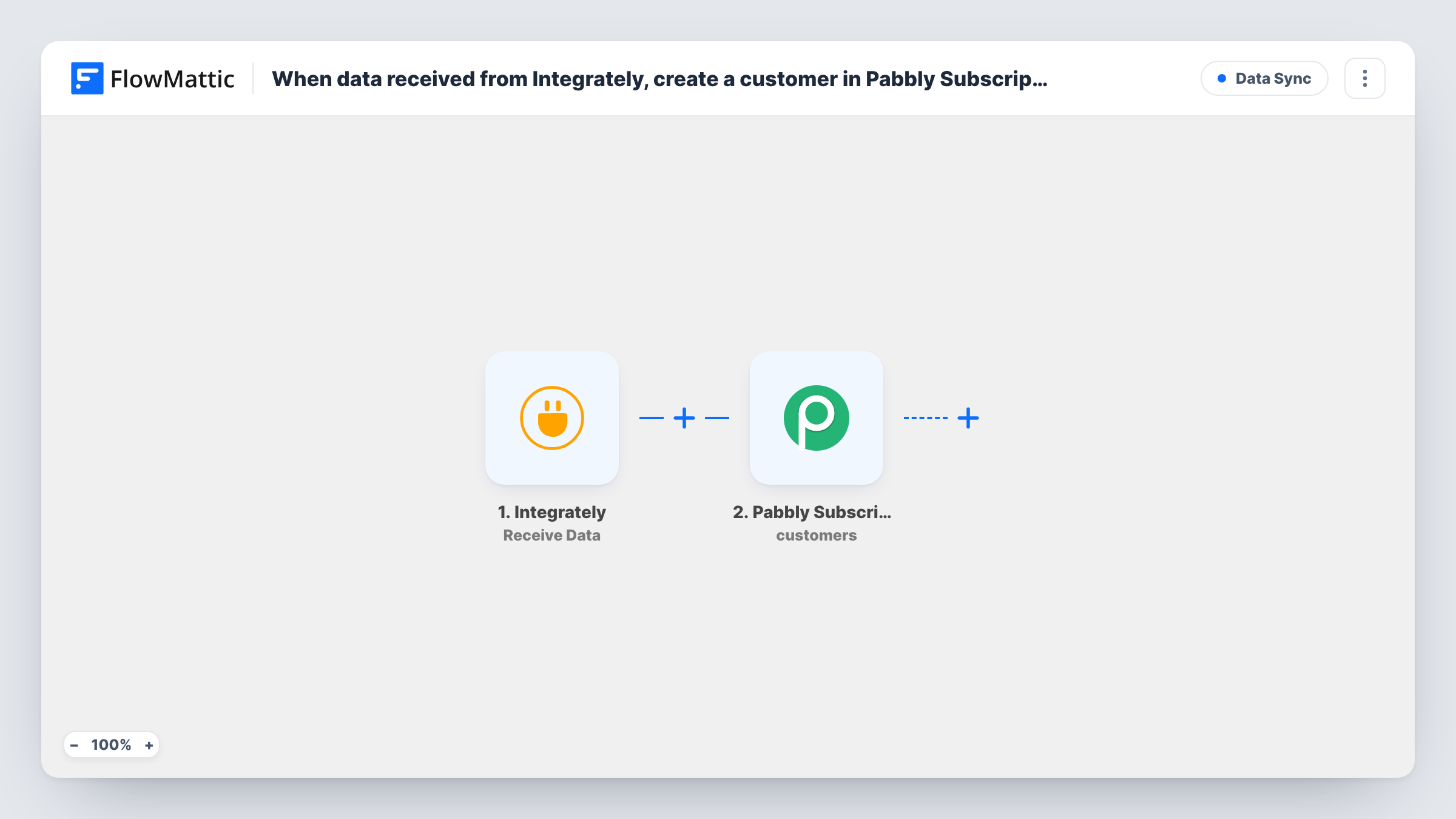
What this workflow does
Integrately may already be watching the app where your buyers first appear, such as a payment tool, a sales CRM or a lead form. If billing runs in Pabbly Subscriptions, those people still need a customer record there before you can attach a plan. This workflow lets Integrately hand the person to FlowMattic, which creates the Pabbly customer.
The Integrately Receive Data trigger gives you a URL to send to. Each request from Integrately starts one run, and the fields in it are whatever your Integrately automation puts there. Send one test request first so FlowMattic can show you those fields.
Next, the Pabbly Subscriptions step adds that person as a customer. It arrives unmapped, so after import you connect Pabbly and map the email, first name and last name from the Integrately payload into the customer fields the step shows.
Nothing in the workflow checks whether the customer is already in Pabbly Subscriptions. If Integrately might send the same person twice, test with an email Pabbly already holds and look at Task History to see how Pabbly responded.
Customers from an app FlowMattic doesn't watch
A consultant's leads close in a sales tool that Integrately connects to. When a deal is won, Integrately posts the client's details and they become a Pabbly Subscriptions customer.
Fewer tasks used in Integrately
A team that wants its Integrately automations to use fewer tasks sends one request to FlowMattic and lets the WordPress side make the Pabbly call.
Billing records ahead of a plan
A software reseller creates the customer in Pabbly Subscriptions as soon as Integrately reports a signed contract, then sets up the subscription by hand.
How this workflow runs
What happens at each step once the workflow is on, and what you need before you import it.
 Integrately Receive Data
Gives you a URL for your Integrately automation to post to. Every request starts a run, and the fields Integrately includes become the data you can map into Pabbly Subscriptions.
- Pabbly Subscriptions Create Customer
Creates a customer in Pabbly Subscriptions from the incoming data. Nothing is mapped when you import it: connect your Pabbly account and map the payload's email and name fields to the customer.
What you need
- FlowMatticCore
- Integrately AccountAccount
- Pabbly Subscriptions AccountAccount
After importing, map your own data. To keep the template universal, not every step is pre-filled. Open each step in the builder and connect your accounts and fields (channels, lists, sheets, recipients) before you switch the workflow on.
Make it yours
Changes worth making after you import it.
- Have Integrately send the email, first name and last name as separate fields, so each one maps straight onto the Pabbly customer without a Text Formatter step.
- Add Pabbly Subscriptions' Create Subscription action after the Create Customer step if Integrately also sends the plan, so the new customer gets a subscription in the same run.
- Put a Filter between the Integrately trigger and the Pabbly Subscriptions step that continues only when the email field isn't empty, so incomplete requests never reach Pabbly.
- Give each Integrately automation that sends a different kind of data its own copy of this workflow, so one Receive Data URL always carries the same fields.
Questions about this workflow
Which fields does Integrately need to send to create a Pabbly customer?
At least the customer's email and name, since you map those into the Pabbly step. Send a test request from Integrately and check the fields FlowMattic shows before mapping.
Will a repeat request from Integrately create a second Pabbly customer?
The workflow doesn't look the customer up first, so every request asks Pabbly to create one. Test with an existing customer's email and check Task History to see what Pabbly does.
Can Integrately send a batch of several customers in one request?
As imported, one request creates one customer. If Integrately sends a list, put an Iterator over that list between the Receive Data trigger and the Pabbly step so each item becomes its own customer.
More Data Sync workflows
Other ready-to-import templates from the same category.





Import this workflow into your WordPress site
Download the JSON, import it from the Workflows screen and connect your accounts. Every run stays on your server, with no per-task fees.
30-day money-back guarantee Unlimited workflows and runs Self-hosted