

When a task finishes in Browse AI, create a record in Airtable
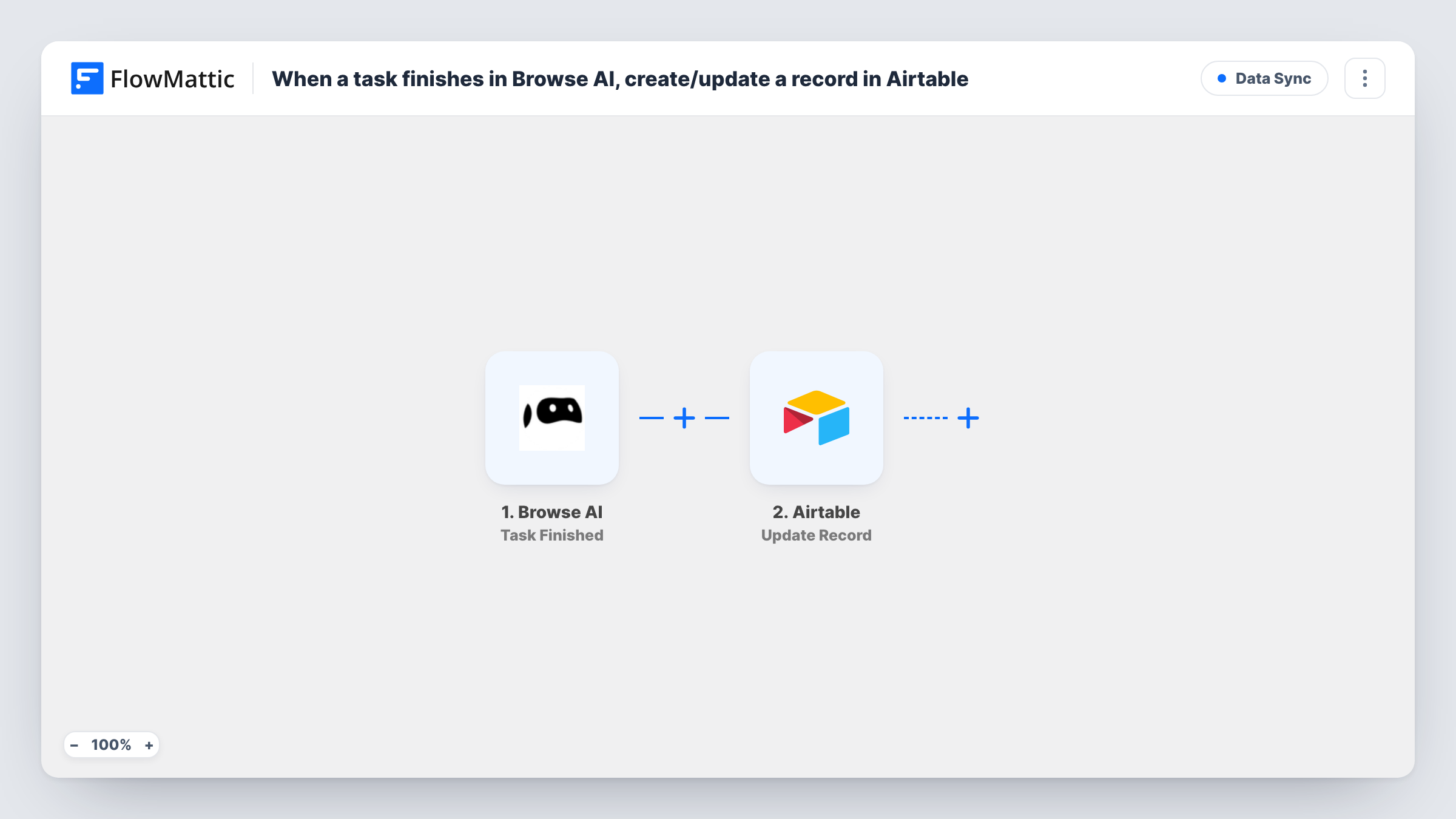
Each time a Browse AI task runs and finishes, FlowMattic creates a new record in your Airtable base with the task values you map, so scraped results land in a table you can filter and share.
 Browse AI
 Airtable
2 steps Setup ~5 min Used on 996 sites Free to import
What this workflow does
A Browse AI robot can check a web page on a schedule or on demand, and each run is a task. Keeping the results of those tasks in Airtable gives you a base you can sort, filter, link to other tables and share with people who never log in to Browse AI.
The Browse AI Task Finished trigger fires when a task is run and finished. FlowMattic receives the task data, including what the robot captured, and makes it available to map. Field names depend on your robot, so run one task first and look at what arrives.
The Airtable Create Record step then adds a new record to the base and table you pick. The step ships unmapped: after import you connect Airtable, choose the table and map the captured values into its fields.
Every finished task creates one new record. The step never looks for or updates an existing one, so a robot that checks the same page daily builds up one record per run, which suits tracking changes over time.
Daily price checks in a base
A reseller runs a Browse AI robot on a supplier's product page each morning and keeps every captured price as an Airtable record to chart changes.
Job listings for a recruiting team
A recruiter's robot reads a careers page. Each finished task becomes an Airtable record that teammates tag and assign.
Monitoring competitor pages
A marketing team stores what a robot captured from a competitor's pricing page after each task, so they can compare runs side by side in Airtable.
How this workflow runs
What happens at each step once the workflow is on, and what you need before you import it.
 Browse AI Task Finished
Fires when a Browse AI task is run and finished. The task's data, including the values your robot captured, is passed to the Airtable step.
- Airtable Create Record
Adds a new record to the Airtable table you select. Fields are left for you to map after import: connect Airtable, pick the base and table, then match the Browse AI values to your fields.
What you need
- FlowMatticCore
- Browse AI AccountAccount
- Airtable AccountAccount
After importing, map your own data. To keep the template universal, not every step is pre-filled. Open each step in the builder and connect your accounts and fields (channels, lists, sheets, recipients) before you switch the workflow on.
Make it yours
Changes worth making after you import it.
- Add a date field in Airtable and map the task's finish time into it if the trigger carries one, so records sort by run.
- If you use several robots, put a Filter between the Task Finished trigger and the Airtable step that continues only for the robot you want in this table. A test run shows which field identifies the robot.
- When a robot captures a list, such as several products from one page, check a test run. If the list arrives as separate items, an Iterator between the trigger and the Airtable step can create one record per item.
Questions about this workflow
Does a repeated Browse AI task update the same Airtable record?
No. Create Record only adds new records, so each finished task becomes its own row. To keep one record per page, you would add Airtable's Search Record step and an Update Record step yourself.
Which Browse AI fields end up in Airtable?
Only those you map. The Create Record step ships without mapping, and the captured values depend on what your robot extracts.
Do I need the Airtable table ready before I import?
It helps. Create the base and table with fields for the values your robot captures, then pick them in the Create Record step after import.
More Data Sync workflows
Other ready-to-import templates from the same category.





Import this workflow into your WordPress site
Download the JSON, import it from the Workflows screen and connect your accounts. Every run stays on your server, with no per-task fees.
30-day money-back guarantee Unlimited workflows and runs Self-hosted