

Log Ortto field updates to an Airtable base for auditing
Whenever the fields you specify on an Ortto record are updated, this workflow adds a record to Airtable, building an audit log of those changes outside your marketing platform.
 Ortto
Ortto
 Airtable
2 steps Setup ~5 min Used on 1.2k sites Free to import
What this workflow does
Customer data in a marketing platform changes constantly: imports, form fills, integrations and teammates all edit it. When a value looks wrong, you want to know when it changed. This workflow writes a new Airtable record each time the Ortto fields you care about are updated.
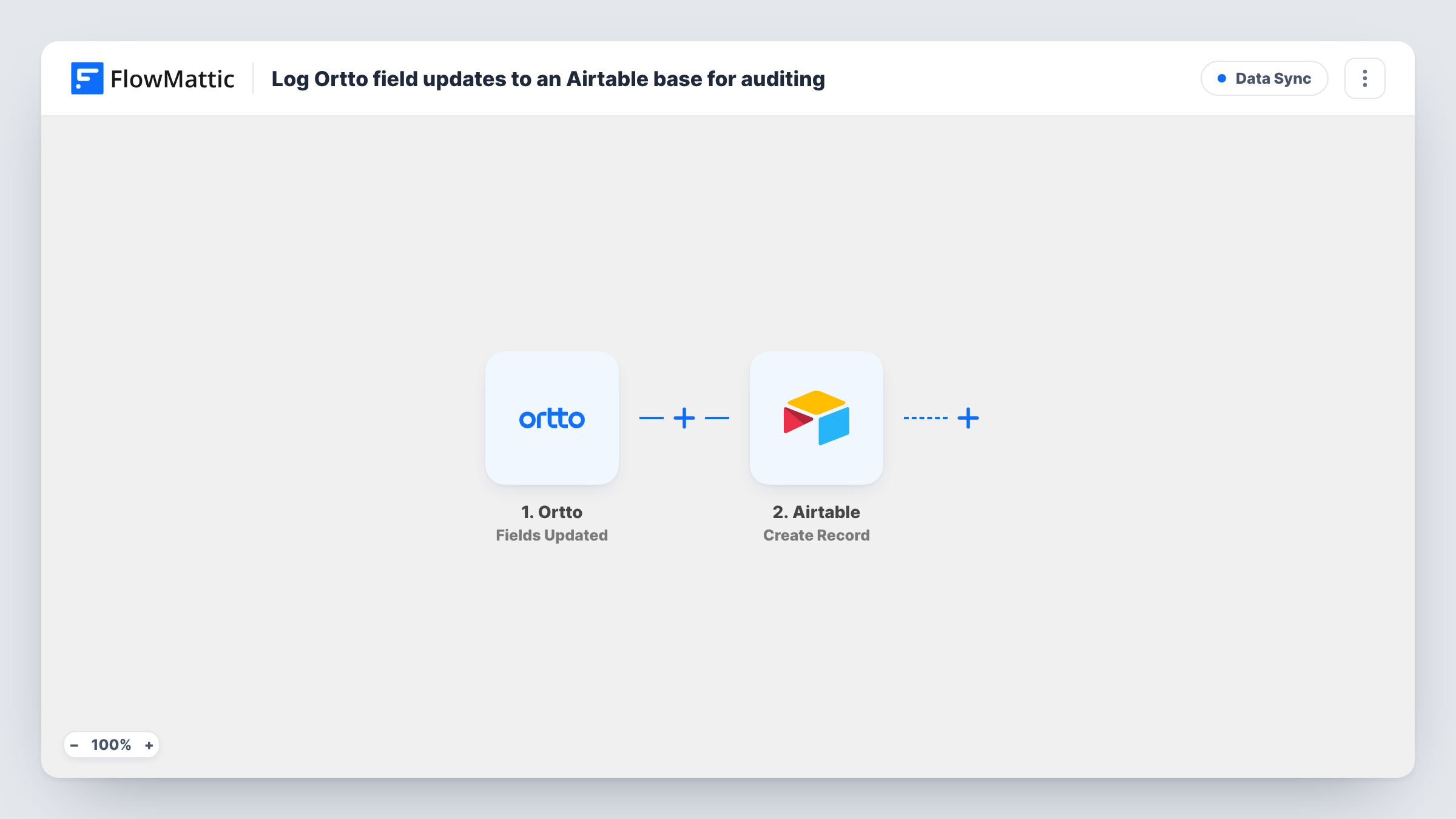
The Ortto trigger is Fields Updated, which fires when the specified fields of a record are updated. FlowMattic passes the record data from that event to Airtable, where Create Record adds a new row to the base and table you pick. You map the values you want to keep, for example the contact's email and the field values that arrived.
Every update creates its own Airtable record, and nothing is overwritten, so the table grows into a history you can sort by contact or by date. The workflow only reads from Ortto and never changes the record there. Task History shows each run and the data that came through.
Tracking lifecycle stage changes
Watch the field that holds a contact's stage in Ortto. Each change adds an Airtable record, so you can see when a lead became a customer.
Checking an integration's writes
A new sync writes to Ortto fields. The Airtable log shows exactly which values it set and when, which helps you spot bad data early.
Consent and preference records
Log updates to the fields that store communication preferences, giving you a dated record outside Ortto for compliance checks.
How this workflow runs
What happens at each step once the workflow is on, and what you need before you import it.
 Ortto Fields Updated
Runs when the fields you specify on an Ortto record are updated. The record's data from that event is passed on to the Airtable step.
- Airtable Create Record
Adds one Airtable record per Ortto update to the base and table you select. Connect Airtable and map the contact and field values you want in the log.
What you need
- FlowMatticCore
- Ortto AccountAccount
- Airtable AccountAccount
After importing, map your own data. To keep the template universal, not every step is pre-filled. Open each step in the builder and connect your accounts and fields (channels, lists, sheets, recipients) before you switch the workflow on.
Make it yours
Changes worth making after you import it.
- Choose only the Ortto fields you actually need to audit. Every update to a watched field adds a record, so watching many fields makes the table grow quickly.
- Add a date field in Airtable set to the record's created time, so each log entry shows when the change reached the table.
- Update one test contact in Ortto after import, then check Task History to see which values the event carries before you finish the mapping.
Questions about this workflow
Does the Airtable log show the old Ortto value as well as the new one?
Only if the Ortto event includes it. Check a test run in Task History to see what arrives; if only the new value comes through, the log records that.
Will an Ortto bulk import fill Airtable with records?
If the import updates the fields you watch, each update can start a run and add a record. Test with a small import first.
Does this change anything in Ortto?
No. The workflow only reads the update event and writes to Airtable. Your Ortto data stays as it is.
More Data Sync workflows
Other ready-to-import templates from the same category.





Import this workflow into your WordPress site
Download the JSON, import it from the Workflows screen and connect your accounts. Every run stays on your server, with no per-task fees.
30-day money-back guarantee Unlimited workflows and runs Self-hosted