

Create or update Zoho Recruit candidate records from new Airtable applicant records
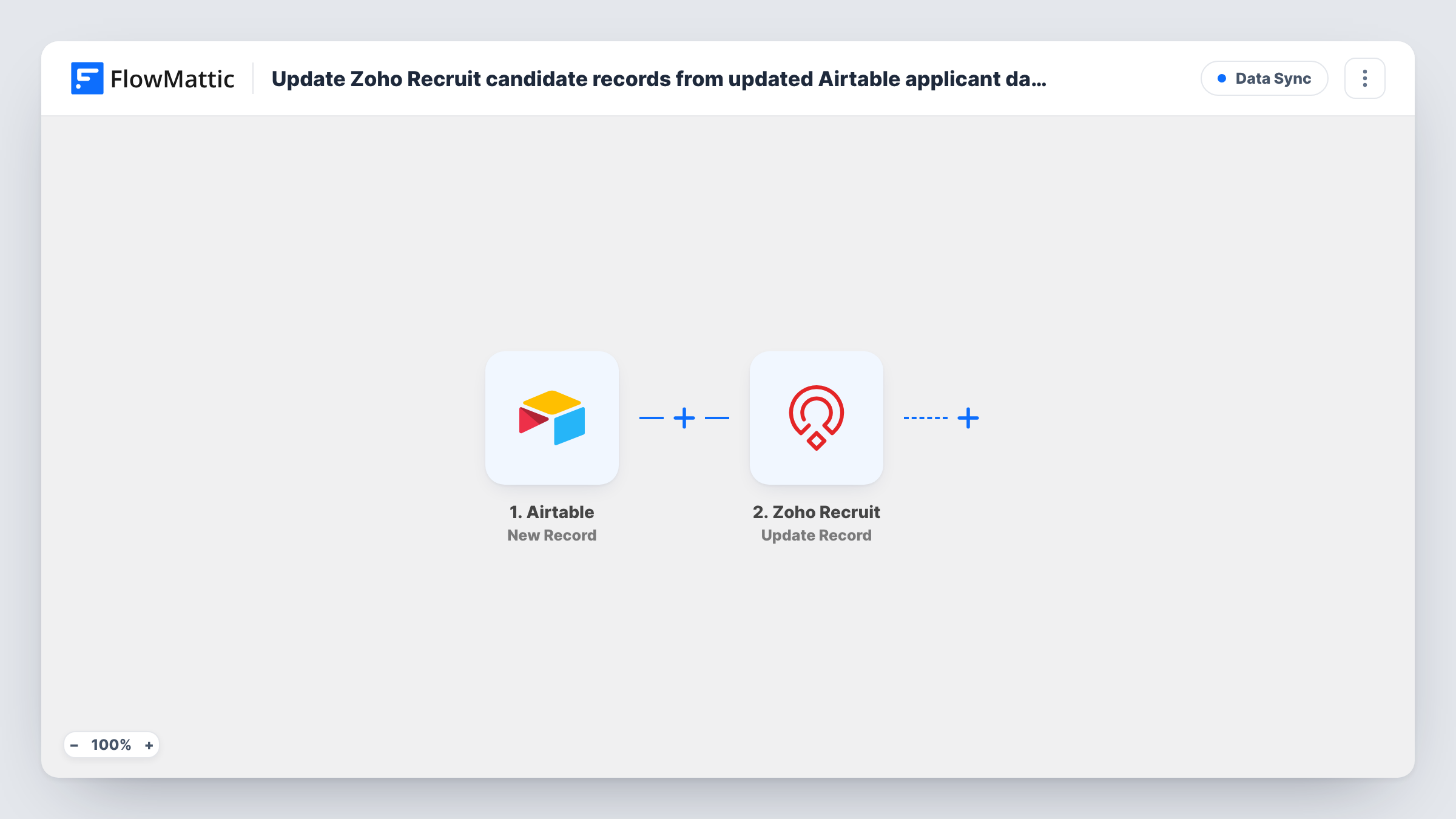
When a new applicant record is created in your Airtable base, FlowMattic sends it to Zoho Recruit, which updates the matching candidate or inserts a new one based on the duplicate check field.
 Airtable
 Zoho Recruit
2 steps Setup ~5 min Used on 3.3k sites Free to import
What this workflow does
Recruiters often collect applications in Airtable, through a form view or a shared base, but do the actual hiring work in Zoho Recruit. This workflow passes each new applicant across, so candidates don't have to be retyped and people who apply twice don't end up as two records.
The Airtable New Record trigger fires when a new record is created in the base and table you pick after import. The record's fields, such as name, email, phone and the role applied for, are passed on.
The Zoho Recruit Create or Update Record step then updates an existing record or inserts a new one, based on a duplicate check field. It ships unmapped: connect Zoho Recruit, set the step up for candidate records, choose the duplicate check field (email is the usual choice) and map the Airtable fields into the candidate's fields.
Only new Airtable records start a run. Editing an applicant's record in Airtable later doesn't send the change to Zoho Recruit. Add a test applicant and check Task History, then open Zoho Recruit to confirm the candidate looks the way you expect.
Applications from an Airtable form
A startup collects job applications through an Airtable form and has every applicant appear as a candidate in Zoho Recruit.
Repeat applicants kept as one candidate
Someone who applies for two roles is matched by email in Zoho Recruit, so the recruiter sees one candidate with up-to-date details.
Agency sourcing lists
A recruitment agency's researchers add sourced people to an Airtable table, and each one lands in Zoho Recruit for the consultants.
How this workflow runs
What happens at each step once the workflow is on, and what you need before you import it.
 Airtable New Record
Fires when a new record is created in the Airtable base and table you select. The applicant's fields are passed on to Zoho Recruit for mapping.
- Zoho Recruit Create or Update Record
Updates the matching Zoho Recruit record or inserts a new one, using a duplicate check field. Set it up for candidates, pick the check field such as email, and map the applicant fields.
What you need
- FlowMatticCore
- Airtable AccountAccount
- Zoho Recruit AccountAccount
After importing, map your own data. To keep the template universal, not every step is pre-filled. Open each step in the builder and connect your accounts and fields (channels, lists, sheets, recipients) before you switch the workflow on.
Make it yours
Changes worth making after you import it.
- Collect applicants through an Airtable form view, so each record is created with all its fields filled in rather than typed in cell by cell.
- Use the email address as the duplicate check field, since it is the field most likely to be the same each time a person applies.
- Map the role applied for into a Zoho Recruit candidate field so recruiters can see which opening each applicant wants.
Questions about this workflow
What happens if the applicant is already a candidate in Zoho Recruit?
Zoho Recruit compares the duplicate check field you choose. If an existing record matches, it is updated; otherwise a new candidate is inserted.
Do edits to Airtable applicant records update Zoho Recruit?
No. The New Record trigger only fires when a record is created. Changes made later in Airtable stay there.
Can I use this for an existing table of applicants?
Only records created after you turn the workflow on are sent. Import older applicants into Zoho Recruit separately.
More Data Sync workflows
Other ready-to-import templates from the same category.




Import this workflow into your WordPress site
Download the JSON, import it from the Workflows screen and connect your accounts. Every run stays on your server, with no per-task fees.
30-day money-back guarantee Unlimited workflows and runs Self-hosted