

Post to Slack when a new Helpjuice article is published
When an article is published in Helpjuice, this workflow posts a message about it to a Slack channel, so support agents and other teams learn about new help content the moment it goes live.
 Helpjuice
 Slack
Slack2 steps Setup ~5 min Used on 3.1k sites Free to import
What this workflow does
A knowledge base only helps if people know what is in it. Support agents keep linking an old answer because nobody told them a better article went live last week. This workflow announces each published Helpjuice article in Slack, where your team will see it.
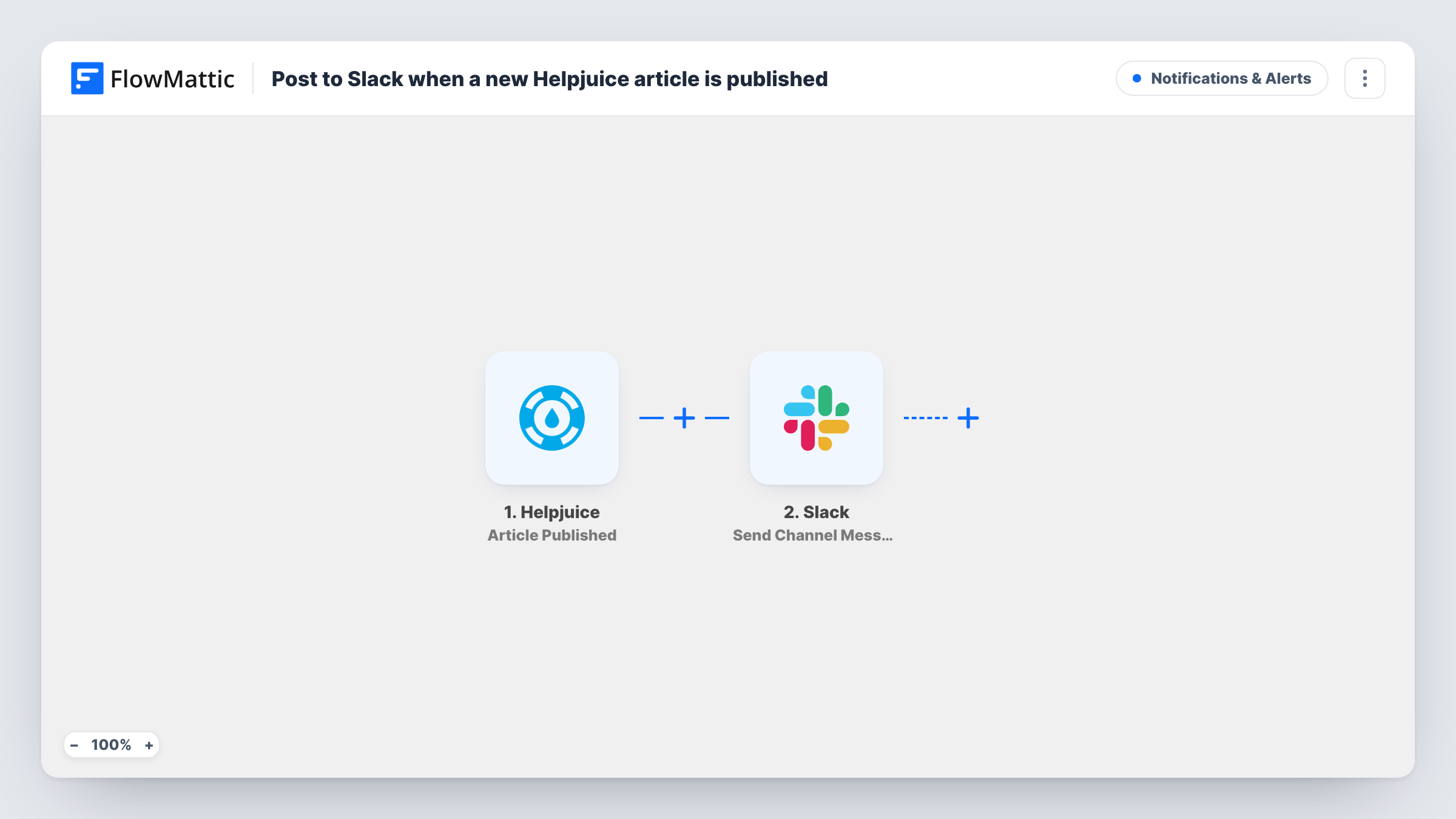
The Helpjuice trigger, Article Published, fires when an article is published. FlowMattic passes the article's data to the Slack step, Send Channel Message, which posts to the channel you choose. You write the message and map in article details such as its title and link.
Drafts don't trigger the flow, because it listens for publishing rather than creation. Nothing changes in Helpjuice, and the message is the only output. Each published article starts one run, which you can review in Task History.
Keeping support agents current
A #support-kb channel gets a post for each new Helpjuice article, so agents can start linking it in replies on the same day.
Product launch documentation
When the docs team publishes the guides for a new feature, sales and success teams see each one appear in their shared Slack channel.
Review by subject experts
Engineers follow the channel and flag anything that looks wrong in a freshly published technical article before many customers read it.
How this workflow runs
What happens at each step once the workflow is on, and what you need before you import it.
 Helpjuice Article Published
Fires when an article is published in Helpjuice. The article's details are passed to Slack so you can map them into the announcement.
- Slack Send Channel Message
Posts the announcement to the Slack channel of your choice through Send Channel Message. Write the text and map in Helpjuice details such as the article title.
What you need
- FlowMatticCore
- Helpjuice AccountAccount
- Slack AccountAccount
After importing, map your own data. To keep the template universal, not every step is pre-filled. Open each step in the builder and connect your accounts and fields (channels, lists, sheets, recipients) before you switch the workflow on.
Make it yours
Changes worth making after you import it.
- Map the article's URL into the message if the trigger returns one, so readers can open the article straight from Slack.
- Add a Filter after the trigger on a field such as category if only some articles should be announced in this channel.
- Publish a test article in Helpjuice after import so FlowMattic captures the data, then build the Slack message from the fields it shows.
Questions about this workflow
Does saving a Helpjuice draft post to Slack?
No. The template uses Article Published, which fires when an article is published. Helpjuice also has Article Created and Article Updated triggers in FlowMattic if you want those events in another workflow.
Will editing a live Helpjuice article send another Slack message?
Edits are covered by Helpjuice's separate Article Updated trigger, which this template doesn't use. If your editing process publishes the article again, test once and check Task History to see whether a new run starts.
Can the Helpjuice announcement go to a private Slack channel?
The step uses Send Channel Message. For a private channel, the Slack app in FlowMattic offers Send Private Channel Message, so swap the action if needed.
Does the workflow change anything in Helpjuice?
No. Helpjuice only supplies triggers in FlowMattic, so this flow reads the published article's data and writes nothing back to your knowledge base.
More Notifications & Alerts workflows
Other ready-to-import templates from the same category.




Import this workflow into your WordPress site
Download the JSON, import it from the Workflows screen and connect your accounts. Every run stays on your server, with no per-task fees.
30-day money-back guarantee Unlimited workflows and runs Self-hosted