

Email the team via Gmail when a new Assembly file is created
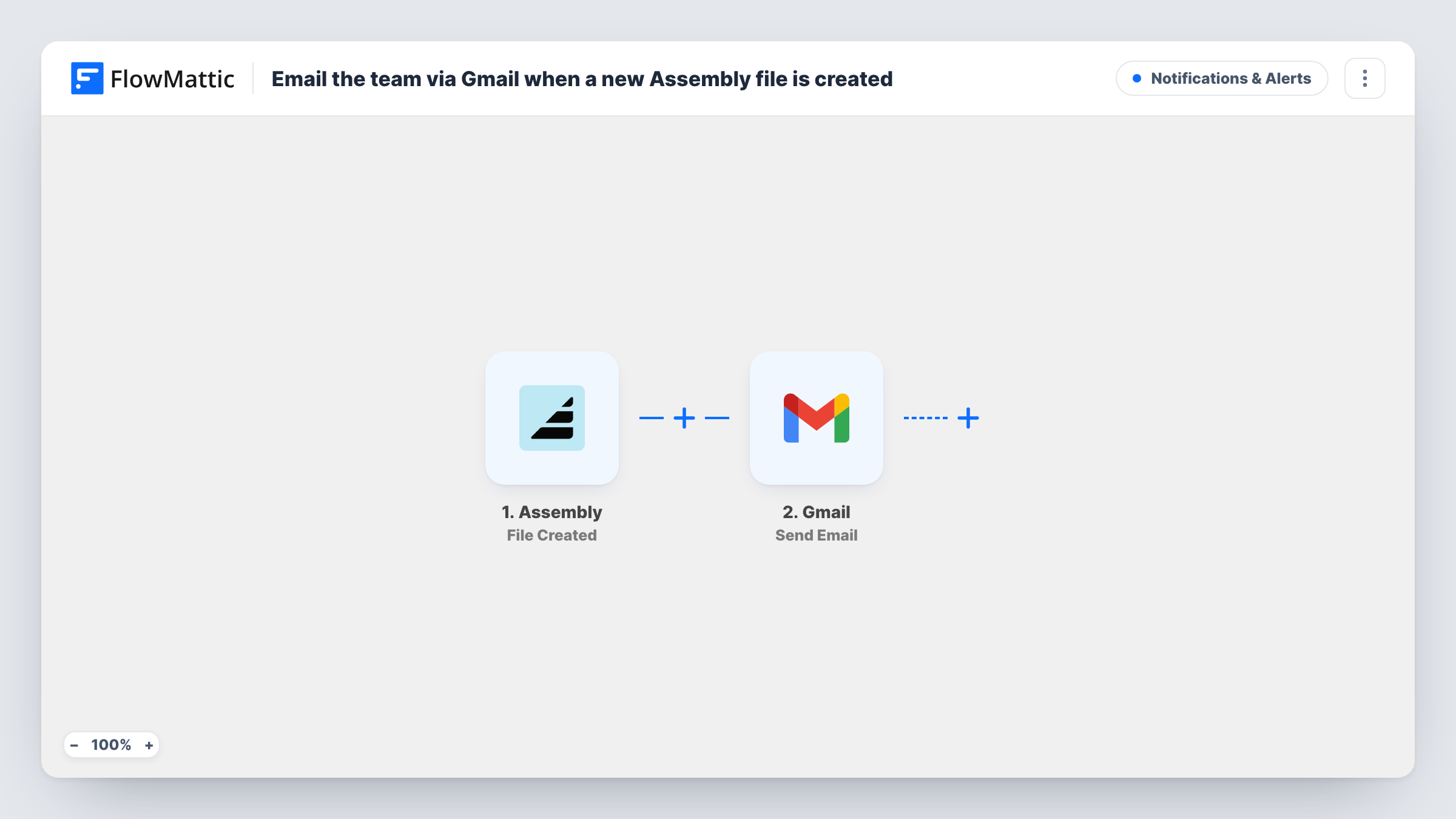
When a file is uploaded to a file channel in Assembly, this workflow sends an email from your Gmail account to the team addresses you choose, with the file details you map into the message.
 Assembly
 Gmail
2 steps Setup ~5 min Used on 701 sites Free to import
What this workflow does
Clients and staff upload documents to Assembly file channels throughout the day: signed paperwork, receipts, drafts for review. If nobody is watching the portal, those uploads can sit unnoticed. This workflow emails your team each time one arrives, from your own Gmail account.
The Assembly trigger, File Created, fires when a new file has been uploaded to a file channel. FlowMattic captures the data Assembly sends about that file. The Gmail step then sends an email to the recipients you enter, with a subject and body you write and Assembly details mapped in.
There is one email per upload. A client who adds ten files at once produces ten emails, because nothing in the template groups or filters them. The message tells the team a file exists; it does not carry the file itself, so link or name the file in the body using what Assembly provides.
Bookkeeping documents from clients
An accounting firm asks clients to upload statements to their Assembly file channel. The bookkeeper gets a Gmail notice for each upload and can start on it the same day.
Creative review handoffs
A designer uploads a draft to a client's channel. The account manager receives an email and knows to check in with the client about feedback.
Signed forms for an onboarding team
New clients upload ID documents or forms during onboarding. Each upload emails the onboarding inbox, so nobody has to refresh the portal.
How this workflow runs
What happens at each step once the workflow is on, and what you need before you import it.
 Assembly File Created
Runs when a new file is uploaded to a file channel in your Assembly workspace. The file event data Assembly sends is available to map into the email.
- Gmail Send Email
Your linked Gmail account sends the notice. Enter the team addresses, write a subject, and map details from the Assembly event into the body so readers know which file arrived.
What you need
- FlowMatticCore
- Assembly AccountAccount
- Gmail AccountAccount
After importing, map your own data. To keep the template universal, not every step is pre-filled. Open each step in the builder and connect your accounts and fields (channels, lists, sheets, recipients) before you switch the workflow on.
Make it yours
Changes worth making after you import it.
- Upload a test file after import and open Task History. The captured event shows which Assembly fields hold the file name and channel, ready to map into the subject line.
- Add a Filter after the trigger if only some uploads matter, for example files whose name contains invoice. Others stop at the Filter and no email is sent.
- Prefer a chat alert? Swap the Gmail step for Slack's Send Channel Message, or keep Gmail and add a Slack step after it.
Questions about this workflow
Is the uploaded Assembly file attached to the Gmail email?
No. The Gmail step sends a message only. Map the file's name or any link Assembly includes in the event, so the team can open it in the portal.
Do new folders or links in Assembly send an email too?
No. Assembly has separate triggers in FlowMattic for Folder Created and Link Created. This workflow listens only for File Created.
Can the Assembly upload email go to several people?
The simplest way is to enter a shared inbox or group address that already reaches the whole team as the recipient.
Which Gmail account sends the notice?
The one you connect to FlowMattic for this step. Recipients see that Gmail address as the sender.
More Notifications & Alerts workflows
Other ready-to-import templates from the same category.





Import this workflow into your WordPress site
Download the JSON, import it from the Workflows screen and connect your accounts. Every run stays on your server, with no per-task fees.
30-day money-back guarantee Unlimited workflows and runs Self-hosted