

Send a Slack notification for every new Wyng form submission
Every new Wyng form submission posts a message to a Slack channel with the answers you choose, so your team sees responses as they arrive instead of checking the Wyng dashboard.
 Wyng
 Slack
2 steps Setup ~5 min Used on 2.5k sites Free to import
What this workflow does
Responses that sit unseen in Wyng lose their value, whether they are sales enquiries, contest entries or feedback. Your team spends the day in Slack, so that is where a new entry is most likely to be read. This workflow announces each Wyng submission in a Slack channel.
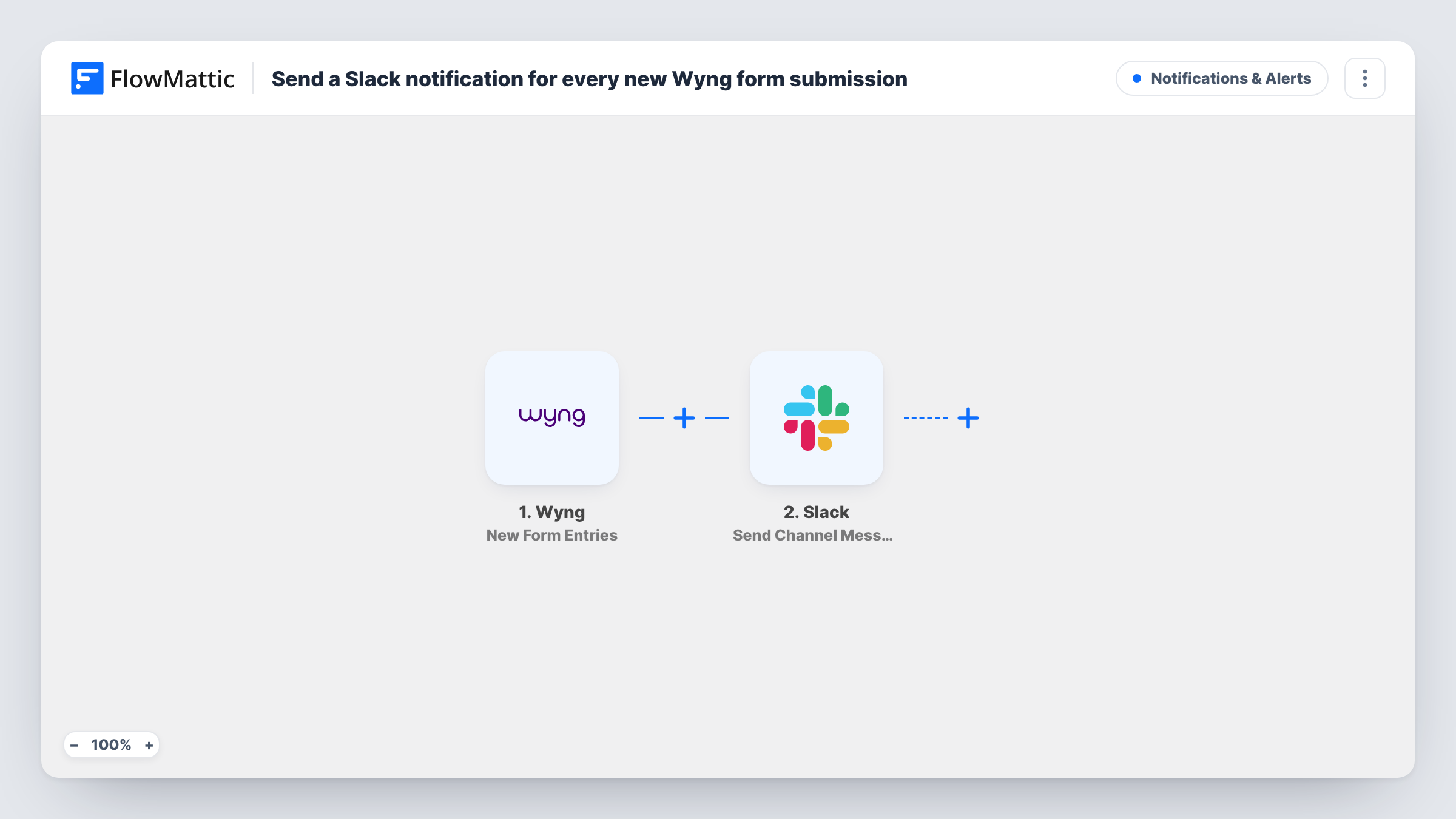
The Wyng trigger, New Form Entries, fires for each new entry and passes its answers to FlowMattic. The Slack step, Send Channel Message, posts to the channel you choose. You write the message and drop in the answers that matter, such as the respondent's name, email or comment.
Every submission posts, so a busy form means a busy channel. Add a Filter after the trigger if only some entries need attention. The workflow reads from Wyng and writes nothing back to it, and each post can be traced in Task History.
Sales enquiries from a campaign page
A Wyng form on a campaign landing page asks for a callback. The sales channel gets a post with the visitor's name and number for each request.
Customer feedback in the product channel
Answers to a Wyng feedback form appear in the product team's channel, where people can discuss them in a thread.
Watching a live contest
During a short contest, the marketing team sees entries come in through Slack and can judge how the campaign is doing in real time.
How this workflow runs
What happens at each step once the workflow is on, and what you need before you import it.
 Wyng New Form Entries
Fires for each new entry submitted through a Wyng form. The answers become available to map into the Slack message.
- Slack Send Channel Message
Posts a message to a Slack channel you pick using Send Channel Message. Write the text and map in the Wyng answers your team needs to see.
What you need
- FlowMatticCore
- Wyng AccountAccount
- Slack AccountAccount
After importing, map your own data. To keep the template universal, not every step is pre-filled. Open each step in the builder and connect your accounts and fields (channels, lists, sheets, recipients) before you switch the workflow on.
Make it yours
Changes worth making after you import it.
- Keep the message short: a name, one or two key answers and a reason to act. Long posts for every entry are easy to scroll past.
- Add a Filter after the trigger on an answer such as enquiry type, if only certain entries should reach this channel.
- Send the alert to one teammate instead with Slack's Send Direct Message action, or to a private channel with Send Private Channel Message.
Questions about this workflow
Will every Wyng form submission post to Slack?
Yes, as imported. The template has no Filter, so each New Form Entries event posts a message. Add a Filter to post only the entries you care about.
Can the Wyng alerts go to a private Slack channel?
Send Channel Message is the action in the template. The Slack app in FlowMattic also offers Send Private Channel Message, so swap to it for a private channel.
Is personal data from Wyng shared in Slack?
Only the answers you map into the message. Leave out email addresses or phone numbers if the channel is visible to people who shouldn't see them.
Can I post Wyng entries to different Slack channels?
Add a Router after the trigger with a condition per channel, and give each route its own Slack step. Each entry runs every route whose condition it matches.
More Notifications & Alerts workflows
Other ready-to-import templates from the same category.





Import this workflow into your WordPress site
Download the JSON, import it from the Workflows screen and connect your accounts. Every run stays on your server, with no per-task fees.
30-day money-back guarantee Unlimited workflows and runs Self-hosted