

Find and update the matching Airtable record when a Supabase row is updated
When a row changes in a Supabase table, FlowMattic searches Airtable for the matching record and updates it with the new values, so an Airtable base that mirrors your database stays current.
 Supabase
 Airtable
3 steps Setup ~5 min Used on 1.4k sites Databases & Sync Free to import
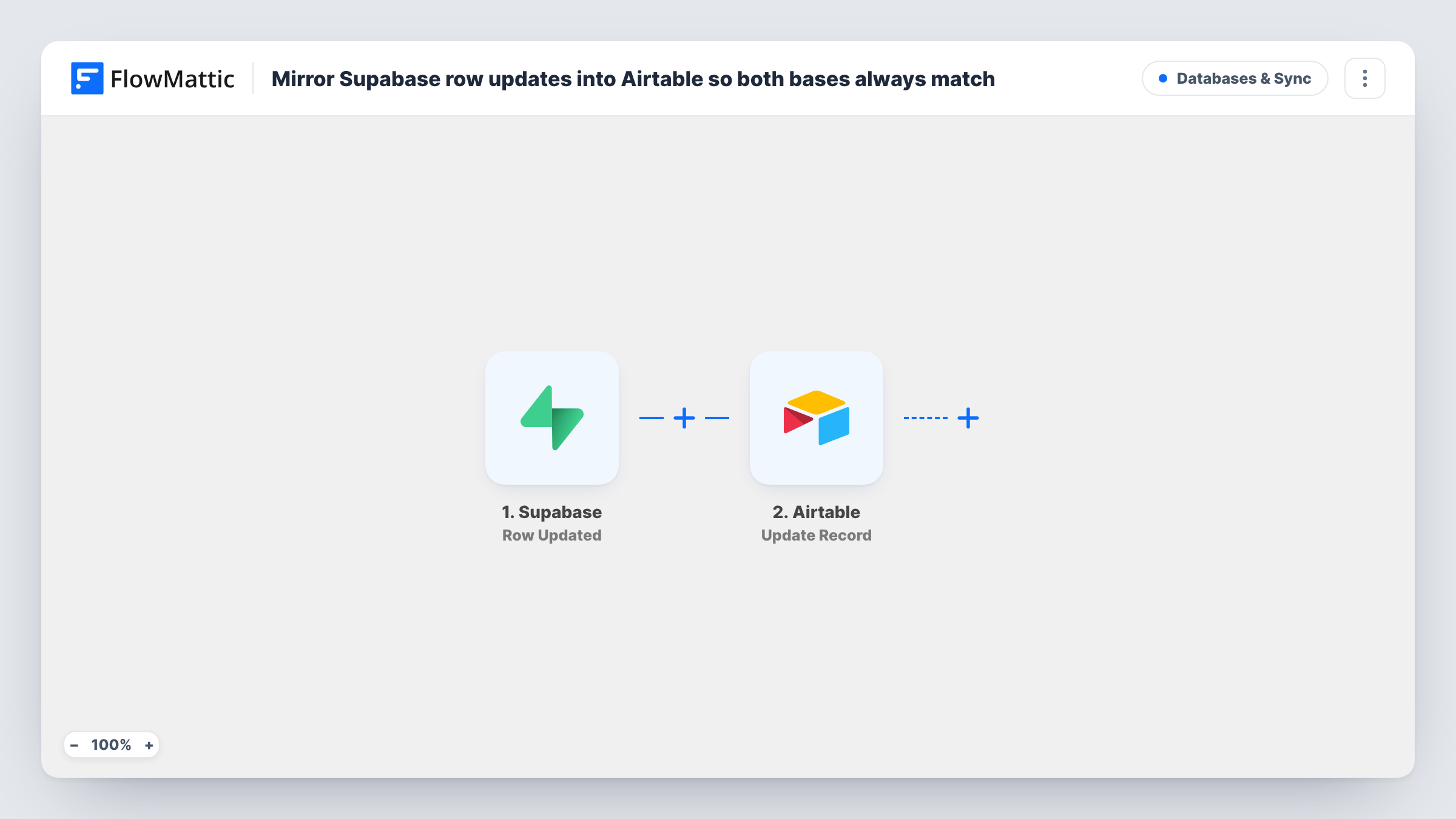
What this workflow does
Many teams keep their app's data in Supabase but let operations or sales people work in Airtable, where views and forms are easier for them. Once a record exists in both places, edits in Supabase need to reach Airtable too. This workflow carries those edits across, one updated row at a time.
The Supabase trigger, Row Updated, fires when any column in the table you select is updated. The row's new values pass to the next steps.
Two Airtable steps then do the matching and the write. Search Record looks for records using a filter formula, which you build after import from a value both systems share, such as the Supabase row ID kept in its own Airtable field. Update Record then changes the record the search found, using the record ID from the search and the Supabase values you map into its fields.
Only Airtable records that are already there get changed. New Supabase rows don't start this trigger, so add them to Airtable another way first. If the search finds no matching record, there is nothing for the update to change, and the run's Task History entry shows each Airtable response. Make the formula match exactly one record, so the right one is updated.
Sales team view of customer accounts
A SaaS company stores accounts in Supabase, and when an account's plan or status changes there, the sales team's Airtable base shows the new value.
Operations tracking for orders
A delivery startup updates order status in its Supabase backend, and the operations team's Airtable record for each order follows along.
Content records for editors
A publisher keeps article metadata in Supabase, and editors who plan in Airtable see changes to titles or publish dates without asking a developer.
How this workflow runs
What happens at each step once the workflow is on, and what you need before you import it.
 Supabase Row Updated
Fires when any column of a row in your selected Supabase table is updated. The updated row's values become available to the Airtable steps.
- Airtable Search Record
Looks through your Airtable table using a filter formula you write. Build the formula after import to match the record that mirrors the Supabase row, for example on a field holding the Supabase row ID.
- Airtable Update Record
Updates the Airtable record found in the previous step. Map the record ID from the search, then map the Supabase columns you want copied into the matching Airtable fields.
What you need
- FlowMatticCore
- Supabase AccountAccount
- Airtable AccountAccount
After importing, map your own data. To keep the template universal, not every step is pre-filled. Open each step in the builder and connect your accounts and fields (channels, lists, sheets, recipients) before you switch the workflow on.
Make it yours
Changes worth making after you import it.
- Store the Supabase row ID in its own Airtable field and search on it, so the formula always matches one record even when names or emails change.
- Put a Filter between the Supabase trigger and the Search Record step that continues only when the column you care about has a value, if most edits in the table don't concern Airtable. Pick whichever Supabase column matters to your base.
- Create a second workflow with the Supabase Row Inserted trigger and Airtable's Create Record action, so new rows reach Airtable and this workflow can keep them updated.
Questions about this workflow
Does this create Airtable records for new Supabase rows?
No. The trigger only fires on updates, and the last step only updates an existing record. Pair it with a workflow that creates records from new Supabase rows.
How does FlowMattic know which Airtable record matches the Supabase row?
Through the filter formula in Search Record, which you write after import. Compare an Airtable field with a value from the Supabase row, ideally a unique ID both systems keep.
What if no Airtable record matches the updated Supabase row?
Search Record returns no match, so Update Record has no record ID to work with and nothing is changed. Check the run in Task History to see what each step returned.
Will every Supabase edit start a run?
Yes. The trigger fires when any column in the selected table is updated. Add a Filter between the trigger and the Airtable search if only some changes should be copied.
More Databases & Sync workflows
Other ready-to-import templates from the same category.






Import this workflow into your WordPress site
Download the JSON, import it from the Workflows screen and connect your accounts. Every run stays on your server, with no per-task fees.
30-day money-back guarantee Unlimited workflows and runs Self-hosted