Build a daily digest email that knows when there is nothing to say
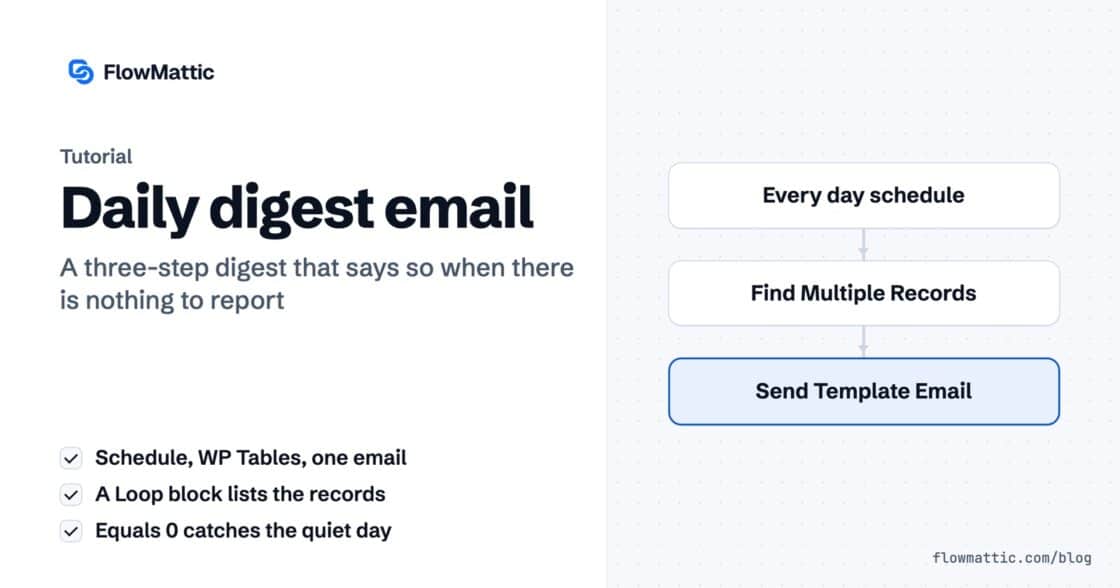
Three steps, one template. The loop handles the many, the count handles the none — and the operator choice that makes the…


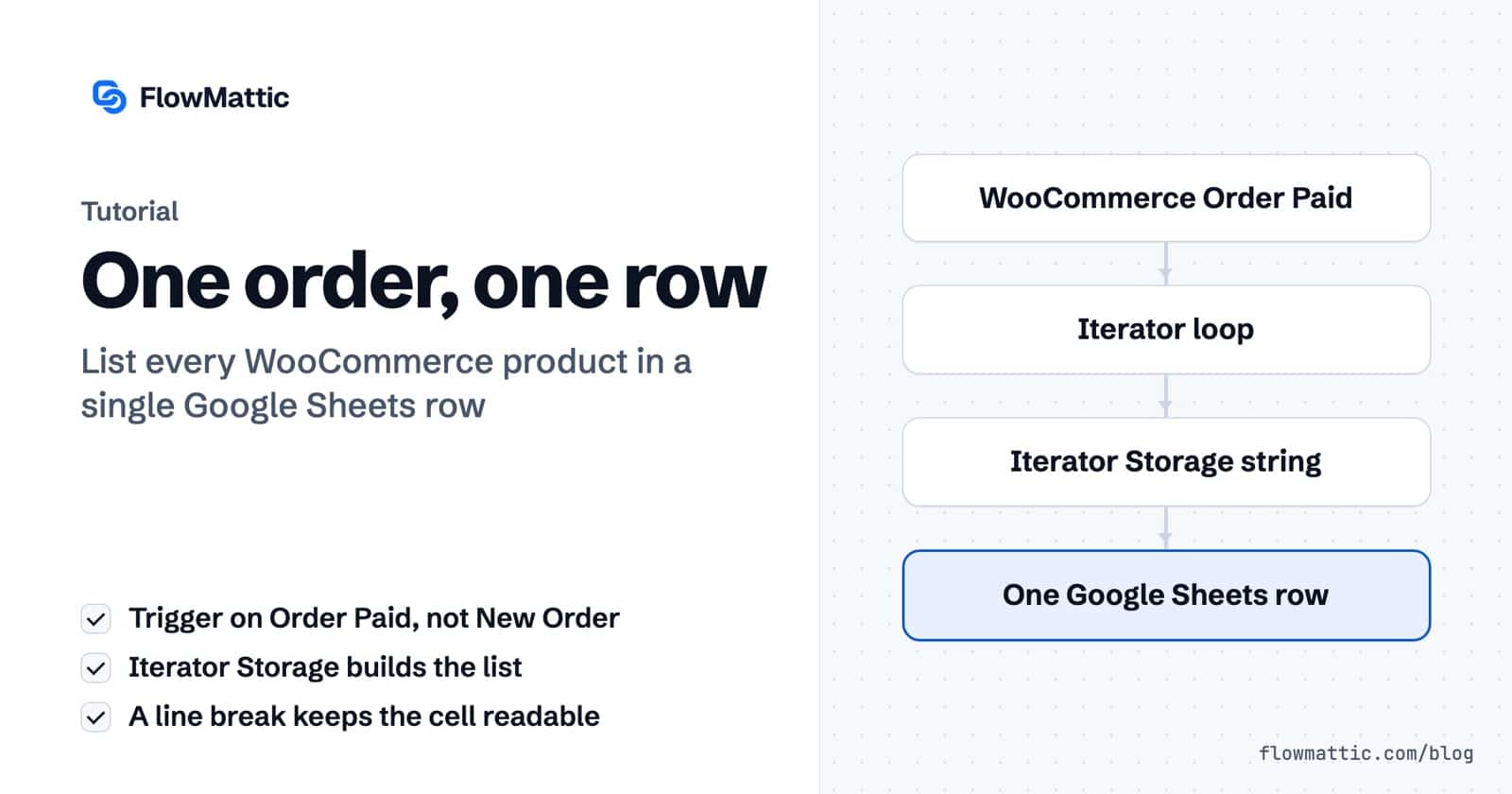
A customer buys three things in one order. You want that in a spreadsheet, so you wire WooCommerce to Google Sheets — and you get three rows. Same order number, same customer, same total, printed three times.
Nothing errored. Nothing warned you. But every count you run off that sheet is now wrong, and you won’t notice until someone asks how many orders you took last month.
One row per order. The products listed inside a single cell, next to the order number, the customer and the total. One line in the sheet for one thing that happened in the shop.
That is what FlowMattic’s Iterator is for. But the step doing the real work isn’t the one most people reach for.
Step three is the interesting one. Everything else is plumbing.
WooCommerce gives you a long list of order triggers, and two of them look interchangeable until they aren’t. New Order Created fires when the order exists. Order Paid fires when the money has actually cleared.
An order that exists is not an order that has been paid for. Wait for the money and your sheet stays clean — no rows for carts that were abandoned at the payment screen.
The Iterator has one field that carries the whole step: Iteration Array. Point it at {woocommerce1.line_items} and everything between there and the Iterator End runs once per product.
Leave Simple Response switched on — it flattens each item so name, quantity and total are sitting right there in the data picker. And leave Iteration Processing Method on Direct: one pass, straight through. Batch exists for the day you’re looping hundreds of items and the server needs room to breathe.
Iterator Storage’s Create the String field does one thing: every pass through the loop, whatever sits in that box gets appended to the end of what’s already there.
So you write the product name, the quantity and the line total:
{iterator2.name} x {iterator2.quantity} - {iterator2.total}…and then a line break, at the end, before the field closes.
That empty line is the entire trick. Leave it out and three products come back as one long unreadable smear inside a single cell. Nothing errors. Nothing warns you. The row just quietly looks wrong.
FlowMattic’s own help text on that field mentions adding an & at the end when you’re building URL parameters. Same mechanic. You are choosing what separates one pass from the next — and for a human-readable list, that separator is a new line.
The whole workflow, the config screens and a full run in four minutes:
Iterator End tells you exactly what it does, in a yellow box, in the step itself: “Next steps will be executed after the iterator is fully executed.”
That one sentence is why this works. Everything before it repeats. Everything after it happens once. Which is why the Google Sheets step writes a single row instead of one per product.
In Map Row Data, order number, customer, email and total come straight off the trigger. Products is the string you’ve been building all along — {iterator_storage3.data}.
One cell. Three lines inside it.
Before you build any of this: if product names are genuinely all you need, WooCommerce already hands you that. There’s a line_items_names_new_line field waiting in the picker — the names, one per line, no loop required.
But the moment you want the quantity next to the name, or the price, or anything shaped the way you want it shaped, there is no field for that. You build it. And now you know how.
Loop. Collect. Close. Write once. Order items, form entries, rows from an API — anything that arrives as a list comes out the other side as one clean record.
New to FlowMattic? It’s the AI-native automation platform for WordPress — visual workflows, 900+ integrations, AI agents and a full builder suite, self-hosted inside your own dashboard. Get FlowMattic.
Three steps, one template. The loop handles the many, the count handles the none — and the operator choice that makes the…
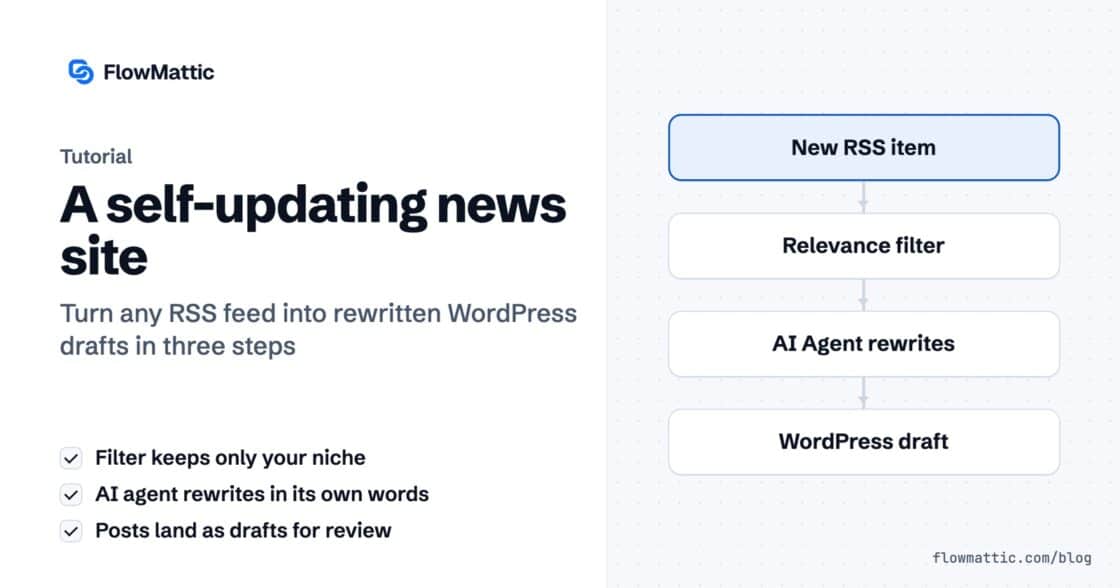
An RSS feed brings the story in, a filter throws out what you don't cover, and an AI agent rewrites it and…
Send WordPress new post to Google Sheet automatically to keep track of your content strategy and stay organized.