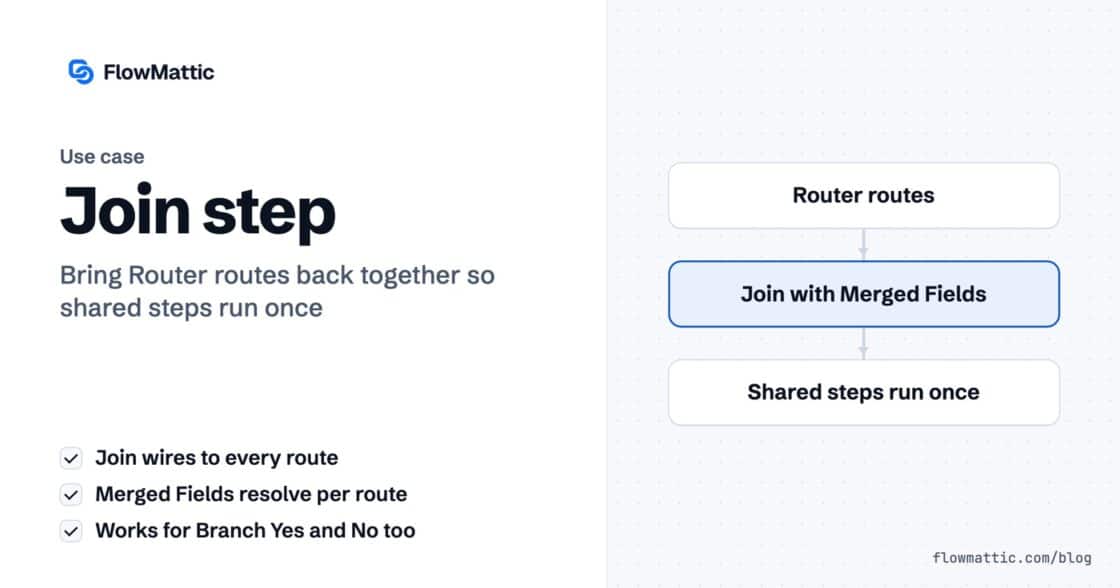
Every Router route ended with the same three steps. Now they don’t have to.
The Join step merges a Router's routes or a Branch's Yes/No back into one chain, so the steps after it run once.…


“Discount:” and then nothing. A table header with no table under it. A gap where the gift message should have been.
Nobody gets an error. The workflow says success. The email just looks amateur.
This one is about the quiet day — the order with no discount, the digest with nothing in it.
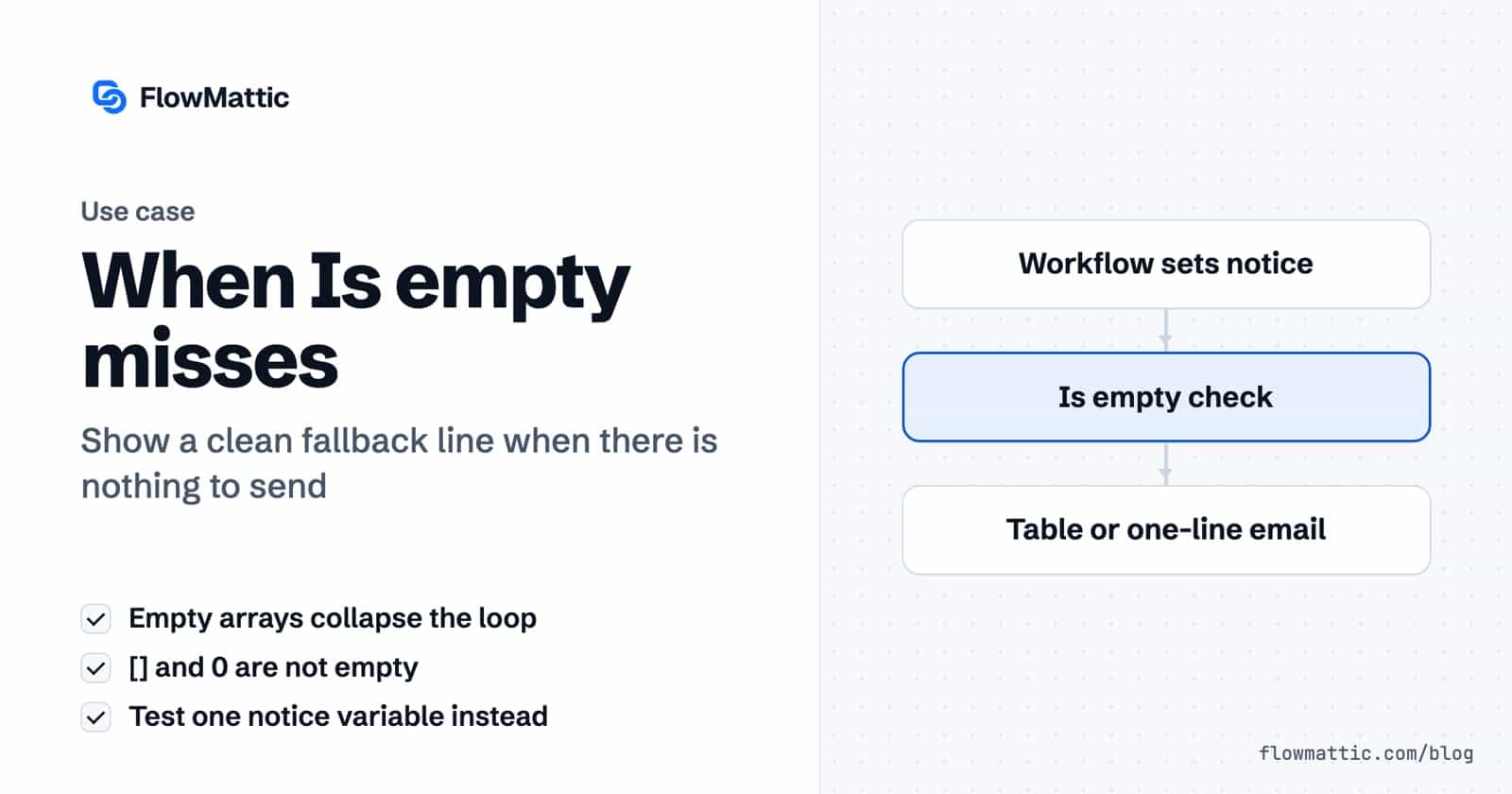
One thing already works before you touch anything: an empty array collapses the loop. Not into an empty row, not into a blank line — the whole for block renders as nothing.
And it does that whatever shape the emptiness arrives in:
[] → collapsesSo the rows are never your problem.
Your heading, your table header, your little “your items” line — those are separate blocks, sitting outside the loop. The loop vanishes. They do not.
That is the bare header. That is the email that looks broken. Those blocks need a rule of their own.
The collapse, both traps, and two sends that look deliberate — in three minutes:
It reads like a question about nothing. Is there anything here?
It isn’t. Is empty asks exactly one question: is this an empty string?
An empty array arriving from your workflow is text. Open bracket, close bracket. Two characters.
So it is not empty — and your “nothing today” message never appears. The loop collapsed, the fallback did not fire, and the email goes out with a heading and a hole under it.
So you send a count instead. Zero items today, so the count is 0.
Zero is a character. One character. Not empty either. The block you wanted to hide stays; the message you wanted to show does not.
Both traps fail the same way — silently, on every send, until somebody notices the email looks odd.
Then Is not empty shows the heading, the table and the total. Is empty shows one line instead.
empty_notice = "Nothing came through yesterday."   → the one-line version
empty_notice = "" → heading + table + totalTuesday: four orders. Heading in, rows in, total in, “nothing today” gone.
Sunday: nothing at all. One line. No heading with nothing under it, no header row over an empty table, no gap.
Same template. Same workflow. Both of them look deliberate — which is the whole difference between an email that is automated, and one that looks it.
New to FlowMattic? It’s the AI-native automation platform for WordPress — visual workflows, 900+ integrations, AI agents and a full builder suite, self-hosted inside your own dashboard. Get FlowMattic.
The Join step merges a Router's routes or a Branch's Yes/No back into one chain, so the steps after it run once.…
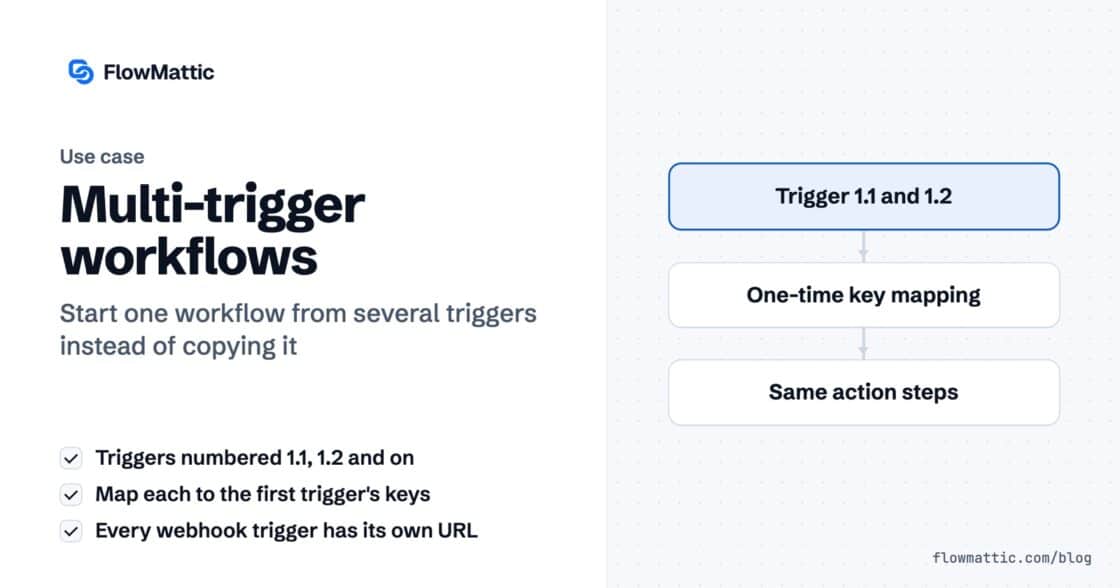
A workflow can now start from several triggers — a second webhook, a schedule, a form — all running the same steps.…
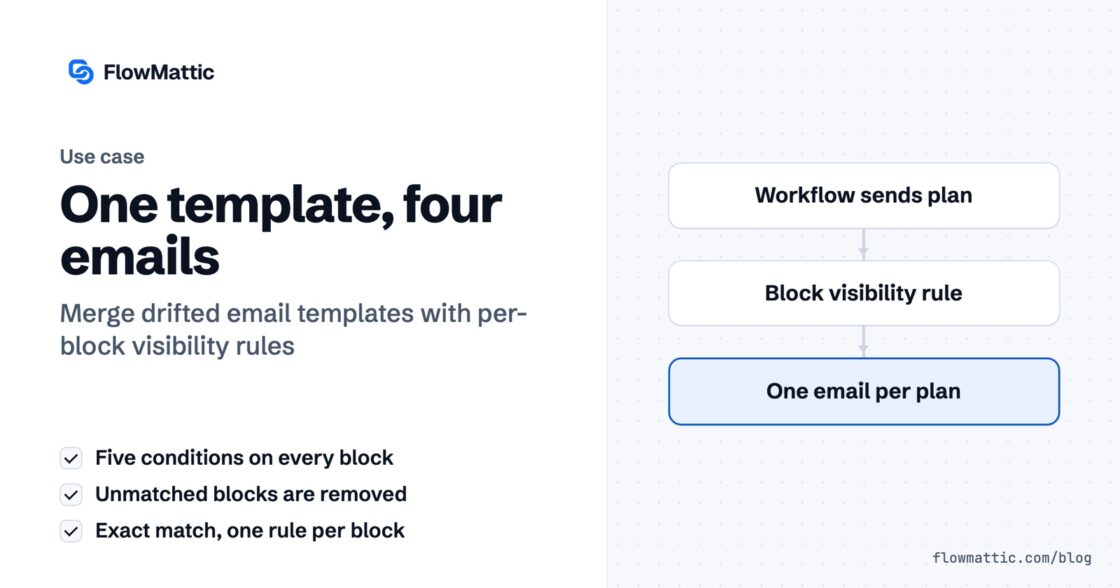
Welcome free, welcome pro, welcome with a coupon — four templates that started identical and then drifted. Conditional visibility puts them back…