Schedule Workflows in WordPress That Fire Exactly on Time
Run a workflow every few minutes, hourly, daily, weekly or monthly. Connect FlowMattic Cloud and it wakes your site the moment a…


You found the broken condition because a customer told you.
The workflow ran. The email sent. Nothing errored. It just went out with the wrong half of it missing.
There is a button in the editor that would have caught that in about ten seconds — and the reason it catches things is not that it’s a preview. It’s that it isn’t one.
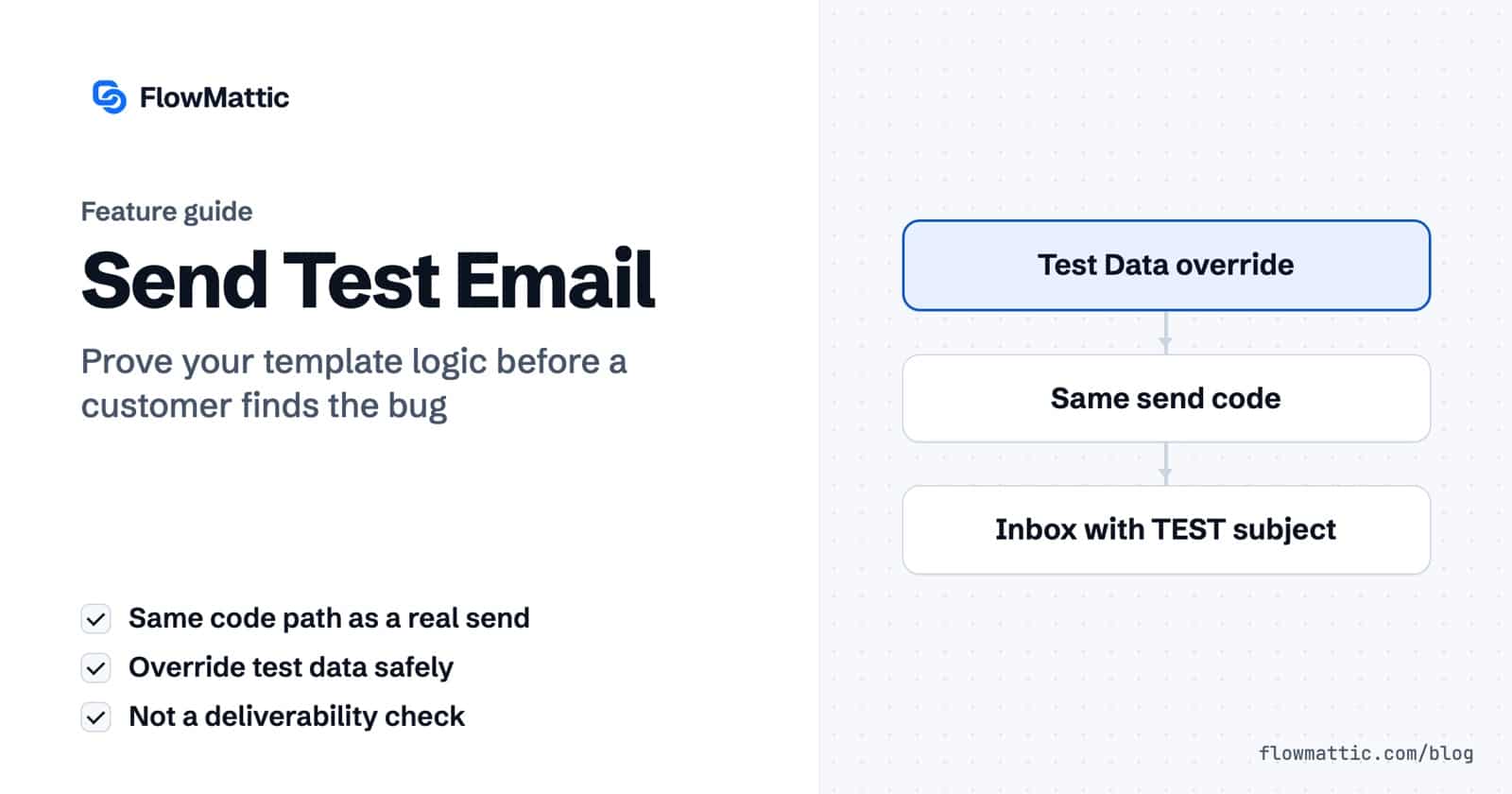
When you use Send Test Email, FlowMattic runs the same three functions, in the same order, that a real send runs:
The comment in the source says it plainly: “…using the same logic as real workflow sends, so test emails match the delivered output.”
Which changes what the button is for. If a block is missing in the test, it will be missing in the send. That isn’t a preview. That’s proof.
The dialog asks who to send to, and then gives you Test Data — as Fields or as JSON, whichever you prefer.
The line most people skim is the important one: “Override variable values for this preview. Changes here won’t affect the saved template data.”
So you can lie to it. Safely. As many times as you like.
plan to free and send — upgrade button there, roadmap link gone.pro and send again — they swap. Both branches proved in under a minute, without touching the workflow.Set line_items to an empty pair of brackets and send. The rows collapse — and your “nothing today” message does not appear.
That’s the trap from the previous post, reproduced deliberately in ten seconds, instead of found in production by a customer.
Three things, and they’re worth knowing before you trust a green result too far.
TEST in front of it — added on the way out.And one more that looks like a bug the first time you see it: if there is no data at all, nothing is processed. Your curly braces arrive in the inbox exactly as you typed them. That’s not broken — that’s the tell that you haven’t given it anything to work with.
So it proves your logic. Not your delivery. Which is the half you can actually get wrong quietly.
New to FlowMattic? It’s the AI-native automation platform for WordPress — visual workflows, 900+ integrations, AI agents and a full builder suite, self-hosted inside your own dashboard. Get FlowMattic.
Run a workflow every few minutes, hourly, daily, weekly or monthly. Connect FlowMattic Cloud and it wakes your site the moment a…
Reply to a webhook with data from the run: String, JSON or XML bodies, any HTTP status from 200 to 599, extra…
Post workflow data to any webhook URL as JSON, multipart form data or URL-encoded fields, with nested bracket keys and the receiver's…