Custom Webhook Response: Send Your Own Status, Headers and Data
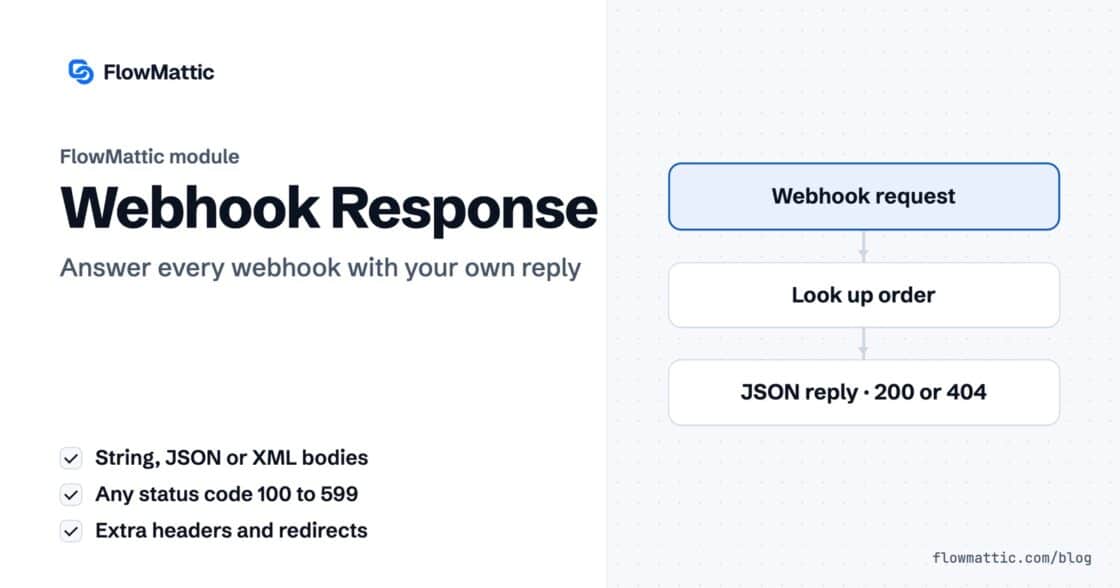
Reply to a webhook with data from the run: String, JSON or XML bodies, any HTTP status from 200 to 599, extra…


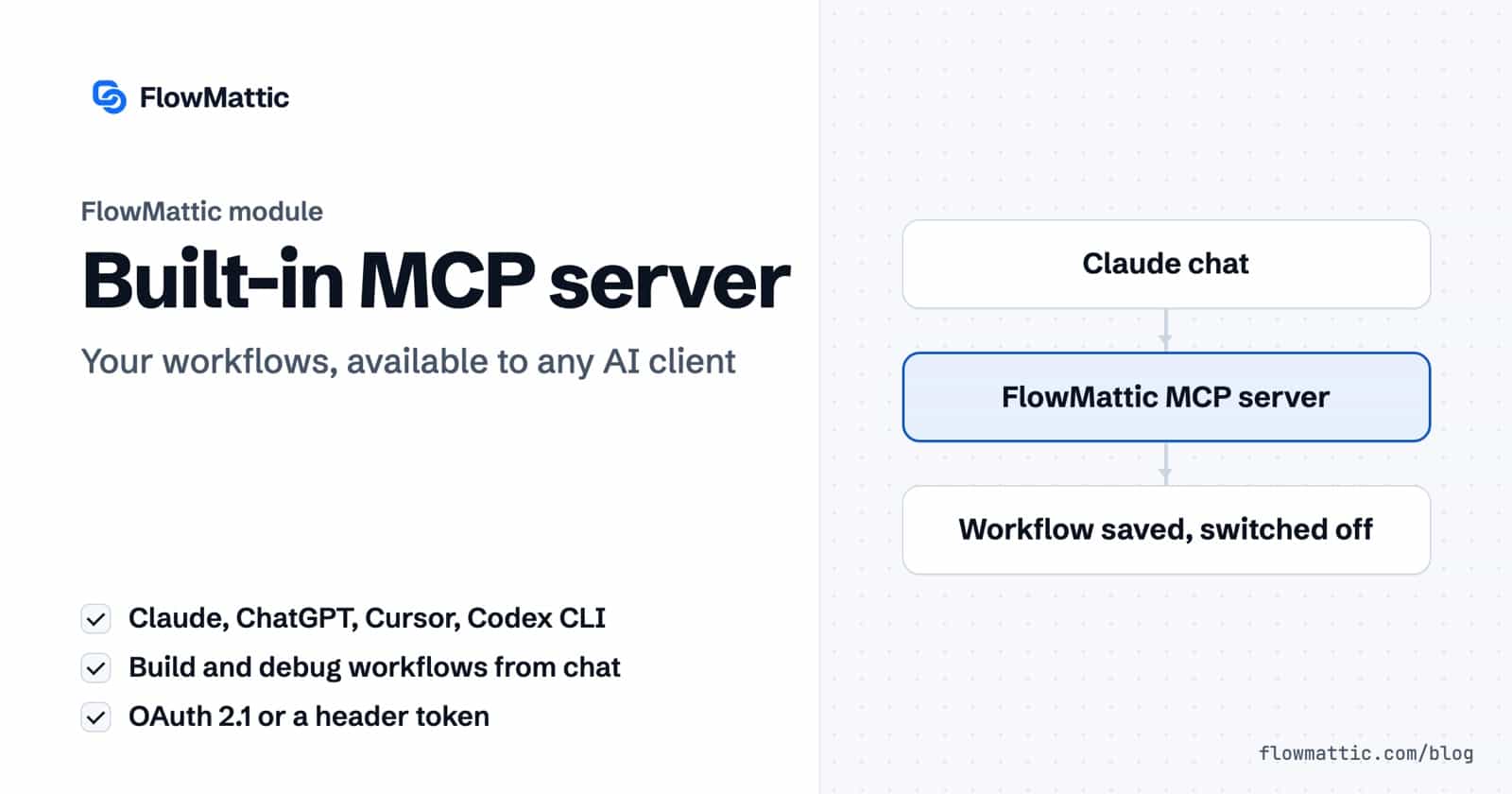
FlowMattic includes a WordPress MCP server: a Model Context Protocol endpoint on your own site that AI clients such as Claude, ChatGPT, Cursor and the Codex CLI can connect to. Once connected, a client can list, build, test and inspect your workflows, read Task History and, if you allow it, work with your WP Tables, all from a chat window.
It is for site owners and agencies who already use an AI assistant and want it to act on their WordPress site, and for developers who want to expose their own workflows, PHP functions or integration actions as tools. The reasoning happens in the client on its own account, so the server needs no AI key in FlowMattic.
The Model Context Protocol is an open standard that lets AI clients discover and call tools on a server. FlowMattic ships a server as a core module. You manage it at FlowMattic → MCP Server, a screen titled “MCP Server Management”. It shows your MCP Server URL with Copy and Connect buttons, a Settings button for the server’s switches, and the list of tools you have added.
Clients talk to it over Streamable HTTP. The server speaks protocol revisions up to 2025-06-18, negotiates down for older clients and runs stateless on that transport. Clients that still need the older SSE connection can append /sse to the URL, as the screen notes.
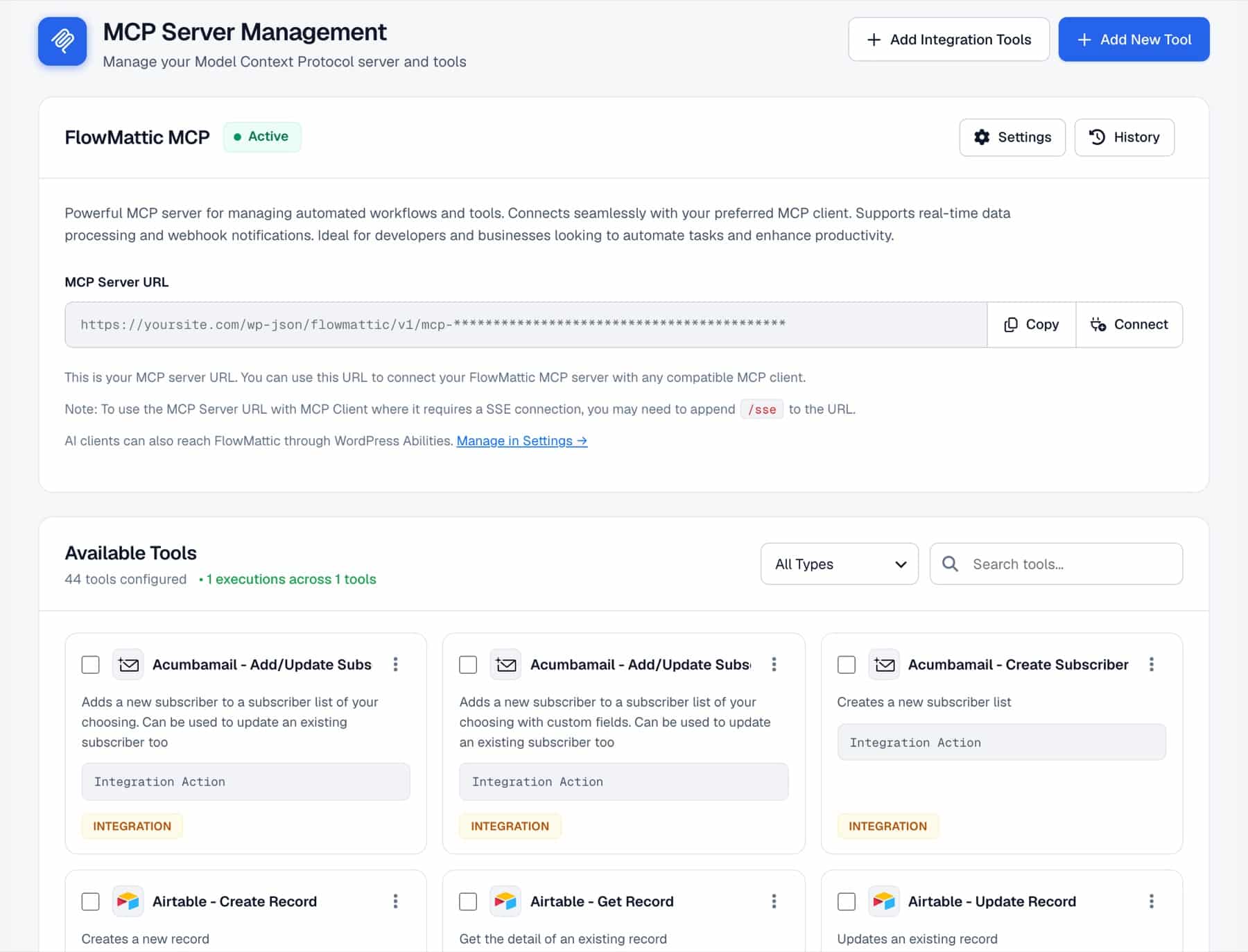
Click Settings on the server card. Two switches decide what a client can change, and both are off by default:
Tick Enable Authentication in the same dialog. While it is off, the screen warns that anyone with the server URL can use every tool it shares. With it on, Claude and ChatGPT sign in with OAuth 2.1 and renew access automatically. Other clients send the Secret Token in an X-FLOWMATTIC-MCP-TOKEN header or as Authorization: Bearer.
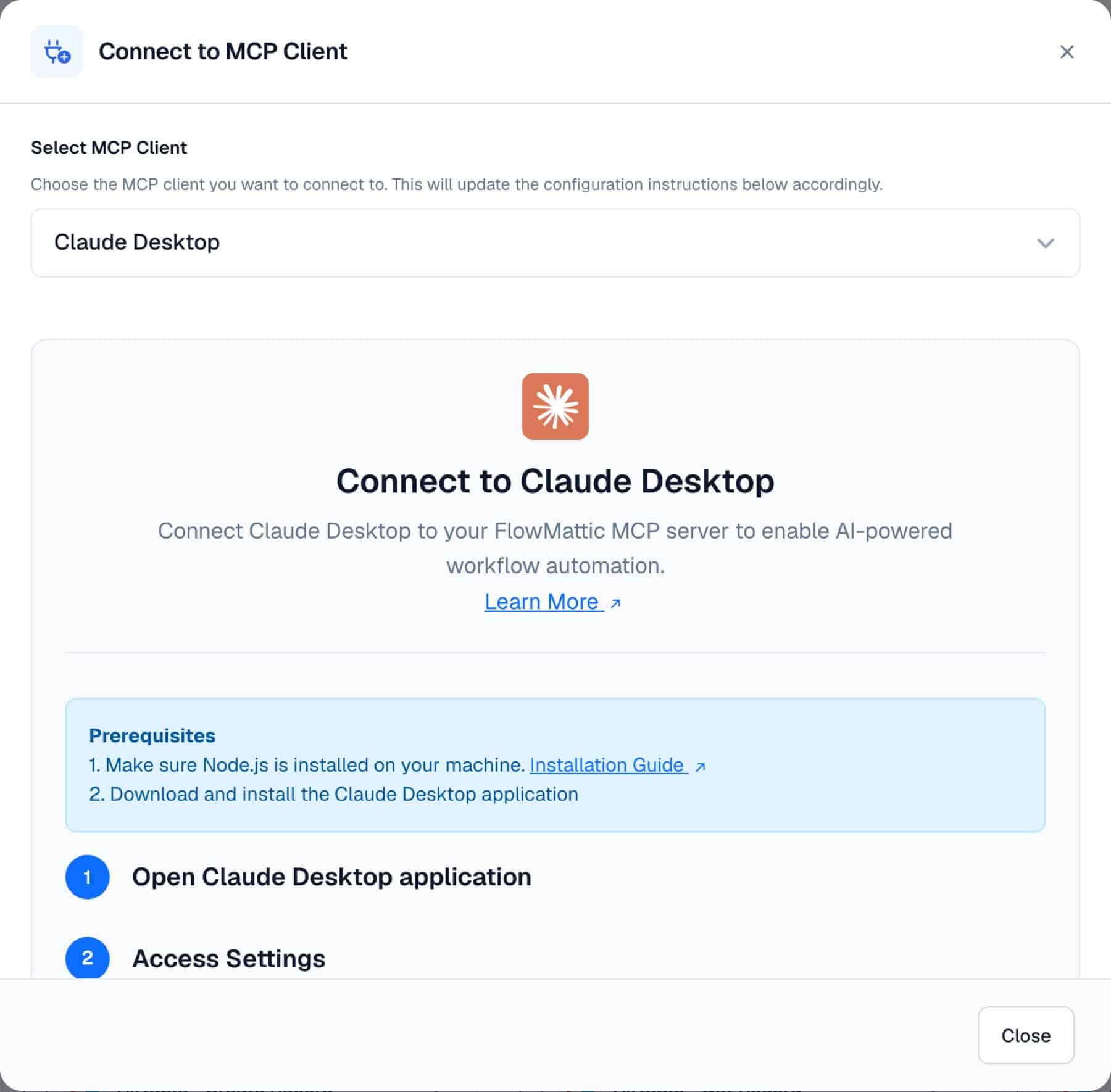
Click Connect and choose a client under Select MCP Client. The dialog groups setup steps by type: AI assistants (Claude Desktop, Claude Assistant (Chat), ChatGPT, Mindpal, n8n AI Agent), APIs (OpenAI API and OpenAI API Playground), code editors (VS Code, Warp, Windsurf, Cursor, Codex CLI) and voice assistants (Vapi, ElevenLabs). Copy buttons fill in your server URL and token for you.
With Workflow Tools on, ask the client for an automation. It typically calls wf_list_trigger_apps to find the trigger, wf_get_app_events for the exact events, wf_get_event_fields to learn each step’s fields, wf_validate_workflow to check the draft and wf_create_workflow to save it. New workflows are always saved switched off, and a draft that fails validation saves nothing and returns the errors.
| Tool | What it does |
|---|---|
wf_list_trigger_apps, wf_list_action_apps | List apps that can start a workflow or run as a step. |
wf_get_app_events | An app’s triggers and actions with their exact event slugs. |
wf_get_event_fields | The fields an action takes, which are required and their allowed values. |
wf_describe_special_nodes | How Router and Filter steps are shaped. |
wf_validate_workflow | Checks a draft without saving it. |
wf_create_workflow | Saves a new workflow, switched off, and reports any step left without values. |
wf_update_workflow | Revises a workflow in place, keeping its status, webhook URL and authentication key. |
wf_list_workflows, wf_get_workflow | Find a workflow by name and read it back as an editable draft. Saved passwords and keys show as a placeholder, not their values. |
wf_test_run_workflow | Runs a workflow once with sample data and reports what every step sent and received. |
wf_list_task_history, wf_get_task_history | List runs by workflow and status, and open one to read each step’s request and response. |
tables_list_tables, tables_create_table, tables_add_column | Read and shape WP Tables (WP Tables Tools switch). |
tables_get_rows, tables_add_row, tables_update_row, tables_update_cell, tables_delete_row | Work with rows. Each table’s columns appear as named parameters with their choices. |
Every reply from these tools names the site it came from, with its name and URL, so a client connected to several sites can tell them apart.
On WordPress 6.9 or later, FlowMattic can also publish these tools as WordPress abilities, such as flowmattic/list-workflows and flowmattic/get-table-rows, 21 in all, for other plugins, the WordPress MCP Adapter and the wp-abilities REST API. Nothing is published until an administrator turns on Publish FlowMattic abilities under Settings → WordPress Abilities; the MCP Server screen links there. The same screen switches each ability on or off, grouped as Read-only, Changes data and Overwrites or deletes. The 12 read-only abilities start on and the 9 that change workflows or tables start off.
Running an ability needs the Manage Workflows permission, and runs are recorded in MCP Tools History once the MCP Server has been set up. For Claude Desktop, paste an Application Password and click Copy Claude Desktop config for a ready-made config entry; the password stays in your browser. Give each client either the abilities URL or your MCP Server URL, not both, because they reach the same tools. Custom tools you build stay on the MCP Server URL only.
Add New Tool creates a custom tool with a Tool Name, a Description, Input Parameters and one of four Execution Method options:
:param_name placeholders. Use it with care.Add Integration Tools turns actions from your installed integrations into tools in a few clicks: pick the actions, choose the connect account and save. Configure on a tool card sets default values used when the client leaves a parameter out.
For a tool that should return data, build the workflow with the FlowMattic MCP app. Its trigger, Workflow MCP Tool Triggered, receives the client’s arguments. Its action, MCP Tool Response, sends Response Parameters back to the client and must be the last step. Then add a custom tool with the Workflow execution method pointing at that workflow.
Ask Claude to “add paid WooCommerce customers to FluentCRM with the tag buyer and post a summary to Slack”. It finds the events, fills every field and saves the workflow switched off for you to review and test.
Claude → wf_get_event_fields → wf_create_workflow → WooCommerce order → FluentCRM → Slack
Ask “which of my workflows failed this week, and why?”. The client lists failed runs, opens each one, reads the step that errored and the response it got, and proposes a fix with wf_update_workflow.
ChatGPT → wf_list_task_history → wf_get_task_history → wf_update_workflow
An agency connects each client’s site as its own server. Because every reply names its site, a question like “which workflows post to Slack?” comes back per site without mixing them up.
Cursor → wf_list_workflows on Acme, Northwind and a third site → one answer per site
A custom tool called “Check order status” runs a workflow that looks up the order and answers with its status and tracking number, so support staff can ask their assistant instead of opening the dashboard.
Workflow MCP Tool Triggered → WooCommerce order lookup → MCP Tool Response
With WP Tables Tools on, a salesperson says “add Yuki Tanaka from Northwind, interested in the annual plan”. The client finds the Leads table, fills the right columns and confirms.
Claude → tables_list_tables → tables_add_row
A Vapi or ElevenLabs voice agent connects with the header token and calls a custom tool backed by a workflow that creates the booking and emails the confirmation.
Voice agent → custom tool (Workflow) → create booking → Send email → MCP Tool Response
Ask for a copy of the welcome email workflow for a new product. The client reads the original with wf_get_workflow, changes the template step and saves a new workflow, switched off.
Claude → wf_get_workflow → edit draft → wf_create_workflow
wf_test_run_workflow runs every step: emails send and APIs are called. It runs even when the workflow is switched off.tables_delete_row cannot be undone, so keep WP Tables Tools off unless a client needs it.Any client that speaks MCP over Streamable HTTP. The Connect dialog has setup steps for Claude Desktop, Claude chat, ChatGPT, Codex CLI, Cursor, VS Code, Windsurf, Warp, n8n, Mindpal, the OpenAI API and Playground, Vapi and ElevenLabs.
No. The client does the reasoning on its own account. The server lists apps, validates drafts, saves workflows and runs tests without any AI provider configured in FlowMattic.
Only with Workflow Tools switched on. New workflows are saved switched off, and an update keeps the workflow’s current on or off status, so you decide when anything goes live.
Turn on Enable Authentication. Claude and ChatGPT then authorise with OAuth 2.1 and short-lived access tokens; other clients send the Secret Token in the X-FLOWMATTIC-MCP-TOKEN header. Authentication applies to every transport once it is on.
The server is your site offering tools to an AI client. The MCP Client is a workflow step or agent tool on your site calling tools on someone else’s server. You can use both.
Want to talk to your workflows from Claude or ChatGPT this afternoon? Try FlowMattic, open the MCP Server screen and follow your client’s steps.
Reply to a webhook with data from the run: String, JSON or XML bodies, any HTTP status from 200 to 599, extra…
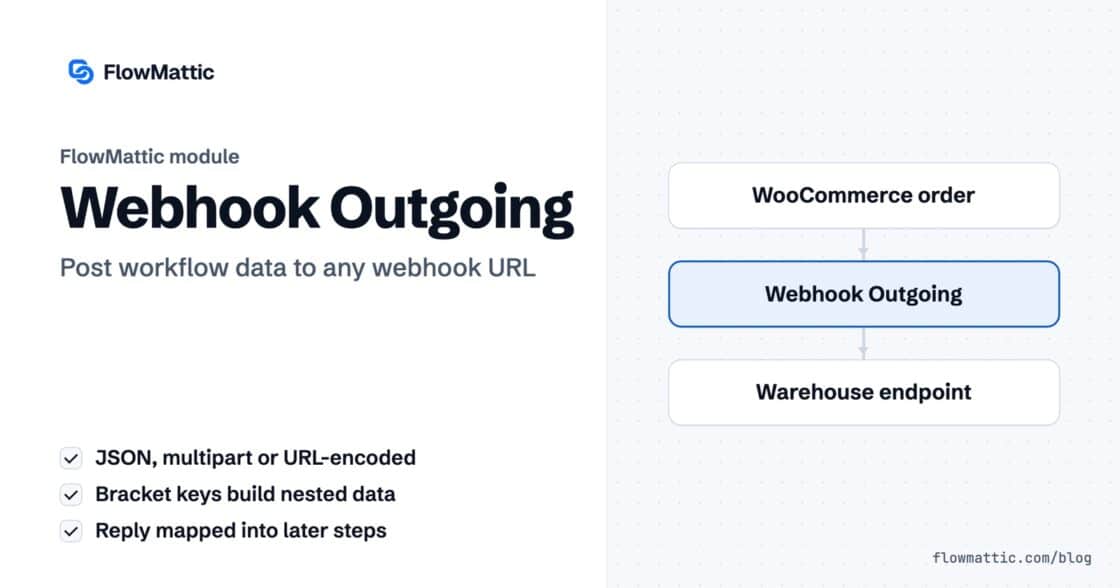
Post workflow data to any webhook URL as JSON, multipart form data or URL-encoded fields, with nested bracket keys and the receiver's…
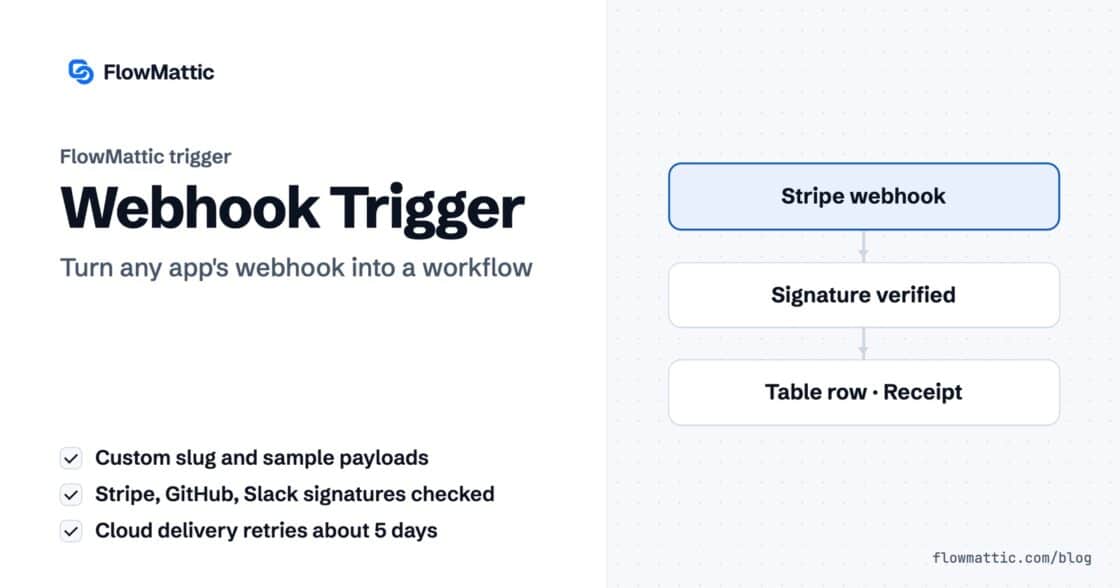
Give any app a URL on your WordPress site and turn each request into a workflow run, with signature checks, sample payloads…