Custom Webhook Response: Send Your Own Status, Headers and Data
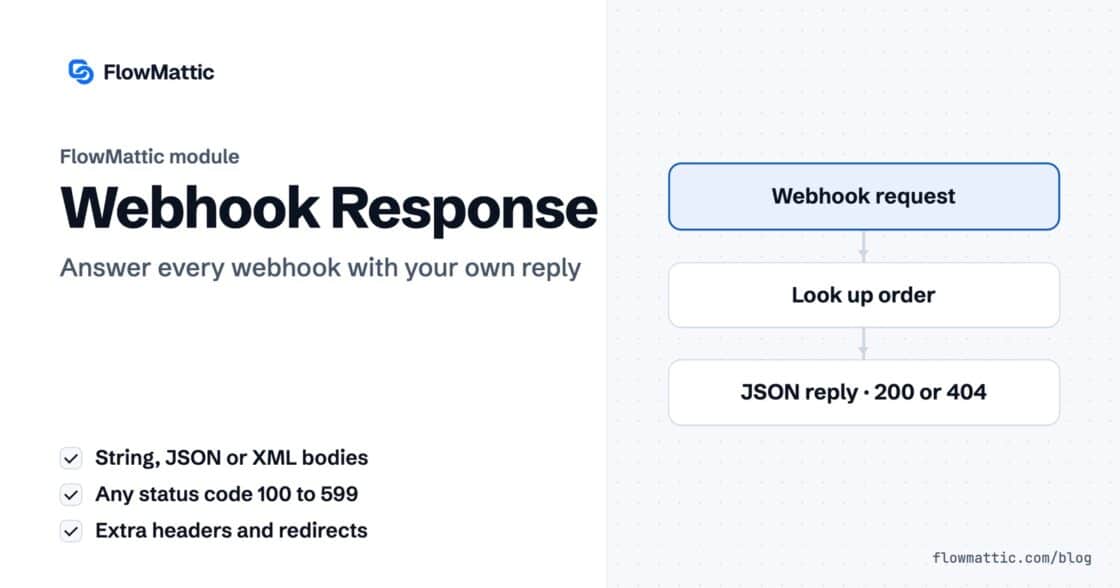
Reply to a webhook with data from the run: String, JSON or XML bodies, any HTTP status from 200 to 599, extra…


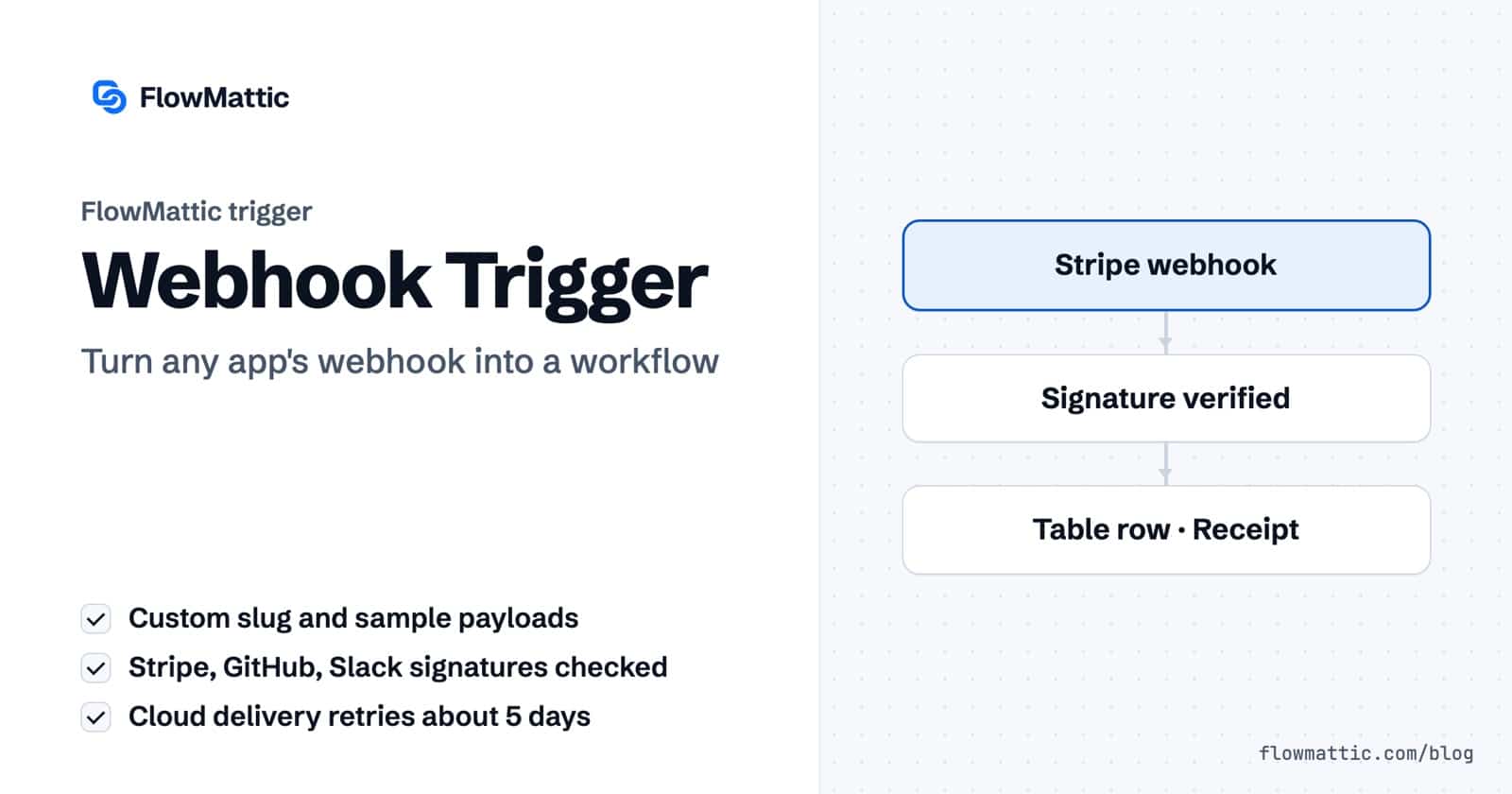
A WordPress webhook gives another app a URL on your site to post data to, and the FlowMattic webhook trigger turns every request to that URL into a workflow run. Payment platforms, form tools, chat apps, Git hosts and your own code can all start an automation the moment something happens on their side.
This guide is for site owners, developers and agencies connecting WordPress to services that send webhooks. It covers how the trigger captures and maps data, how it checks who is calling, how FlowMattic Cloud keeps deliveries alive when your site is down, and seven workflows you can build today.
In the workflow builder the trigger is the Webhooks by FlowMattic app with one event, Capture Webhook Response. Each workflow that uses it gets its own Webhook URL on your domain, accepting GET and POST requests.
The URL comes in two styles, chosen site-wide under Settings → Advanced Settings → Webhook URL Structure: Permalink Based (/webhook/capture/…) or REST API Based (/wp-json/webhook/capture/…). The REST style is there for sites where permalink-based URLs give trouble. Both styles apply the same authentication rules.
Add the trigger and copy the Webhook URL. By default the URL ends in the workflow’s ID. Set a Custom Webhook Slug, such as orders-api, for a readable address that survives rebuilding the workflow. Slugs are 3 to 64 characters of letters, numbers, dashes and underscores, and must not be used by another workflow.
Paste the URL into the other app and send a test. The trigger’s Capture tab stores each request under Responses so its fields are ready for mapping; pick one and click Use selected response to map with it, and the response in use is marked with its first fields. If the app cannot fire a test, use Can’t send a test request? Paste a sample JSON payload: paste the JSON from the app’s docs or a delivery log and click Use as response. The sample is stored as a captured response and processed exactly like a live request. It must be a JSON object or list of 1 MB or less.
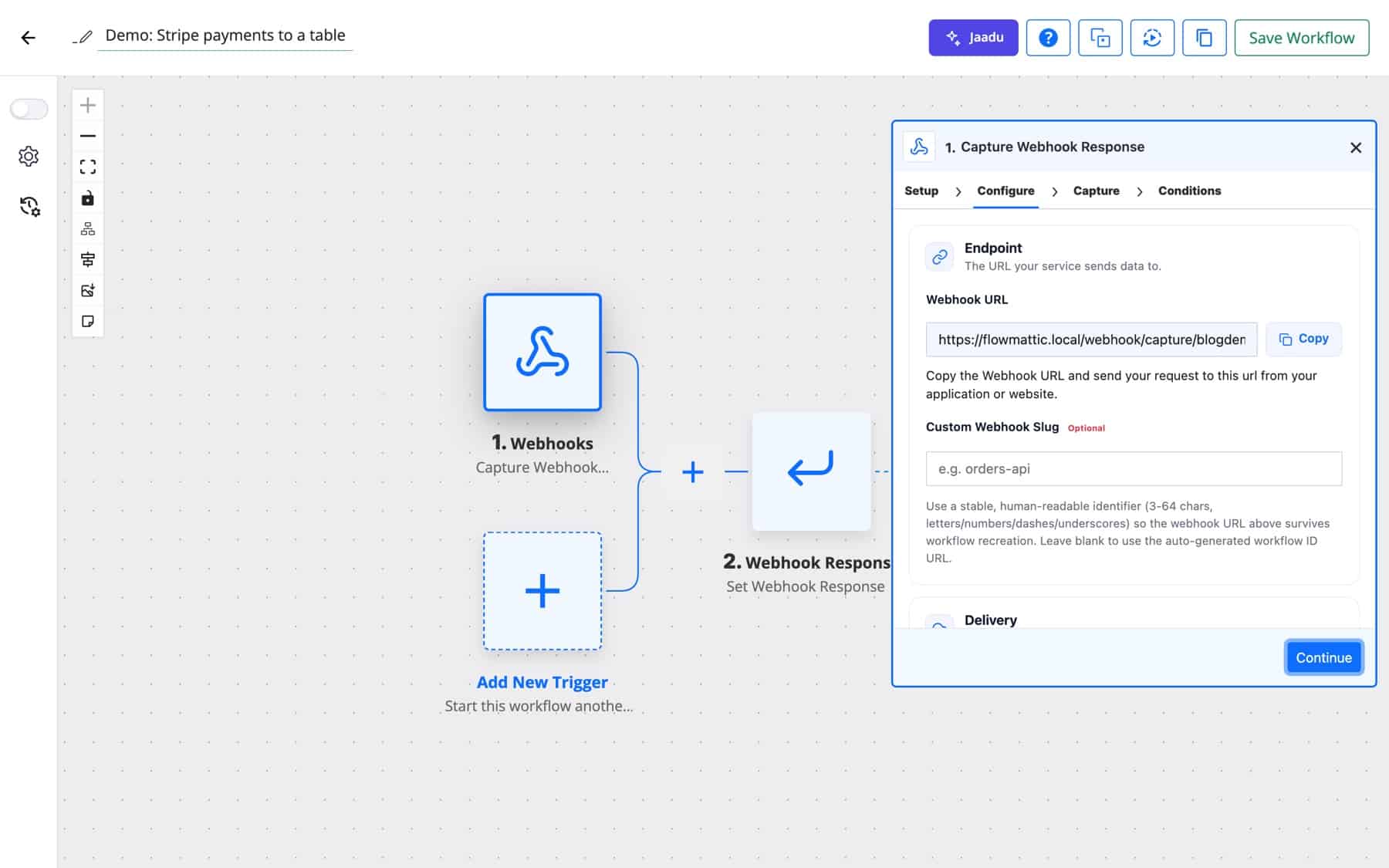
Every key in the payload becomes a dynamic tag for later steps. With Retrieve the data in simple format ticked, nested objects are flattened so each value is its own field. Three extra fields come with each request: fm_webhook_data holds the whole parsed payload as JSON, webhook_captured_at records when it arrived, and fm_raw_body holds the untouched body when Raw Body Capture is enabled in Settings.
Under Response, the Workflow End Action is either Display Response Message or Redirect to URL. Tick Send a custom webhook response to return fixed text or JSON instead of the default message. When the reply has to contain data from the run, or a specific status code, add a Webhook Response step.
Left alone, anyone who knows a WordPress webhook URL can start the workflow behind it. Turn on Require authentication on incoming requests for anything that creates orders, users or payments, then pick an Authentication Method.
FlowMattic shows an Authentication Key that the caller sends in the Authorization header, either as a Bearer token or as Basic auth with the username flowmattic and the key as the password. Use it for your own scripts and for apps that let you set headers.
Services that sign their webhooks will not send your key, so verify their signature instead. Choose the Sender and FlowMattic sets the header, algorithm and encoding for you:
For Stripe, Slack and Paddle, the signed timestamp must also be within five minutes, which blocks replayed requests.
New in 7.3.0, the trigger’s Delivery card has a Deliver via setting: This site (direct) or FlowMattic Cloud — retries for about 5 days, replay failed events. FlowMattic Cloud is an optional add-on with a Free plan that covers 1,000 webhook events a month. With Cloud, senders post to a hooks.flowmattic.com address. Cloud stores each event and forwards it to your site’s real webhook URL, keeping your custom slug. If the site is slow or down, Cloud retries the delivery for about five days, and a failed event can be replayed from the FlowMattic Cloud screen.
Click Generate Cloud webhook URL to create the address before you save, so you can copy it and capture a test request right away. Each relayed delivery is checked against its Cloud signature, and a sender’s own signature is checked against the time Cloud first received it, so a retried Stripe event still passes. If Cloud retries an event your site already ran, the site answers it as a duplicate instead of running the workflow twice. When the workflow has a Webhook Response step, Cloud forwards the request straight away and returns your site’s reply to the sender.
Only an administrator can turn on Cloud delivery or create the Cloud address, and the site must be connected on the FlowMattic Cloud screen first. Cloud delivery is available on the workflow’s first webhook trigger only; an additional webhook trigger always receives on your site directly.
| Option | What it does |
|---|---|
| Custom Webhook Slug | Replaces the workflow ID at the end of the URL with your own identifier. |
| Deliver via | Direct to the site, or through FlowMattic Cloud with retries and replay. |
| Require authentication on incoming requests | Turns on the key or signature check. |
| Authentication Method | Authentication key that you send, or signature verification by the sender. |
| Workflow End Action | Display Response Message or Redirect to URL after the run. |
| Send a custom webhook response | Returns your own fixed text or JSON. |
| Retrieve the data in simple format | Flattens nested payloads into individual fields. |
| Webhook Data Capture, Raw Body Capture, Headers Capture | Site-wide settings under Settings → General Settings that add the parsed JSON, the raw body or (on Permalink Based URLs) the request headers to the captured data. |
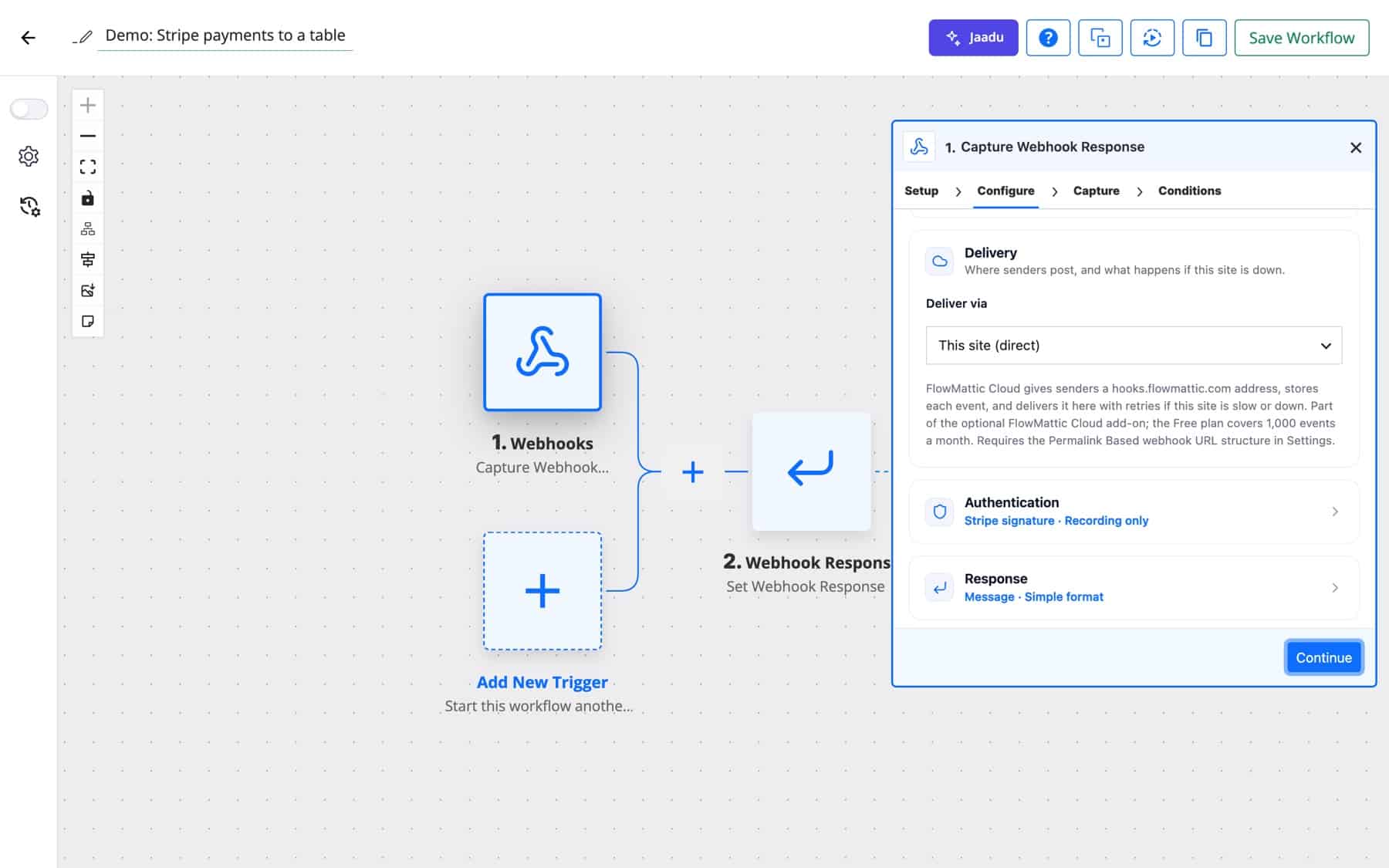
Stripe posts payment events to the trigger with signature verification on, and Skip Duplicate Events keyed on the event ID stops a repeated delivery from running twice. Each payment lands in a table and the customer gets a receipt.
Flow: Webhook (Stripe signature) → WP Tables new record → Send receipt email
A marketing team’s survey tool can only send webhooks. Each response posts to the URL, and the answers map onto a CRM contact and a spreadsheet row.
Flow: Webhook → CRM create contact → Google Sheets add row
A support team types /order 1042 in Slack. The command posts to the trigger with Slack signature verification, a lookup finds the order, and a Webhook Response returns the status to the channel.
Flow: Webhook (Slack signature) → Look up order → Webhook Response
Northwind sells on Shopify and runs a members area on WordPress. A Shopify order webhook, verified with the Shopify sender, creates the user and emails a magic login link.
Flow: Webhook (Shopify signature) → Create WordPress user → Generate Magic Login Link → Welcome email
A SaaS team points a GitHub release webhook at the site. An AI Agent turns the release body into readable notes and saves them as a draft post for review.
Flow: Webhook (GitHub signature) → AI Agent summary → Create draft post
An agency hosts a client’s booking site on a server that is restarted during maintenance. With Deliver via: FlowMattic Cloud, events that arrive while the site is down wait on Cloud and are delivered when it is back.
Flow: Webhook (via Cloud) → Update booking record → Notify the team
Internal ops sends uptime alerts to the trigger with an authentication key in the header. A Router opens a ticket for outages and only logs warnings.
Flow: Webhook (authentication key) → Router → Helpdesk ticket or log row
hub_challenge or challenge, as subscription checks from Meta and Slack do, the trigger replies with that value as plain text.{order_id} and a window, and a repeat inside the window is recorded in Task History as skipped instead of running again.Create a workflow in FlowMattic and choose Webhooks by FlowMattic with the Capture Webhook Response event. The trigger shows a Webhook URL on your own domain; copy it into the sending app and send a test to capture the fields.
Turn on Require authentication on incoming requests, choose Signature verification, pick Stripe as the Sender and paste the endpoint signing secret. FlowMattic checks the Stripe-Signature header and its timestamp before the workflow starts.
With direct delivery, the sender’s own retry policy decides. With Deliver via FlowMattic Cloud, Cloud receives the event, retries delivery for about five days and lets you replay failed events from the FlowMattic Cloud screen.
Yes. Paste a sample JSON payload on the Capture tab and click Use as response. It is stored as a captured response and processed like a live request, so you can map every field before the first real event.
Webhooks are included with every FlowMattic plan, and any of nearly 900 integrations can follow the trigger. Try FlowMattic and point your first webhook at WordPress.
Reply to a webhook with data from the run: String, JSON or XML bodies, any HTTP status from 200 to 599, extra…
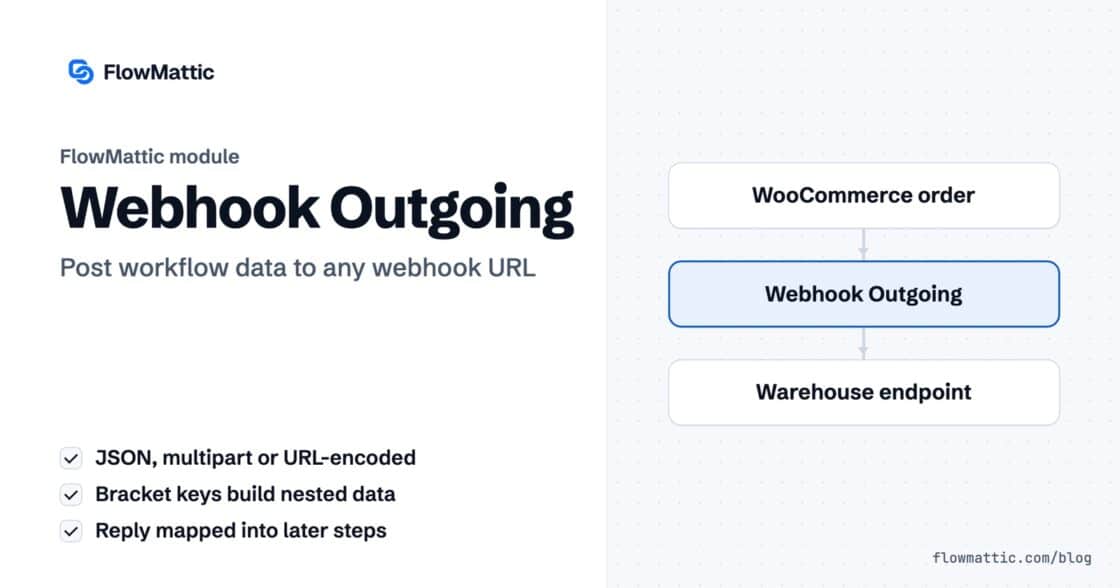
Post workflow data to any webhook URL as JSON, multipart form data or URL-encoded fields, with nested bracket keys and the receiver's…
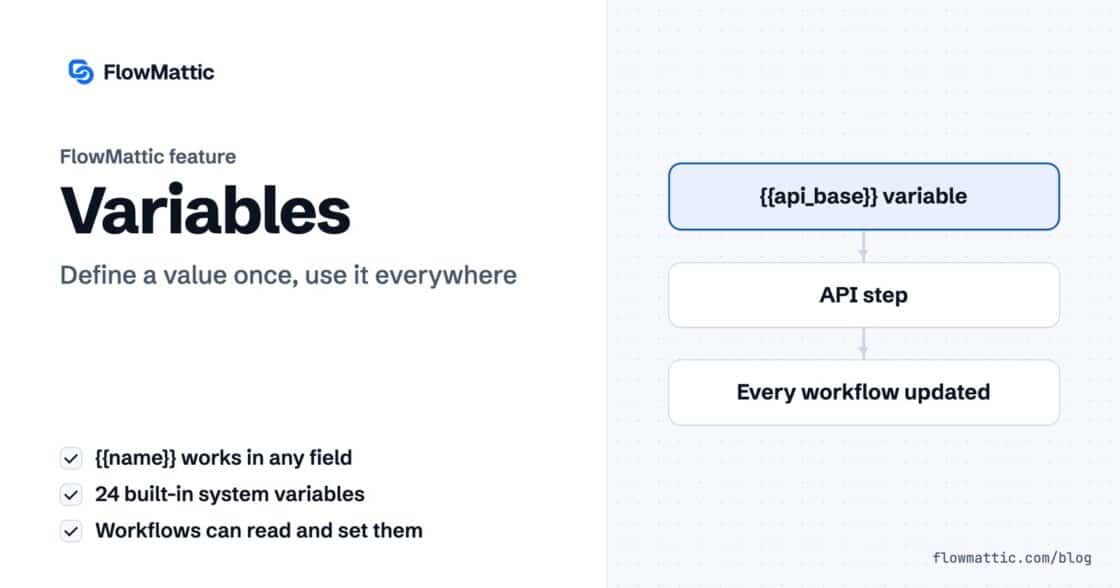
Store a value once and use it in any step of any workflow as a {{name}} token. Covers custom, system and local…