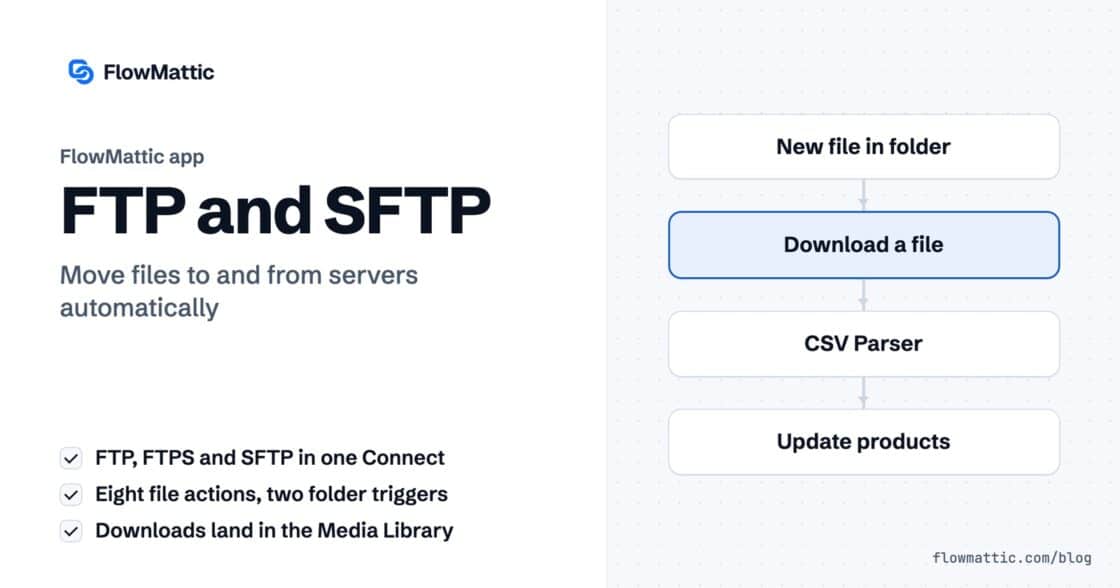
FTP automation in WordPress: upload, download and watch folders
The FTP app uploads, downloads, moves and deletes files on FTP, FTPS and SFTP servers from any workflow, and starts workflows when…


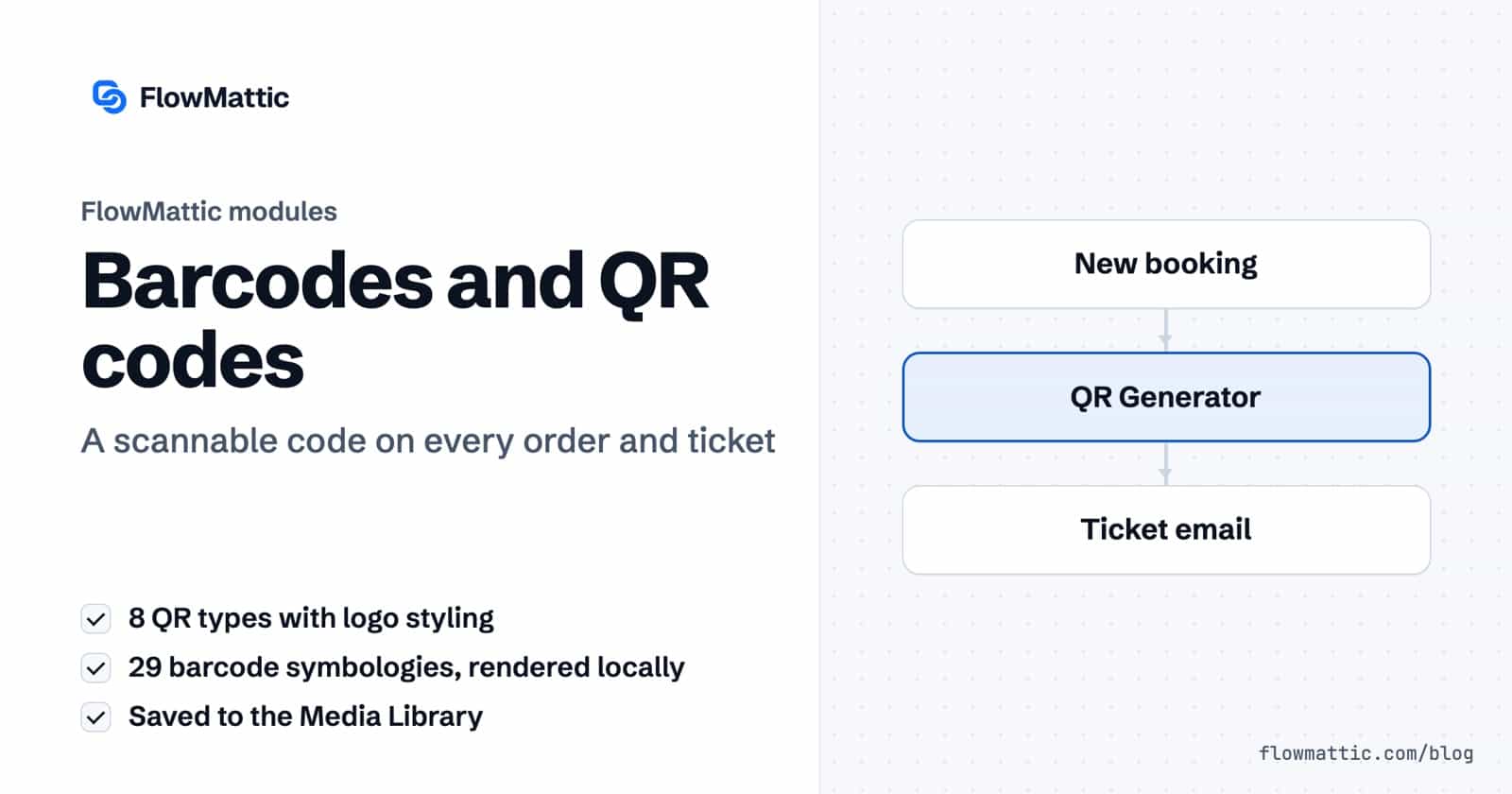
If you need a WordPress QR code generator that fills itself in from your orders, bookings and forms, FlowMattic has two modules for it. QR Generator turns links, contacts, Wi-Fi details and messages into styled QR codes, and Barcode Generator renders classic 1D barcodes such as Code 128, EAN-13 and UPC-A. Both run as steps in a workflow and save the image to your Media Library.
That means a ticket, a packing slip or a membership card can carry its own code the moment the record exists, without anyone opening a generator website and downloading files by hand.
They are two built-in action apps in the FlowMattic workflow builder, listed with the other data tools:
They are built differently. Barcodes are drawn entirely on your own server with PHP’s GD extension and the barcode library inside mPDF. QR codes are generated by FlowMattic’s QR service and saved to your site as SVG files.
media_url in a PDF, an email or a page.
| QR Code Type | Fields |
|---|---|
| Plain Text | Text Content |
| URL / Link | URL |
| Contact (vCard) | First Name, Last Name, Phone Number, Email Address, Organization |
| Email Address, Subject, Body | |
| Phone Number | Phone Number with country code |
| SMS | Phone Number, Message Text |
| Phone Number (optional), Message | |
| Wi-Fi Network | Network SSID, Password, Security Type (WPA/WPA2, WEP, None), Hidden Network |
Under Advanced Styling Options you can add a Logo/Image URL in the centre with Logo Size (%) from 10 to 30, a Logo Background Color and Logo Border Radius, round the whole image with Border Radius, and style the three large corner squares with Corner Block Border Radius, Corner Block Color and Corner Pattern Style. Dot Style offers Square, Rounded, Dots/Circles and Extra Rounded.
The step returns media_id, media_url, filename, qr_type and the encoded input_data.
Choose Barcode Generator, action Generate Barcode, and fill in:
| Field | What it does |
|---|---|
| Barcode Content | The value to encode, such as an order number or SKU. Required. |
| Barcode Type | One of 29 symbologies; Code 128 B is the default and suits most internal uses. |
| Bar Width | Width of the narrowest bar in pixels, 1 to 10, default 2. |
| Bar Height | 20 to 600 pixels, default 70. |
| Show Value Below Barcode | Yes by default; prints the encoded value, including any check digit. |
| Bar Colour / Background Colour | Hex colours, default #000000 on #FFFFFF. |
| Output | Save to Media Library, or Return as base64 data URI. |
| File Name | Optional; defaults to the barcode value, and .png is added for you. |

The 29 types cover Code 128 (A, B and C), Code 39 with its check-digit and extended variants, Code 93, Code 11, Codabar, EAN-13, EAN-8, UPC-A, UPC-E, the EAN-2 and EAN-5 supplements, ISBN, ISSN, Interleaved and Standard 2 of 5, MSI, and the postal codes POSTNET, PLANET, Intelligent Mail Barcode, RM4SCC and KIX.
The output includes barcode_type, width, height and size, then either attachment_id, url and filename, or base64 and data_uri. When the printed value differs from what you sent, for example because a check digit was added, it is returned as encoded_value.
Encode the booking reference or a check-in URL and place the image in the confirmation email, so staff can scan guests in at the door.
Bookings: new booking → QR Generator (URL / Link) → Send email
Render the order number as Code 128 and drop it into a packing slip, so the warehouse scans instead of typing.
WooCommerce: order paid → Barcode Generator → PDF Template → Email to warehouse
When a product with a 13-digit EAN is created, generate the EAN-13 barcode and store the image URL with the product for label printing.
WooCommerce: new product → Barcode Generator (EAN-13) → WP Tables: new record
An HR form for a new hire such as Amelia Okafor produces a vCard QR code with her name, phone, email and organisation, ready for her business card.
Form submission → QR Generator (Contact vCard) → Email to design team
Give each new member a Code 128 card number and embed the barcode straight into an email as a data URI, without keeping a file on disk.
WordPress: new user → Barcode Generator (data URI) → Send email
Add UTM parameters to a landing page URL, shorten it with the Link Shortener, and turn the short link into a branded QR code with your logo in the centre.
Webhook → Link Shortener → QR Generator (with logo) → Slack: send to design
Create a FlowMattic workflow with the trigger you want, such as a new order or booking, then add the QR Generator step and map the content into it. Every run saves a new QR code to the Media Library and returns its URL, so the WordPress QR code generator works without anyone touching it.
Yes. Choose Wi-Fi Network as the QR Code Type and enter the SSID, password, security type and whether the network is hidden. The step builds the standard Wi-Fi QR format for you, so guests scan instead of typing the password.
QR codes are saved as SVG files. Barcodes are PNG images, either saved to the Media Library or returned as a base64 data URI.
Code 128 B handles letters and digits and stays compact, so it suits order numbers, SKUs and member IDs. Use EAN-13 or UPC-A only for real retail product codes.
Barcodes and QR codes are two of the many built-in modules that work alongside nearly 900 integrations. Choose a plan and put a scannable code on every order, ticket and card.
The FTP app uploads, downloads, moves and deletes files on FTP, FTPS and SFTP servers from any workflow, and starts workflows when…
Share Secrets turns a password or API key into a link that expires after a set time, a set number of views,…
Generate Magic Login Link creates single-use sign-in links from any workflow, valid from 1 minute to 30 days, with a confirmation page…