Custom Webhook Response: Send Your Own Status, Headers and Data
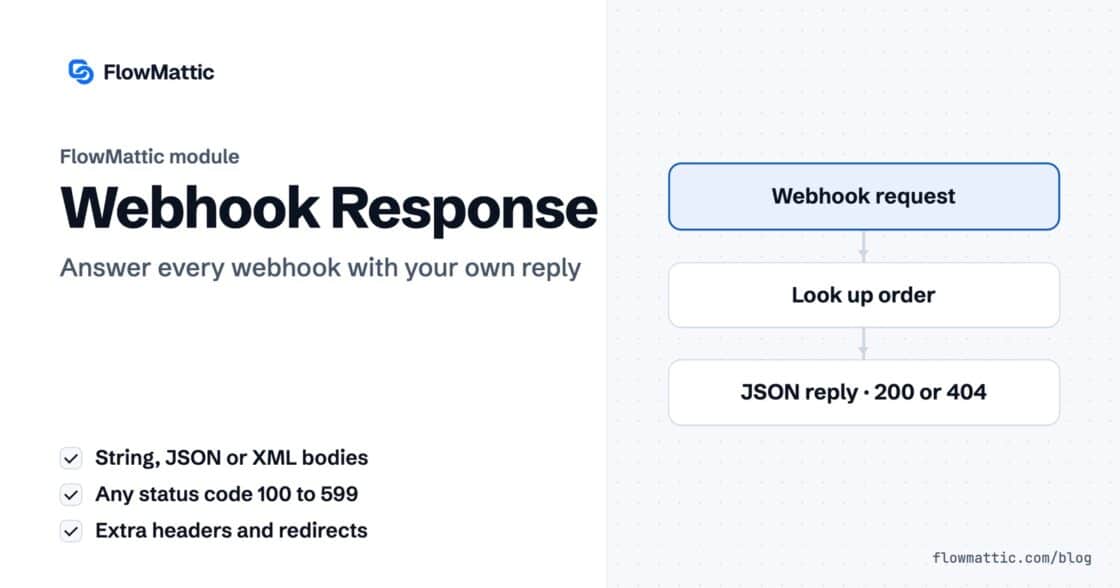
Reply to a webhook with data from the run: String, JSON or XML bodies, any HTTP status from 200 to 599, extra…


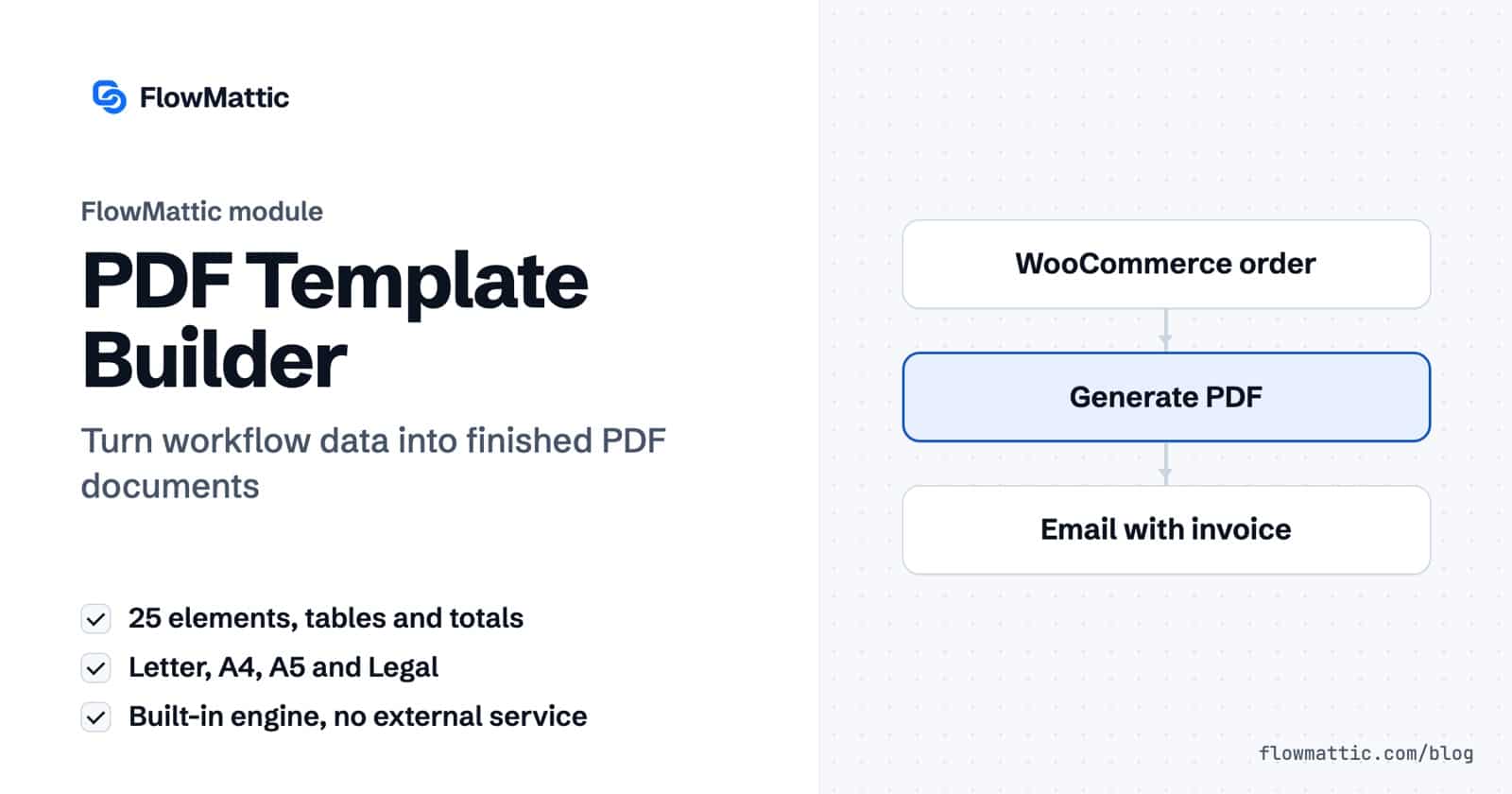
The FlowMattic PDF Template Builder is a WordPress PDF generator that turns workflow data into finished documents. You design an invoice, quote, certificate or report once in a visual editor, and any workflow can fill it with live data, render the PDF on your server and pass the file to the next step.
It is built for store owners who send invoices, agencies who send proposals and statements of work, course sites that issue certificates, and anyone who copies the same numbers into a document by hand. This guide covers how the editor binds data, the three PDF Builder actions, their settings, and seven workflows you can build today.
It has two parts. The first is the template editor under FlowMattic → PDF Templates, where you lay out pages and bind elements to data with tags such as {{client.name}}. The second is the PDF Builder app in the workflow builder, with three actions: Generate PDF from Template, Generate PDF from HTML and Delete PDF Template.
This WordPress PDF generator renders on your own site. The built-in engine needs no account or API key. If you add Cloudflare Browser Rendering credentials under FlowMattic → Settings, templates render through headless Chrome for full modern CSS, and fall back to the built-in engine if that call fails.
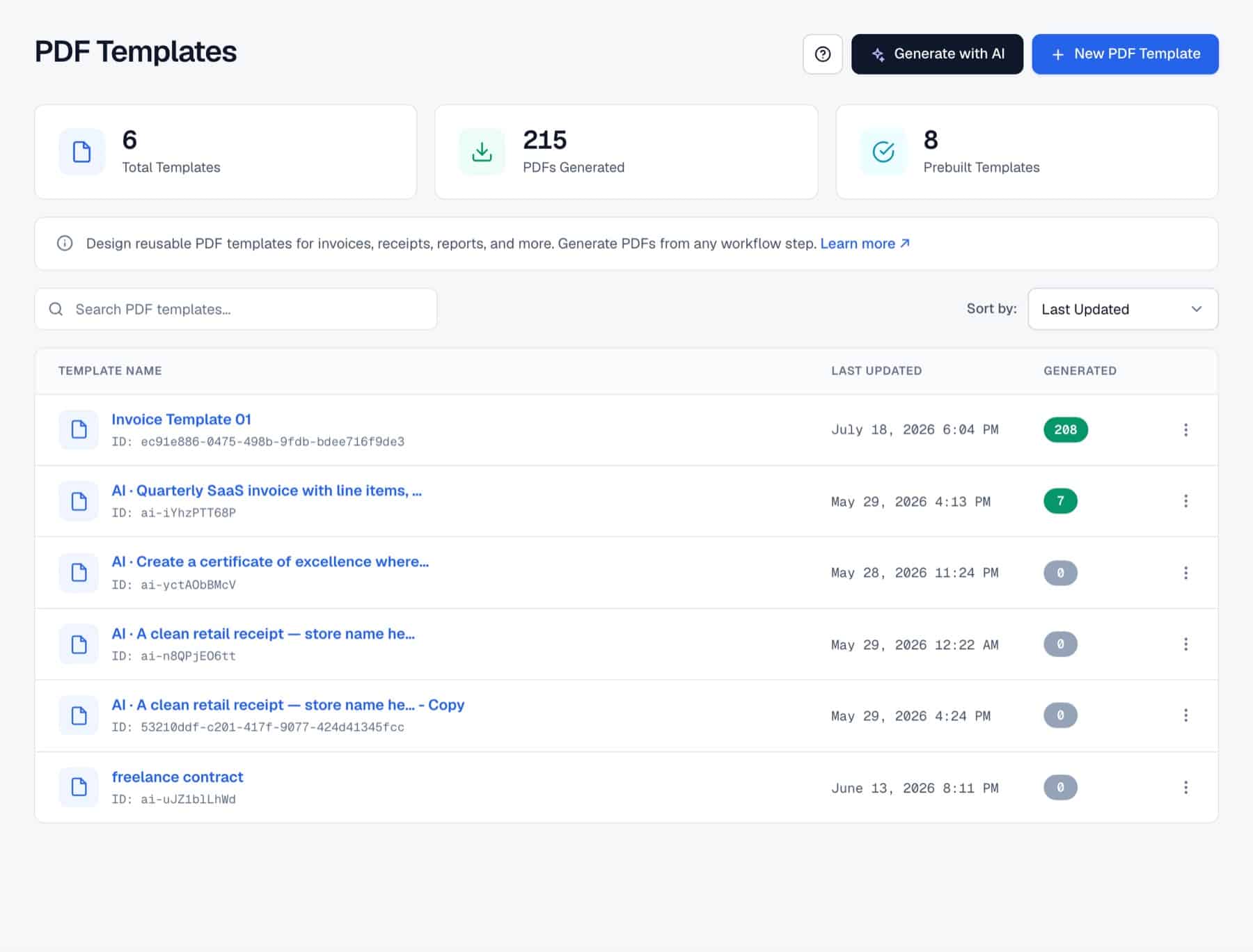
The PDF Templates screen offers starters: Invoice, Quote / Estimate, Receipt, Monthly report, Weekly status report, Proposal letter and Statement of Work, plus a blank document. You can also open Generate a PDF with AI, describe the document, and get a starter of up to three pages drafted with your own AI provider connection.
Pages are built from rows: Single, Two column, Three column or Uneven (2 · 1). Into each cell you drop elements from the Components panel. There are 25 of them:
The Paper settings set the size (Letter, A4, A5 or Legal) and orientation (Portrait or Landscape). Headers and footers repeat on every page and support Page {{page}} of {{pages}} numbering.
Each template carries sample data, a JSON object such as invoice, client, line_items and totals. The Data panel shows its shape, and the canvas previews the page with those values. Any text can hold a tag like {{invoice.number}}.
Point a Table at an array with Repeat from and it prints one row per item. A Totals element computes subtotal, tax, discount and total from those rows, and each line can carry a formula using sum(), count(), avg(), min(), max() or mul(). A visibility rule on any block prints it only when a data path is empty, not empty, truthy or falsy, so a “Paid” badge appears only on paid invoices.
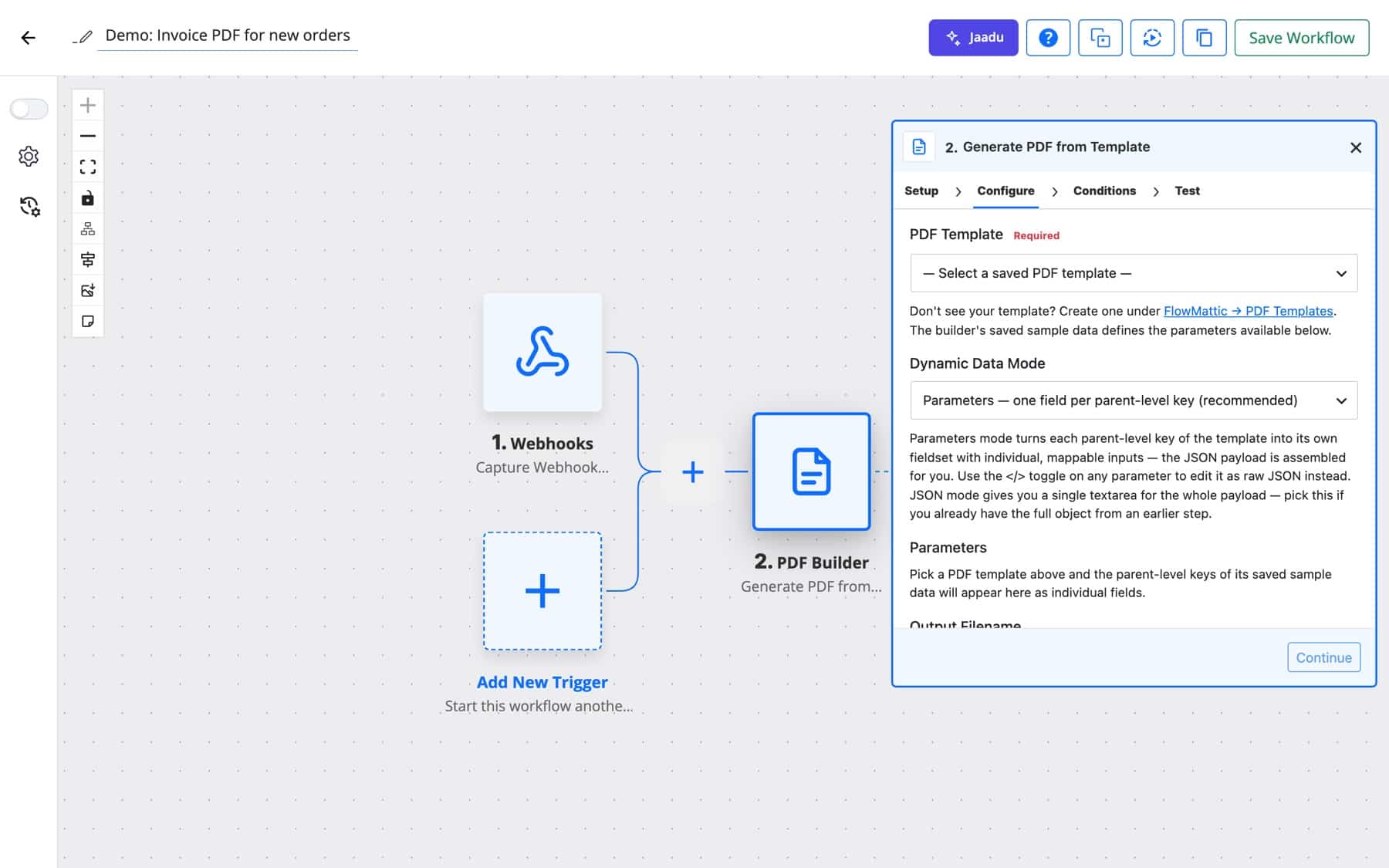
Add a step, choose PDF Builder and Generate PDF from Template, and select the template. The step reads the template’s sample data and turns each top-level key into its own mappable field, so you fill client, line_items and the rest from earlier steps. The step returns the file’s url, path, attachment_id, filename and file_size for the next step.
| Field | What it does |
|---|---|
| PDF Template | The saved template to render. Required. |
| Dynamic Data Mode | Parameters (one field per top-level key, recommended) or JSON (paste the full data object from an earlier step). |
| Parameters / Data JSON | The values to merge. Keys you leave out fall back to the template’s sample data. |
| Output Filename | Name of the file. Defaults to the template name plus a timestamp; .pdf is added if missing. |
| Save to | Media Library (dated uploads folder), Media Library — custom folder, or Raw file in uploads/flowmattic-pdfs/ with no Media Library entry. |
| Custom Folder Path | The folder inside uploads when you choose a custom folder. |
This action skips the editor and converts your own HTML and CSS, for example text an AI Agent wrote. Its fields are HTML (required), Rendering Engine, Page Size (A4, Letter, Legal, A5), Orientation, Page Margin (mm) (default 10), Output Filename and Save to.
| Rendering Engine | Behaviour |
|---|---|
| Automatic | Uses Cloudflare when configured, otherwise the built-in engine. If Cloudflare fails, it falls back so the step still returns a PDF. |
| Cloudflare Browser Rendering | Full modern CSS, flexbox, grid and web fonts. The step fails with a clear message if credentials are missing. |
| Built-in engine | No external service. Supports a subset of HTML and CSS. |
Removes a template by its id. Deleting a template that no longer exists still returns success, so cleanup workflows can run more than once safely.
Bind the order’s line items to the invoice Table and the totals to the Totals element. The customer gets a branded invoice attached to the confirmation within the same run.
WooCommerce New Order Created → Generate PDF from Template → Send Template Email
An agency keeps unpaid invoices in WP Tables. Every morning a schedule reads the unpaid rows, loops through them, renders a PDF for each and emails it to the client contact.
Schedule → WP Tables Find Multiple Records → Iterator → Generate PDF from Template → Send Email
A course-completion trigger from your LMS integration fills the learner’s name, course and date into a landscape certificate. The PDF goes out by email and a copy is uploaded to Google Drive.
LMS course completed → Generate PDF from Template → Send Email → Google Drive
A Form Builder submission with a product and a quantity renders a Quote / Estimate template with line items and totals. Northwind’s sales team gets a copy, and the visitor receives theirs at [email protected] before they close the tab.
New Form Submission → Generate PDF from Template → Send Template Email
Human in the Loop waits for a manager to approve a deal. Once approved, a Statement of Work with a Signature block is generated and the file link is stored on the deal’s table row.
Trigger → Human in the Loop → Generate PDF from Template → WP Tables Update Record
A SaaS team pulls weekly metrics from an API, asks an AI Agent to write an HTML summary, and converts it with Generate PDF from HTML using the Automatic engine. The report lands in a Slack channel.
Schedule → API request → AI Agent → Generate PDF from HTML → Slack
When support approves a refund, the workflow renders the Receipt template with the refunded amount and attaches it to the reply sent to the customer, such as Yuki Tanaka at [email protected].
Webhook → Generate PDF from Template → Send Email
{ or [ is parsed as JSON, so map a whole line-items array into one parameter.url as the File URL./wp-json/flowmattic/v1/pdf-templates/{id}/generate, streams a PDF for a user with permission to manage workflows, with optional data, variables, filename and download parameters.No. The built-in engine renders on your own server with no account or API key. Cloudflare Browser Rendering is optional and only needed when a layout relies on modern CSS the built-in engine does not support.
Start from the Invoice template, set the Table’s Repeat from to your line-items array, and let the Totals element compute subtotal, tax and total. In the workflow, map the order’s items into the line_items parameter.
In the Media Library by default, in a custom Media Library folder, or as a raw file in uploads/flowmattic-pdfs/. The step returns the URL, path and attachment id so later steps can attach, upload or store it.
Yes. Use the Generate PDF from HTML action with any HTML and CSS, choose the page size, orientation and margin, and pick the Automatic, Cloudflare or Built-in engine.
Letter, A4, A5 and Legal, in portrait or landscape. The same four sizes are available for templates and for the HTML action.
Want a WordPress PDF generator that fills your documents in for you? Read more on the PDF Template Builder page and choose a FlowMattic plan to start generating PDFs from your workflows.
Reply to a webhook with data from the run: String, JSON or XML bodies, any HTTP status from 200 to 599, extra…
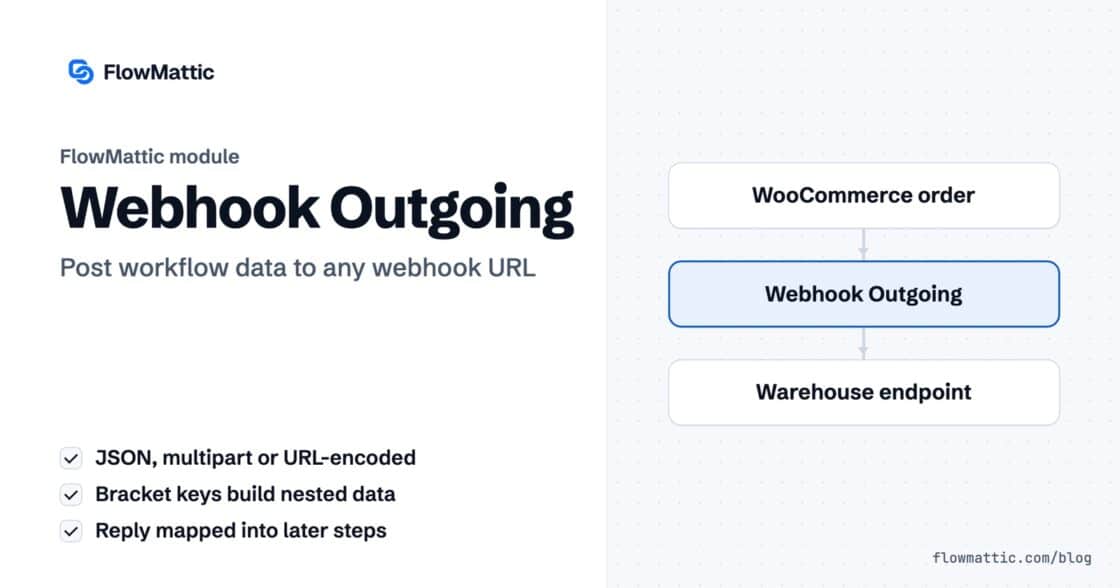
Post workflow data to any webhook URL as JSON, multipart form data or URL-encoded fields, with nested bracket keys and the receiver's…
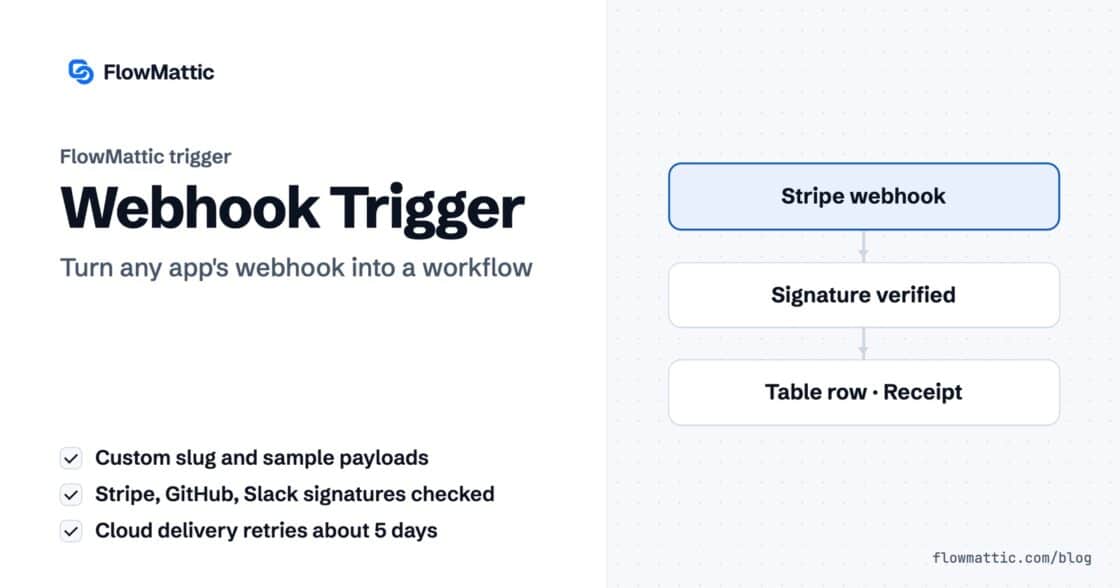
Give any app a URL on your WordPress site and turn each request into a workflow run, with signature checks, sample payloads…