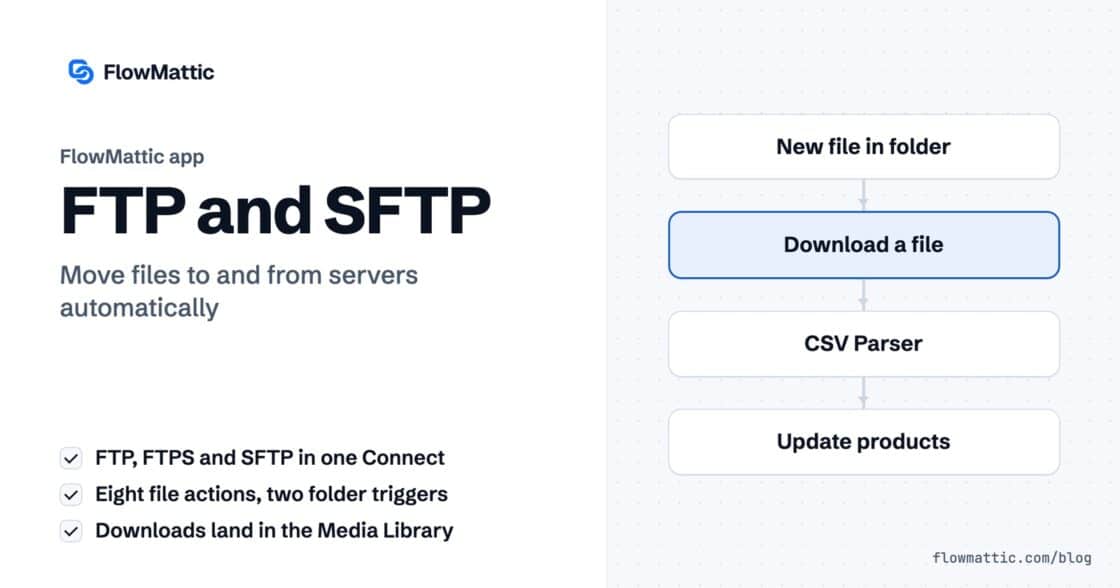
FTP automation in WordPress: upload, download and watch folders
The FTP app uploads, downloads, moves and deletes files on FTP, FTPS and SFTP servers from any workflow, and starts workflows when…


A WordPress link shortener is most useful when nobody has to remember to use it. FlowMattic’s Link Shortener module turns any long URL into a short fmtk.in link as a workflow step, so a new post, an order or a booking can arrive in an SMS, a social post or a printed QR code with a link that fits.
You can also use your own branded domain, such as go.example.com, so short links carry your name instead of a generic one.
Link Shortener is a built-in action app in the FlowMattic workflow builder with one action, Shorten URL: “Shorten a long URL using fmtk.in (Intended to provide convenience, not security).” It sits with the other data tools in the app picker.
The step sends the long URL to FlowMattic’s fmtk.in service and returns the short link. It needs an active FlowMattic license; without one, the step stops with a message asking you to activate or renew.
go.example.com.short_url into the message, post or record that follows.
| Field | What it does |
|---|---|
| URL to Shorten | The long URL. Required, and it must be a complete, valid URL including https://; otherwise the step returns “Invalid URL format provided.” |
| Custom Domain (Optional) | Your own short domain. The step swaps fmtk.in in the short link for this domain. Leave it empty to use fmtk.in. |
On success the step returns status, long_url and short_url. On failure it returns status: error with an error message you can catch with a Filter or Router.
The step only rewrites the domain in the link it returns, so your domain has to point at the shortener first. The custom domain setup guide, linked from the step, walks through it: add a CNAME record for a subdomain such as go pointing to fmtk.in, wait for DNS to update, and, if you use Cloudflare, set SSL/TLS to Full. Then enter the subdomain in the step and run a test to check the link opens.
When a post is published, shorten its permalink and send it to your social channels, where a compact link reads better.
WordPress: new post → Link Shortener → Social post
Carrier tracking URLs are long. Shorten the link before an order update goes out by SMS so the message stays short and readable.
WooCommerce: order status changed → Link Shortener → SMS
Agencies can give each client their own short domain and keep it in the step’s Custom Domain field, so links in campaign reports and newsletters carry the client’s brand.
Scheduler → API request (report links) → Iterator → Link Shortener → Email report
A shorter URL produces a less dense QR code. Shorten a campaign URL first, then turn it into a QR code for a flyer or poster.
Form submission → Link Shortener → QR Generator → Email to designer
Add UTM parameters to the landing page URL with the Text Formatter, then shorten the result. Your analytics tool attributes the visits, and the link stays tidy in the message.
New campaign row → Text Formatter → Link Shortener → WP Tables: update row
When a support workflow suggests a help article, shorten the article URL before it goes into a chat or WhatsApp reply.
Webhook (new ticket) → AI Agent: pick article → Link Shortener → Send reply
example.com/page fails; https://example.com/page works.short_url once in a table and reuse it.Yes. Point a subdomain at fmtk.in with a CNAME record, then enter it in Custom Domain (Optional). The short links returned by the step will use your domain.
No. The Link Shortener is built into FlowMattic and uses fmtk.in with your active FlowMattic license. There is no extra API key to add.
Start a workflow with the WordPress new post trigger, add the Link Shortener step with the post permalink in URL to Shorten, and send short_url to wherever you share posts.
The step doesn’t return click statistics. Add UTM parameters to the destination URL before shortening and measure the visits in your analytics tool.
A WordPress link shortener that runs inside your workflows saves a manual step on every post and message. See the FlowMattic plans to get started.
The FTP app uploads, downloads, moves and deletes files on FTP, FTPS and SFTP servers from any workflow, and starts workflows when…
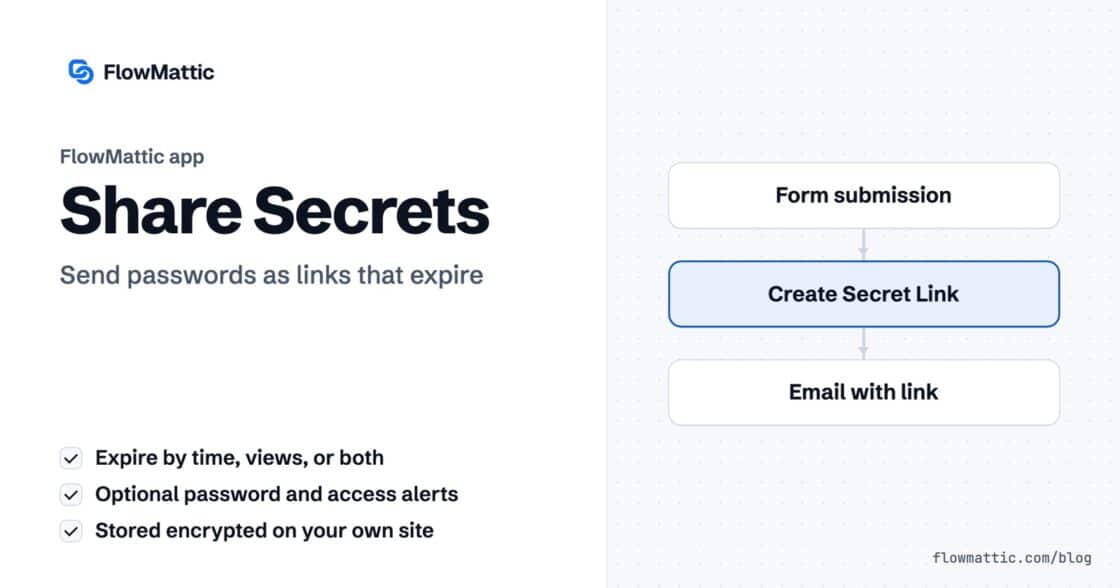
Share Secrets turns a password or API key into a link that expires after a set time, a set number of views,…
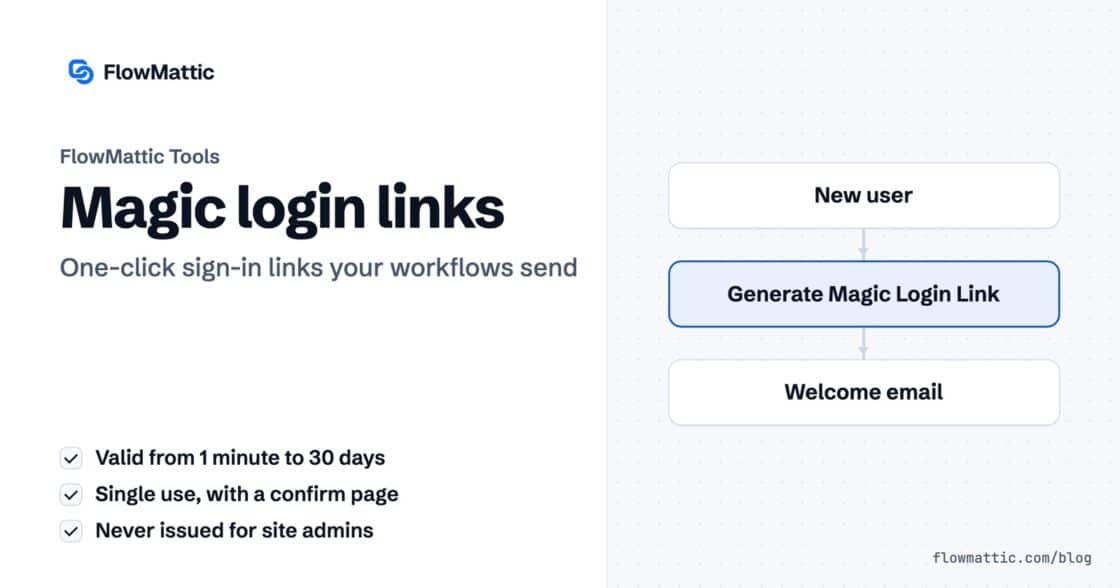
Generate Magic Login Link creates single-use sign-in links from any workflow, valid from 1 minute to 30 days, with a confirmation page…