FTP automation in WordPress: upload, download and watch folders
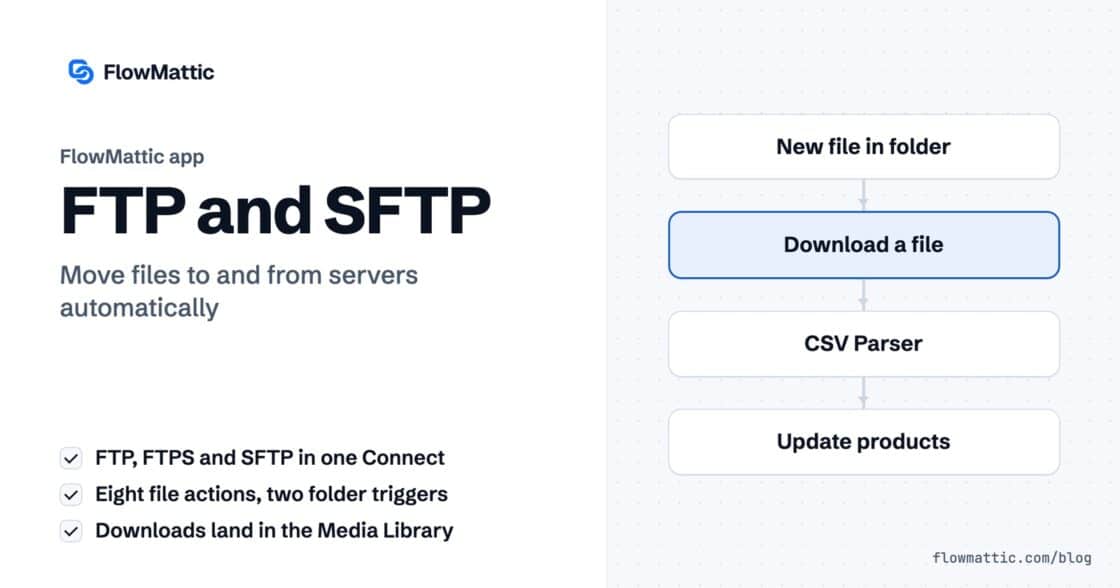
The FTP app uploads, downloads, moves and deletes files on FTP, FTPS and SFTP servers from any workflow, and starts workflows when…


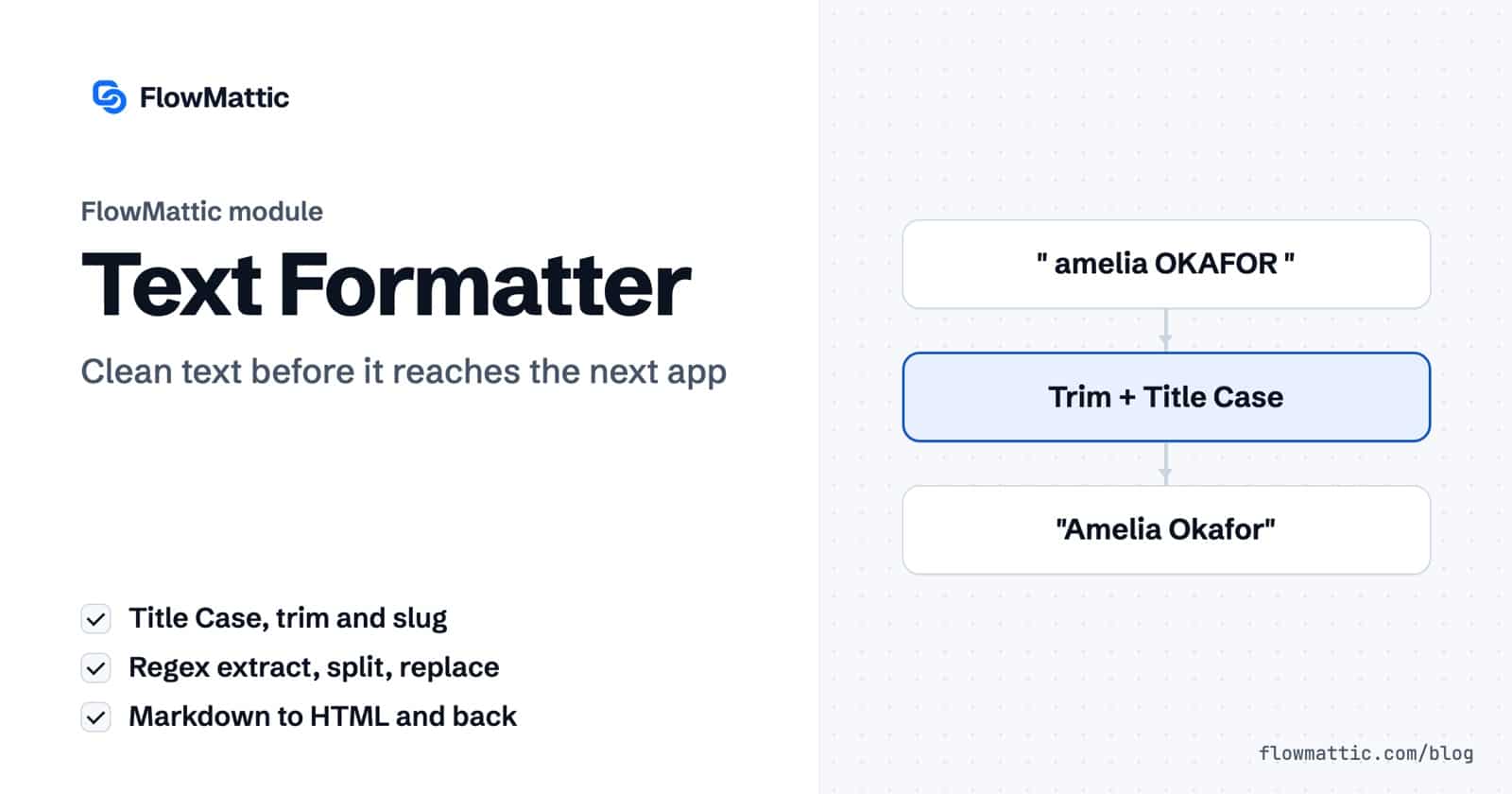
Data rarely arrives the way the next app wants it. Names come in shouting capitals, emails hide inside paragraphs, and a webhook sends one field where you need three. The FlowMattic Text Formatter fixes this inside the workflow: fourteen actions that change case, extract, split, replace, trim, encode and convert text between the trigger and the action.
It is for anyone who maps form entries, order notes, emails or AI output into other apps and wants them clean on arrival. This guide walks through each text formatter action, the fields it uses and the fields it returns, then shows seven workflows that put it to work.
Text Formatter by FlowMattic is a built-in action app in the workflow builder. You add it as a step, pick an action, map text from the trigger or an earlier step, and the result becomes a field the following steps can use. It runs on your own server and adds no per-task cost.
result or value, are now available to every later step.
| Action | Fields | Output |
|---|---|---|
| Extract Pattern | Content, Pattern (a regular expression without the enclosing slashes), Combine Results? | result_0, result_1…, and combined_result |
| Find in Text | Content, Search String | result: the position of the first match, counting from 0 |
| Replace Text | Content, Search For, Replace With | result with every match replaced |
| Basic Formatting | Content, Formatting Method | result, or numbered fields for the extract methods |
| Split Text | Content, Separator, Segment Index | result, or item_0… and all_items for All |
| Text Between | Content, Start Text, End Text | result: the text between the first pair |
| Default Value | Field, Default Value | value: the field, or the default when it is empty |
| Truncate | Content, Max Length, Skip Characters, Append Ellipsis?, Custom Ellipsis Text | value |
| URL Encode | Content, Convert space to plus? | result |
| URL Decode | Content, Convert plus to spaces? | result |
| Join Lines | Content, Separator, Trim Lines?, Remove Empty Lines? | result and line_count |
| HTML to Markdown | HTML Content, Save to Media Library?, File Name | result, plus file_url and attachment_id when saved |
| Markdown to HTML | Markdown Content | result |
| Generate Slug | Content, Separator | result, a URL-friendly slug |
The Formatting Method list has thirteen options:
number_0, email_0, phone_0 or url_0 and onward.Split Text takes [space] for a space. Join Lines defaults to \n and accepts [space], [tab] and [comma]. Generate Slug uses a hyphen unless you set another separator, such as an underscore. Split Text’s Segment Index can be First, Second, Last, Second to Last or All; All returns every piece plus an all_items list ready for an Iterator.
Form entries arrive as ” amelia OKAFOR “. Trim White Space removes the stray spaces and Title Case fixes the capitals, so the CRM shows “Amelia Okafor”.
Flow: Form Builder New Form Submission → Basic Formatting (Trim White Space) → Basic Formatting (Title Case) → HubSpot Create Contact
A checkout sends one name field but the email platform wants two. Split Text on [space] with First gives the first name, and a second Split Text with Last gives the surname.
Flow: WooCommerce New Order Created → Split Text (First) → Split Text (Last) → Google Sheets Add New Row
Customers write “Order #4821 never arrived”. Extract Pattern with #(\d+) picks out the number, and the workflow looks the order up before alerting support.
Flow: Email Parser Email Received → Extract Pattern → WooCommerce Get Order by ID → Slack Send Channel Message
A marketing team turns campaign names into slugs, “Autumn Sale 2026” into “autumn-sale-2026”, and cuts a 160-character excerpt with an ellipsis for social posts.
Flow: Google Sheets New Spreadsheet Row → Generate Slug → Truncate → WordPress New Post
Some leads skip the company field, and the CRM rejects an empty value. Default Value swaps in “Not provided” only when the field is empty.
Flow: Form Builder New Form Submission → Default Value → HubSpot Create Contact
An AI agent writes in Markdown. Markdown to HTML makes it ready for WordPress, and an agency keeps a Markdown copy of every published post in the Media Library with HTML to Markdown.
Flow: AI Agent Execute Agent → Markdown to HTML → WordPress New Post
An internal request form has a box where staff paste one SKU per line. Join Lines with [comma] and Remove Empty Lines? set to Yes produces a clean comma-separated list for the inventory API.
Flow: Form Builder New Form Submission → Join Lines → API by FlowMattic POST
all_items list from Split Text.Add a step with the Basic Formatting action, map the text into Content and set Formatting Method to Title Case. The formatted text is returned in the result field.
Yes. Extract Pattern takes a regular expression in the Pattern field, written without the enclosing slashes. Every match is returned as its own field, and Combine Results? joins them into one.
Use Basic Formatting with the Extract Email Address method. Each address found is returned as email_0, email_1 and so on.
It is one of FlowMattic’s built-in data tools. See FlowMattic pricing and let your workflows clean text before it lands.
The FTP app uploads, downloads, moves and deletes files on FTP, FTPS and SFTP servers from any workflow, and starts workflows when…
Share Secrets turns a password or API key into a link that expires after a set time, a set number of views,…
Generate Magic Login Link creates single-use sign-in links from any workflow, valid from 1 minute to 30 days, with a confirmation page…