Workflow logs in WordPress: Task History, re-execute and debug
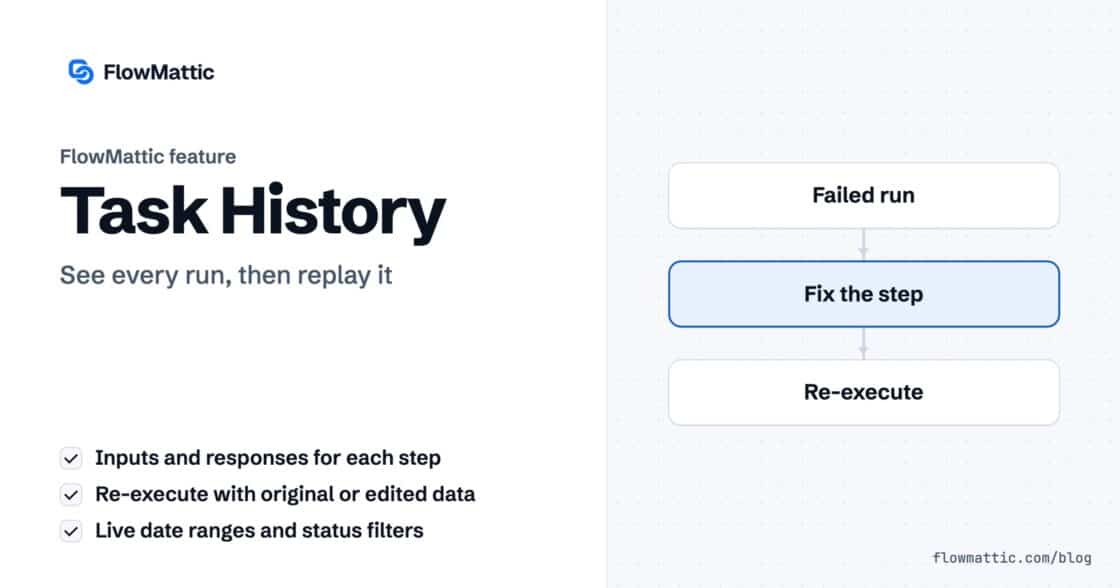
Task History records every run and every step, with inputs and responses, and lets you re-execute a run, a single step or…


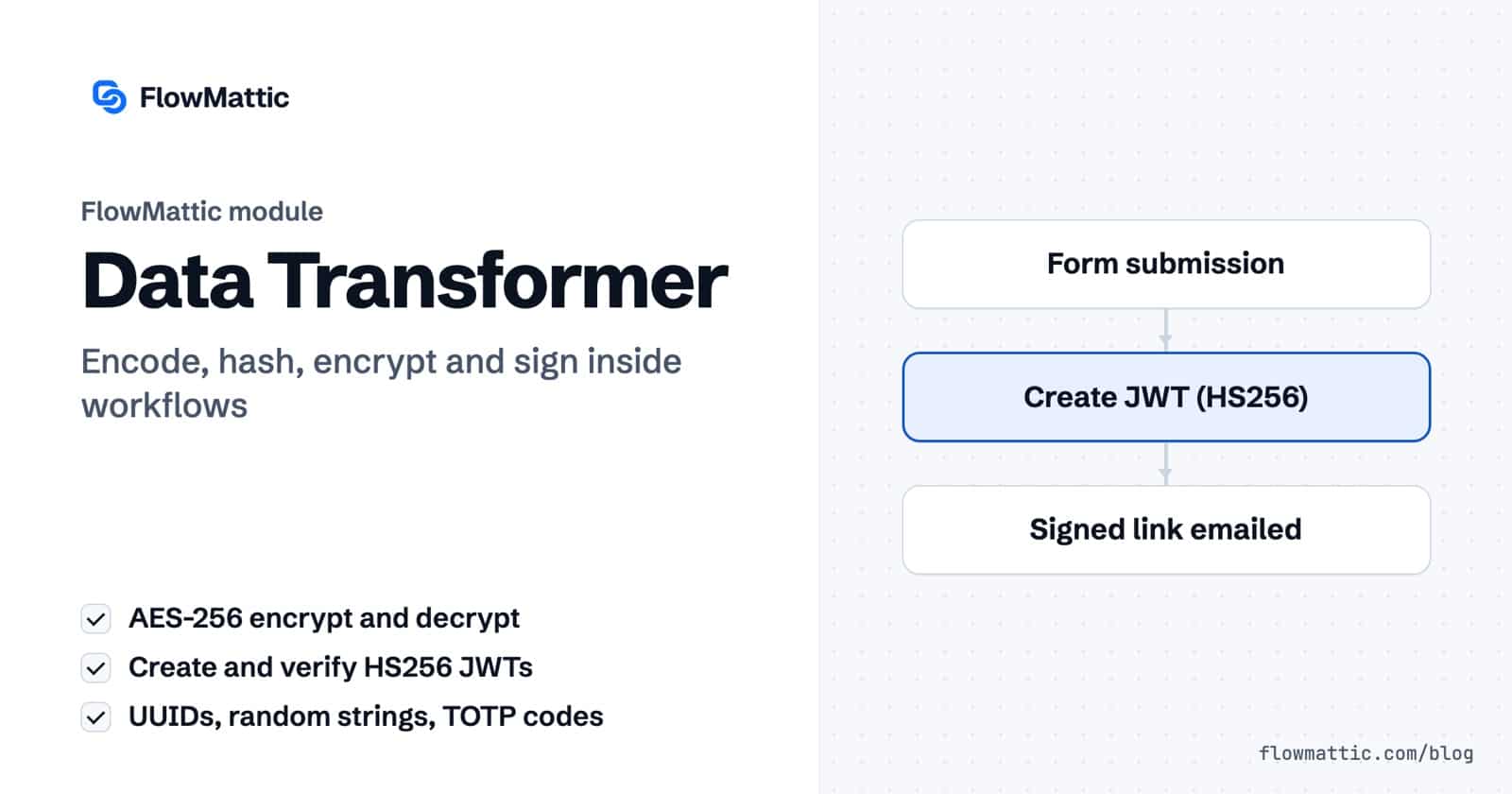
The Data Transformer is FlowMattic’s toolbox for changing a value’s form without changing its meaning: encode it, hash it, encrypt it, sign it, or generate a fresh ID or code. Seventeen actions cover the jobs that otherwise send people to a PHP snippet, from Base64 and SHA256 to AES-256 encryption, JSON Web Tokens and one-time passwords.
It is for anyone wiring WordPress to APIs and services that expect data in a particular shape: developers signing webhook payloads, store owners generating coupon codes, agencies issuing access links, and teams that need to keep a value private while it moves between steps. FlowMattic 7.3.0 added seven of the seventeen actions.
Data Transformer by FlowMattic is a built-in action app in the workflow builder. Each action takes text from the trigger or an earlier step, transforms it, and returns the result in a response field you map into later steps. It runs on your own server, so values never leave your site to be transformed.
response, plus any extra fields the action returns, into the next steps.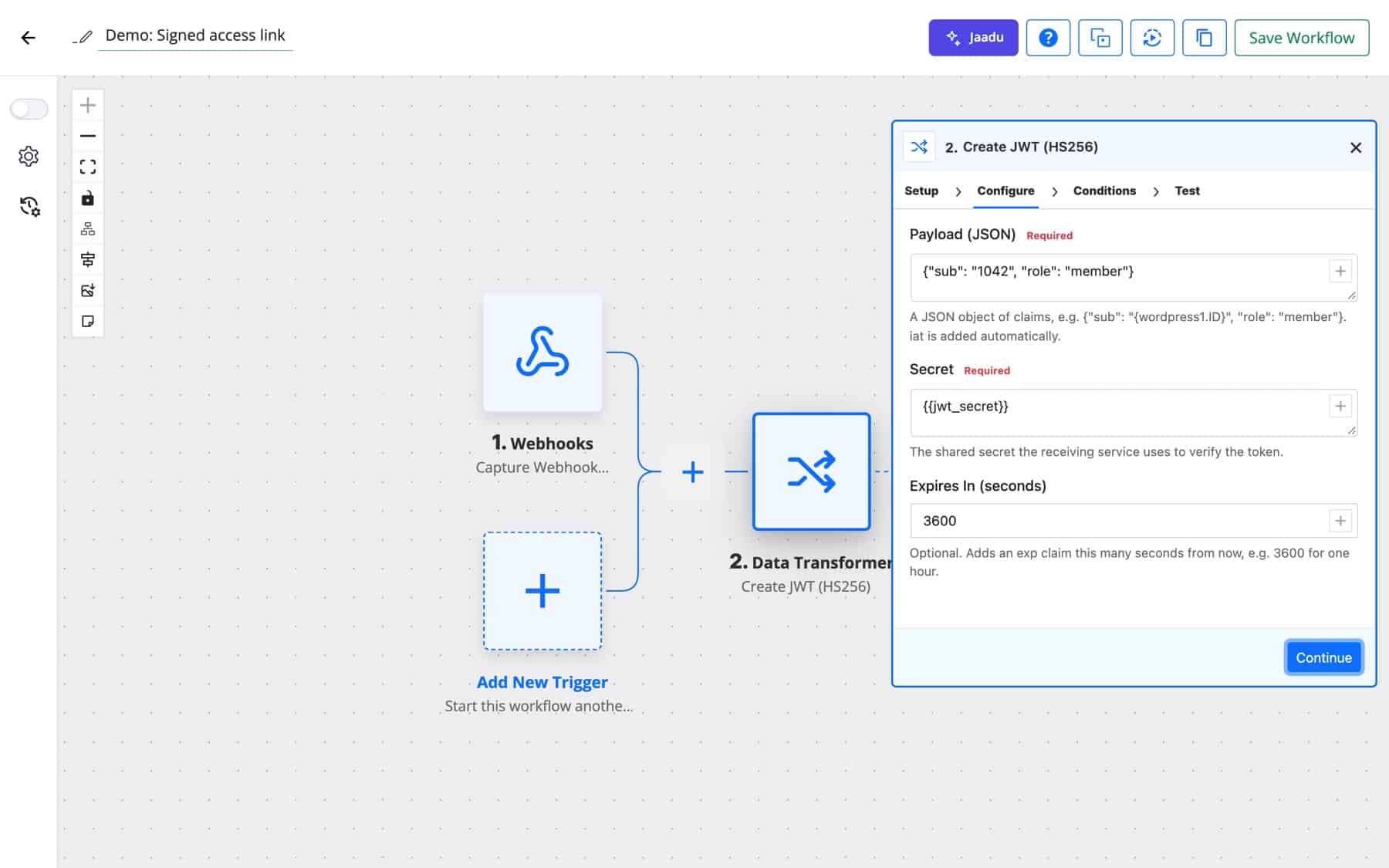
| Action | Fields | What it returns |
|---|---|---|
| HTML Encode / HTML Decode | Content | Text with HTML entities encoded, or decoded |
| Base64 Encode / Base64 Decode | Content | Base64 text, or the decoded original. Invalid Base64 is an error. |
| SHA256, SHA1, SHA512, MD5 | Content | The hash as hexadecimal text |
| HMAC SHA256 | Content, Key | The HMAC-SHA256 signature as hexadecimal text |
| Strip Tags | Content, Allowed Tags | Text with HTML tags removed, except the ones you allow |
| Generate UUID | None | A new random version 4 UUID on every run |
| Generate Random String | Length, Characters | A random string, 1 to 256 characters (default 32) |
| Encrypt (AES-256) | Text to Encrypt, Secret Key | Encrypted text, Base64 encoded |
| Decrypt (AES-256) | Encrypted Text, Secret Key | The original text |
| Create JWT (HS256) | Payload (JSON), Secret, Expires In (seconds) | The signed token, plus expires_at |
| Verify JWT (HS256) | Token, Secret | valid, reason, payload and one payload_<claim> field per claim |
| Generate TOTP Code | Secret (Base32), Digits, Period (seconds) | The current code and seconds_remaining |
Characters offers six sets: Letters and numbers (the default), Letters only, Uppercase letters and numbers (no look-alikes such as O and 0), Numbers only, Hexadecimal, and Letters, numbers and symbols. The uppercase set suits coupon codes people type; the symbols set suits passwords. Characters are picked with PHP’s cryptographically secure random generator.
Encrypt (AES-256) uses AES-256-GCM. Your Secret Key can be any passphrase; it is turned into a 256-bit key with PBKDF2 and a random salt, and each encryption uses a fresh random IV, so the same text encrypts differently every time. Decrypt needs the same key, and fails with “The key is wrong or the text was changed” if either is off. The server needs the OpenSSL PHP extension.
Create JWT (HS256) signs a JSON object of claims with a shared secret. It adds iat (issued at) for you, and Expires In (seconds) adds an exp claim, for example 3600 for one hour. Verify JWT (HS256) always completes as a step and reports valid as yes or no with a reason: ok, invalid_signature, expired, not_yet_valid or malformed. That makes it easy to branch on with a Router.
Generate TOTP Code follows RFC 6238, the standard authenticator apps use. Give it the Base32 secret shown when two-factor login is set up (spaces and dashes are ignored), choose 6 or 8 Digits, and set Period (seconds) if the service uses something other than 30.
When an order completes, Acme generates a ten-character uppercase code with no look-alike characters, creates the coupon, and emails it to the customer.
Flow: WooCommerce Order Status Set to Completed → Generate Random String → WooCommerce Create Coupon → Send Email
A SaaS partner checks an HMAC signature on every request. The workflow signs the payload with the shared key and sends the signature as a header on the API call.
Flow: Webhook → HMAC SHA256 → API by FlowMattic POST
An agency sends clients a link to a private report. The workflow creates a JWT with the client’s ID and a one-day expiry; a second workflow verifies the token when the link is opened and routes on valid.
Flow: Form Builder New Form Submission → Create JWT (HS256) → Send Email; Webhook → Verify JWT (HS256) → Router
A clinic’s intake form collects a field the team should not read in a table view. The workflow encrypts it before saving the row, and a staff-only workflow decrypts it on request.
Flow: Form Builder New Form Submission → Encrypt (AES-256) → WP Tables New Record
Many payment and shipping APIs accept an idempotency key so a resent request is not processed twice. A fresh UUID per run, sent as a header, does the job.
Flow: WooCommerce New Order Created → Generate UUID → API by FlowMattic POST
An operations team’s reporting service requires a one-time code for its API login. A scheduled workflow generates the current code from the account’s secret and logs in.
Flow: Schedule Every Day → Generate TOTP Code → API by FlowMattic POST
Post content arrives full of markup. Strip Tags removes it, keeping only the tags you list, so the AI agent works on readable text and spends fewer tokens.
Flow: WordPress New Post → Strip Tags → AI Agent Execute Agent
******** in the inputs Task History shows. HMAC SHA256 records its Key as entered, so limit who can view Task History.{"sub":"1042","role":"member"}, not a list or plain text.valid result.Add a Data Transformer step with the Generate UUID action. It needs no settings and returns a new random version 4 UUID in the response field every time it runs.
AES-256-GCM with a key derived from your passphrase (PBKDF2 with a random salt) and a random IV per encryption. Decrypt (AES-256) reverses it with the same key and detects text that was changed.
Yes, HS256 tokens with a shared secret. Create JWT (HS256) adds an issued-at time and an optional expiry; Verify JWT (HS256) checks the signature, expiry and not-before time and returns each claim as a field.
Generate Random String accepts 1 to 256 characters. Leave Length empty and you get 32.
It is one of FlowMattic’s built-in data tools, and it costs nothing per run. See FlowMattic pricing to start transforming data inside your workflows.
Task History records every run and every step, with inputs and responses, and lets you re-execute a run, a single step or…
DNS / Domain Tools adds seven checks to any workflow: DNS, reverse DNS, MX, email domain, SSL certificate, HTTP headers and open…
The FTP app uploads, downloads, moves and deletes files on FTP, FTPS and SFTP servers from any workflow, and starts workflows when…