

Create Todoist tasks from new Airtable records
Each new record in your Airtable base becomes a Todoist task with the record’s name, notes, owner and due date. It suits teams that plan work in Airtable but get their day done in Todoist. After import, choose the base and table to watch, pick the Todoist project, and match the field names to your table’s columns.
 Airtable
 Todoist
2 steps Setup ~5 min Used on 3.2k sites Productivity Free to import
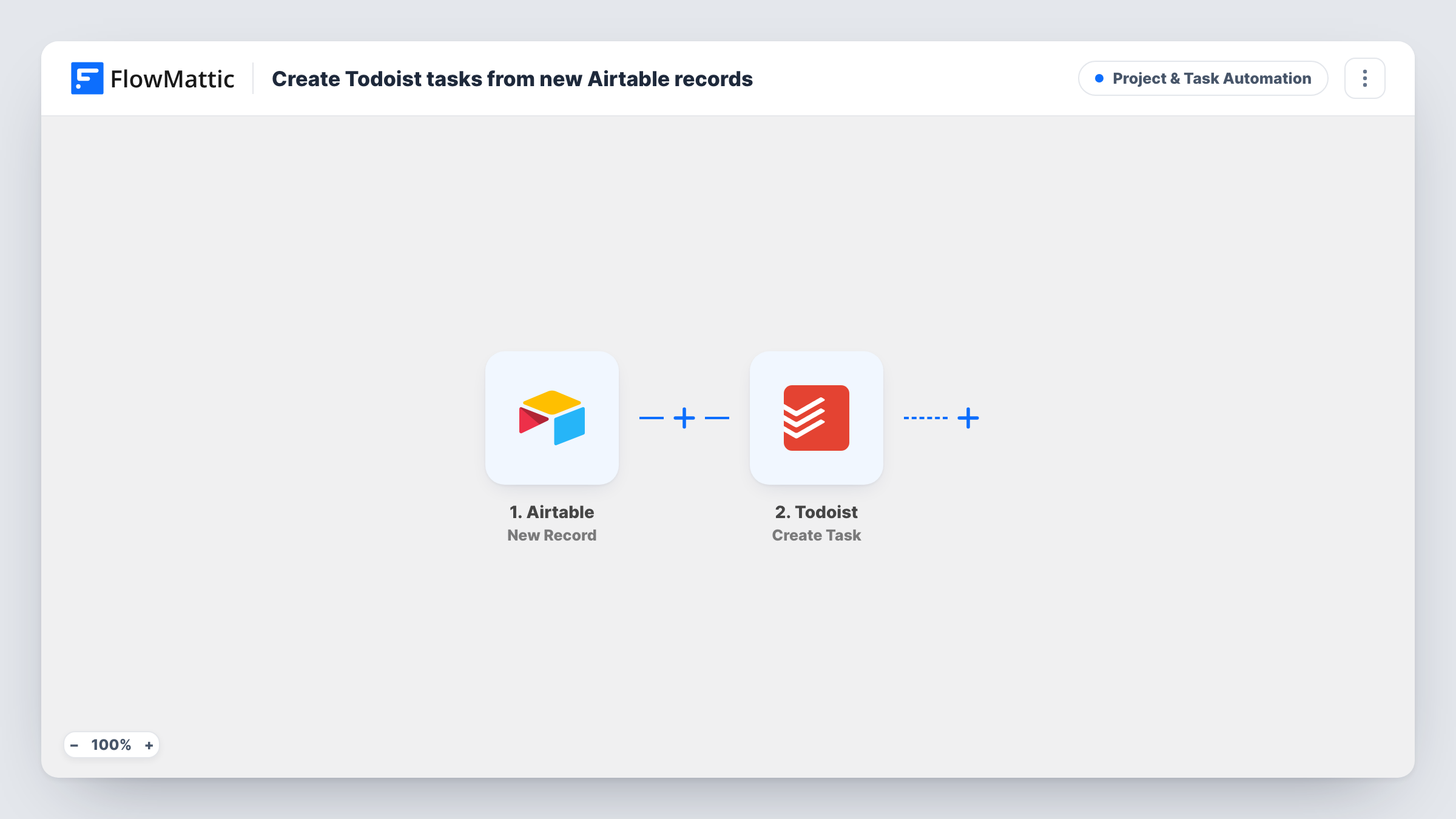
How this workflow runs
What happens at each step once the workflow is on, and what you need before you import it.
 Airtable New Record
The workflow starts automatically when a new record is created in Airtable. FlowMattic captures that data for the steps below.
- Todoist Create Task
Todoist — creates a new task. Data is mapped from earlier steps; connect your Todoist account on import.
What you need
- FlowMatticCore
- Airtable AccountAccount
- Todoist AccountAccount
After importing, map your own data. To keep the template universal, not every step is pre-filled. Open each step in the builder and connect your accounts and fields (channels, lists, sheets, recipients) before you switch the workflow on.
More Project & Task Automation workflows
Other ready-to-import templates from the same category.




Import this workflow into your WordPress site
Download the JSON, import it from the Workflows screen and connect your accounts. Every run stays on your server, with no per-task fees.
30-day money-back guarantee Unlimited workflows and runs Self-hosted