

Add Typeform booking requests to Google Calendar as events
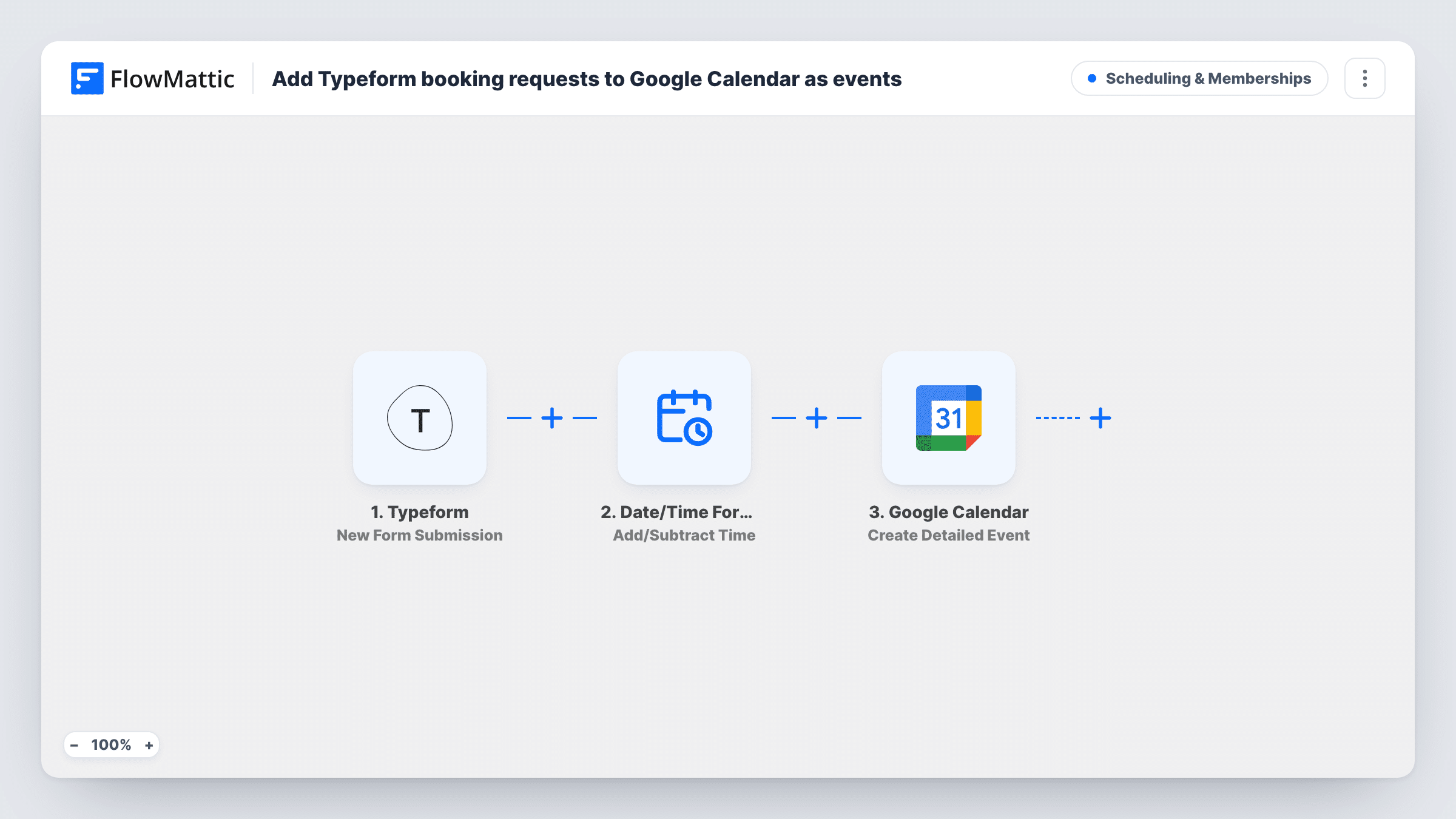
When someone requests a session through Typeform, FlowMattic works out the end time and adds a Google Calendar event that invites them. Coaches, consultants and tutors get booked sessions on their calendar without retyping. After import, match the date and time questions on your form, and change the session length or timezone.
 Typeform
 Date/Time Formatter
 Google Calendar
3 steps Setup ~5 min Used on 3.2k sites Community Free to import
How this workflow runs
What happens at each step once the workflow is on, and what you need before you import it.
 Typeform New Form Submission
The workflow starts whenever a "New Form Submission" event happens in Typeform, capturing its data for the steps below.
- Date/Time Formatter Add/Subtract Time
Date/Time Formatter — manipulate a date and/or time by adding/subtracting days, months, years, hours, minutes, seconds. Data is mapped from earlier steps; connect your Date/Time Formatter account on import.
- Google Calendar Create Detailed Event
Google Calendar — creates a new event with detailed options. Data is mapped from earlier steps; connect your Google Calendar account on import.
What you need
- FlowMatticCore
- Typeform AccountAccount
- Google Calendar AccountAccount
After importing, map your own data. To keep the template universal, not every step is pre-filled. Open each step in the builder and connect your accounts and fields (channels, lists, sheets, recipients) before you switch the workflow on.
More Scheduling & Memberships workflows
Other ready-to-import templates from the same category.






Import this workflow into your WordPress site
Download the JSON, import it from the Workflows screen and connect your accounts. Every run stays on your server, with no per-task fees.
30-day money-back guarantee Unlimited workflows and runs Self-hosted