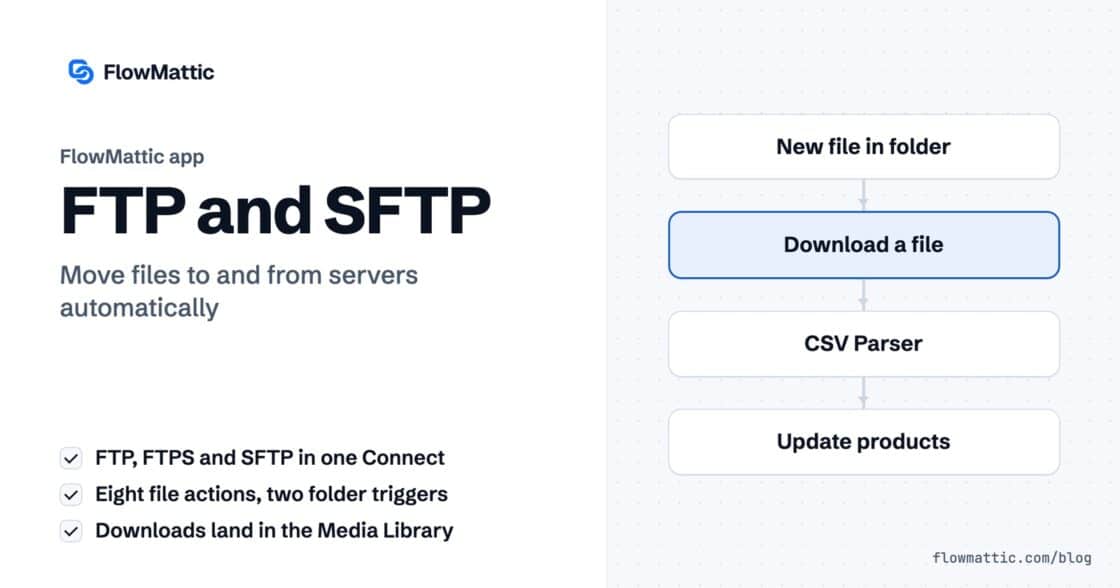
FTP automation in WordPress: upload, download and watch folders
The FTP app uploads, downloads, moves and deletes files on FTP, FTPS and SFTP servers from any workflow, and starts workflows when…


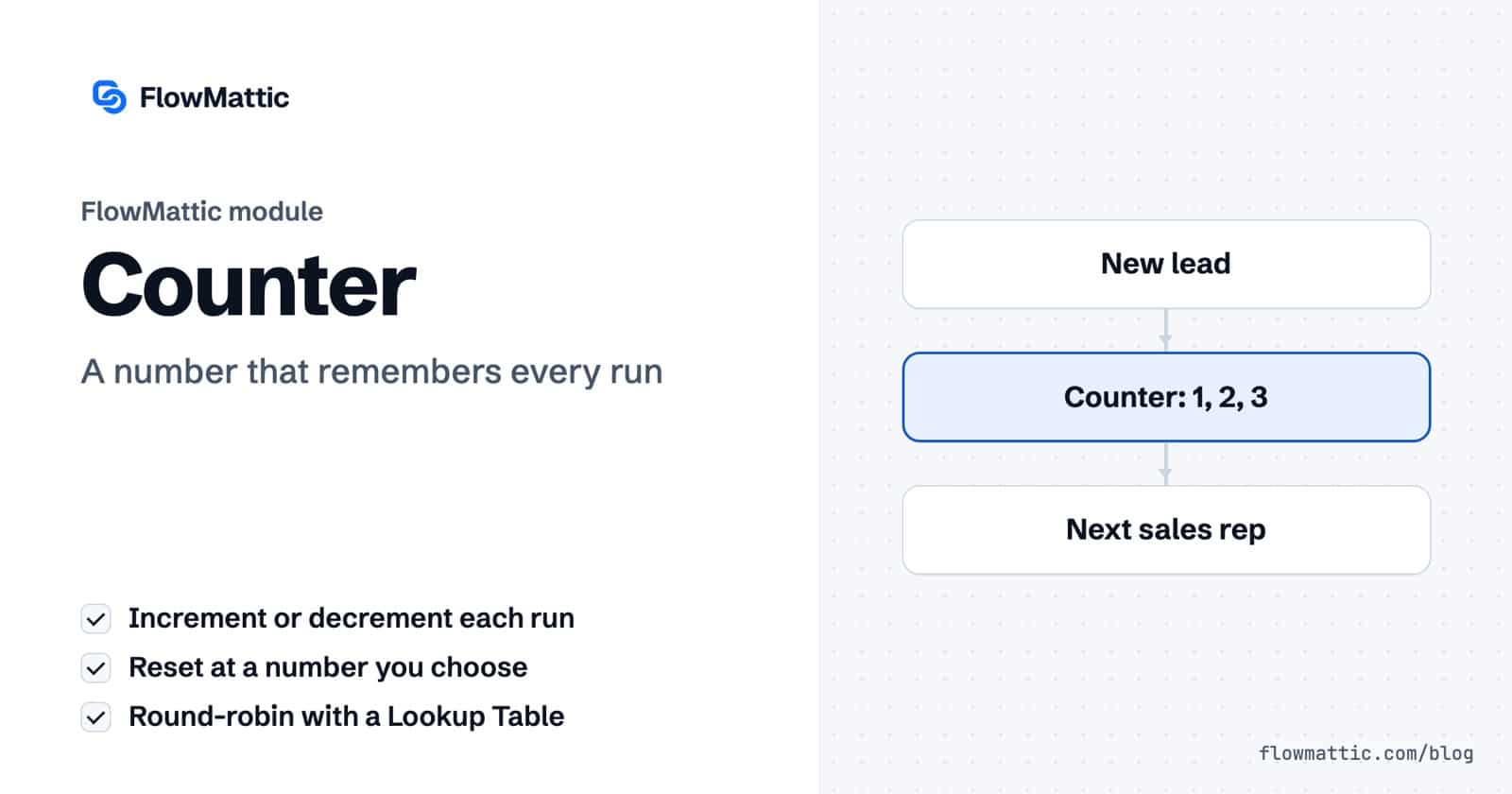
A workflow counter keeps a number that survives from one run to the next. FlowMattic’s Counter module adds to it or subtracts from it every time the workflow runs, and can reset it at a number you choose. That one number is enough to share leads in turn, reward every hundredth order or count down the last few places on a list.
It is a small module, but it answers a question most automations can’t: “How many times has this happened?” No spreadsheet or custom field is needed to hold the count.
Counter is a built-in action app in the FlowMattic workflow builder, described as “Store workflow execution count.” It has two actions:
The current number is stored in your WordPress database, one counter per workflow. You will find Counter with the other data tools in the app picker.
final_value into later steps.
final_value: the counter after this run. This is the field you will use most.initial_value and change_by_value: the settings used.reset_counter_after: the reset point, when reset is on.On the first run there is no stored number yet, so the counter starts from the Initial Value and applies the change straight away. With Initial Value 1, Change Value By 1 and Reset Counter After 3, the runs return 2, 3, 1, 2, 3, 1 and so on. When the stored value has reached the reset point, the next run returns the Initial Value instead of adding.
The decremental counter mirrors this. With Initial Value 10, Change Value By 1 and Reset Counter After 0, the runs return 9, 8 and so on down to 0, then 10 again.
The help text calls this running something “in round-robin fashion”. A counter cycling through three numbers feeds a Lookup Table that maps 1, 2 and 3 to Priya Sharma, Yuki Tanaka and Amelia Okafor.
Form submission → Counter (reset after 3) → Lookup Table → CRM: assign owner
Count WooCommerce orders with Initial Value 0, Change Value By 1 and no reset, and let a Filter continue only when final_value equals 100. The hundredth paid order gets the coupon.
WooCommerce: order paid → Counter → Filter: final_value = 100 → Create coupon → Email
An early-bird offer is open to the first 50 sign-ups. A decremental counter with Initial Value 50 returns 49, 48 and so on, so the first 50 runs get 49 down to 0. A Router sends the early-bird email while final_value is 0 or higher and the standard one after.
Form submission → Counter (decremental) → Router → Email A or Email B
For a simple split test, cycle between 1 and 2 and route each run to a different subject line. Compare the results in your email tool.
New subscriber → Counter (reset after 2) → Router → Email version 1 or 2
Support teams can spread new tickets evenly. Each run picks the next agent from the cycle and assigns the ticket in the helpdesk.
Email received → Counter → Lookup Table → Helpdesk: assign ticket
Marketing teams that announce every new post can rotate through four caption styles, so the feed doesn’t repeat itself.
WordPress: new post → Counter (reset after 4) → Lookup Table → Social post
final_value.Add an Incremental Counter with Reset on Execution set to Yes and Reset Counter After equal to the number of people. Then map final_value to a person with a Lookup Table and assign the record to them.
In your own WordPress database, one value per workflow. It persists between runs until the reset rule sends it back to the Initial Value.
The first run starts from the Initial Value and applies the change straight away, so Initial Value 1 with a change of 1 returns 2. With a reset, the cycle still covers every number from the Initial Value to the reset point; it simply starts one step in, so map every value in the cycle.
Yes. Choose Decremental Counter. It subtracts Change Value By on each run and, with reset on, returns to the Initial Value once it reaches the Reset Counter After number.
A workflow counter is a small step that makes fair rotation and milestones easy. Pick a FlowMattic plan and start counting.
The FTP app uploads, downloads, moves and deletes files on FTP, FTPS and SFTP servers from any workflow, and starts workflows when…
Share Secrets turns a password or API key into a link that expires after a set time, a set number of views,…
Generate Magic Login Link creates single-use sign-in links from any workflow, valid from 1 minute to 30 days, with a confirmation page…