

Add a subscriber in Campaign Monitor when a new user is created in WordPress
Every new WordPress user account is added as a subscriber to the Campaign Monitor list you pick, so members, customers and students can get your emails from day one.
 WordPress
 Campaign Monitor
2 steps 17 downloads Setup ~5 min Used on 1.9k sites Marketing Free to import
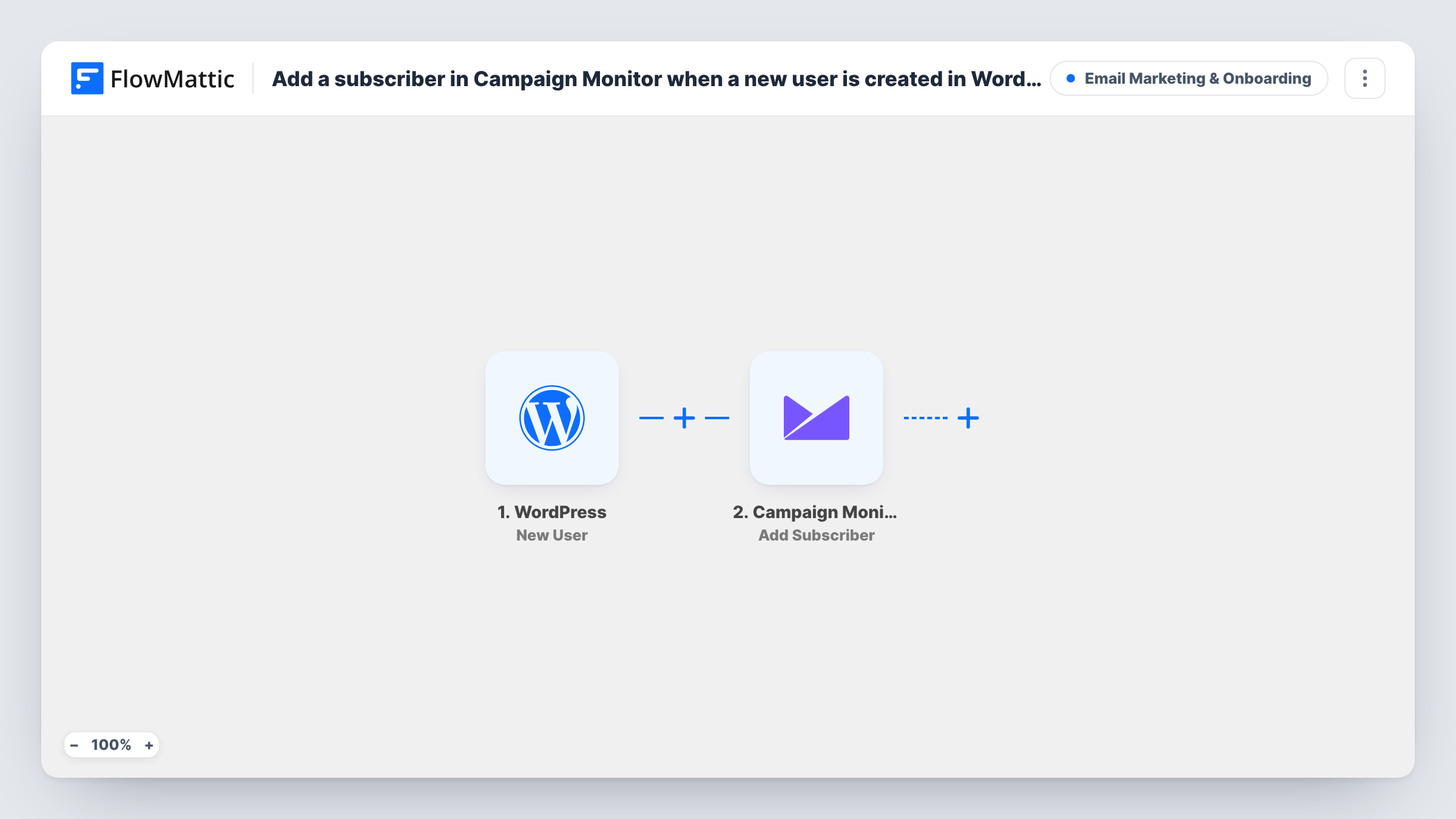
What this workflow does
Your WordPress users and your email list tend to drift apart: people register for an account, a course or a store login, and only some of them ever reach your mailing list. This workflow adds each new account to a Campaign Monitor list as it is created, so you can greet and update those people with the campaigns you already send.
The WordPress New User trigger fires whenever an account is registered on your site, whether the person signs up through a form or an administrator adds them in the dashboard. FlowMattic passes the user's details, such as the email address and name, to Campaign Monitor.
The Add Subscriber step ships without mapping. After import you connect your Campaign Monitor account, choose the list, and map the user's email and name fields into it. Keeping a separate list for site users makes it easy to send them their own welcome series later.
Because every new account triggers a run, think about whether you want test users, staff or customers who didn't ask for marketing email on the list. A Filter on the user role, or a consent field from your registration form, keeps the list clean. Task History shows each run and Campaign Monitor's response.
Welcome series for new members
A membership site adds each new account to a Campaign Monitor list that starts an onboarding email sequence explaining how to use the members area.
Course students on a separate list
An LMS site keeps students who register for a login on their own list, so course announcements don't go to the general newsletter audience.
Store accounts for product news
A shop whose customers create accounts at checkout sends product launches to that list in Campaign Monitor.
How this workflow runs
What happens at each step once the workflow is on, and what you need before you import it.
 WordPress New User
Fires each time a new user account is registered in WordPress, including accounts an administrator creates. The user's email, name and other profile details are passed on.
- Campaign Monitor Add Subscriber
Adds the new user as a subscriber to a Campaign Monitor list. The step ships unmapped: connect your account, pick the list, then map the user's email address and name.
What you need
- FlowMatticCore
- Campaign Monitor AccountAccount
After importing, map your own data. To keep the template universal, not every step is pre-filled. Open each step in the builder and connect your accounts and fields (channels, lists, sheets, recipients) before you switch the workflow on.
Make it yours
Changes worth making after you import it.
- Put a Filter between the New User trigger and the Add Subscriber step that continues only for the role you want on the list, such as subscriber or customer, so staff accounts stay off it.
- If your registration form saves a marketing consent field to the user, check it in that same Filter between the trigger and Add Subscriber, so only people who opted in reach Campaign Monitor. The field is yours to pick.
- Create a dedicated Campaign Monitor list for WordPress users, which lets you build automations in Campaign Monitor that start when someone joins it.
Questions about this workflow
Are accounts I create in the WordPress dashboard added too?
Yes. The New User trigger runs for every new account, whether the person registers themselves or an administrator creates it. To leave some out, put a Filter on the user role between the New User trigger and the Add Subscriber step.
Which details does Campaign Monitor receive?
Whatever you map in the Add Subscriber step. The template leaves it empty, so after import you choose the list and map at least the user's email address, plus the name if you want it.
What if the email is already on my Campaign Monitor list?
Campaign Monitor decides how to handle an address it already holds. Run a test with an existing subscriber's email and check the response in Task History.
Will existing WordPress users be added when I turn this on?
No. Only accounts created after the workflow is active start a run. Import your current users into Campaign Monitor separately if you want them on the list.
More Email Marketing & Onboarding workflows
Other ready-to-import templates from the same category.







Import this workflow into your WordPress site
Download the JSON, import it from the Workflows screen and connect your accounts. Every run stays on your server, with no per-task fees.
30-day money-back guarantee Unlimited workflows and runs Self-hosted