

Nudge members before their trial ends and alert the team in Slack
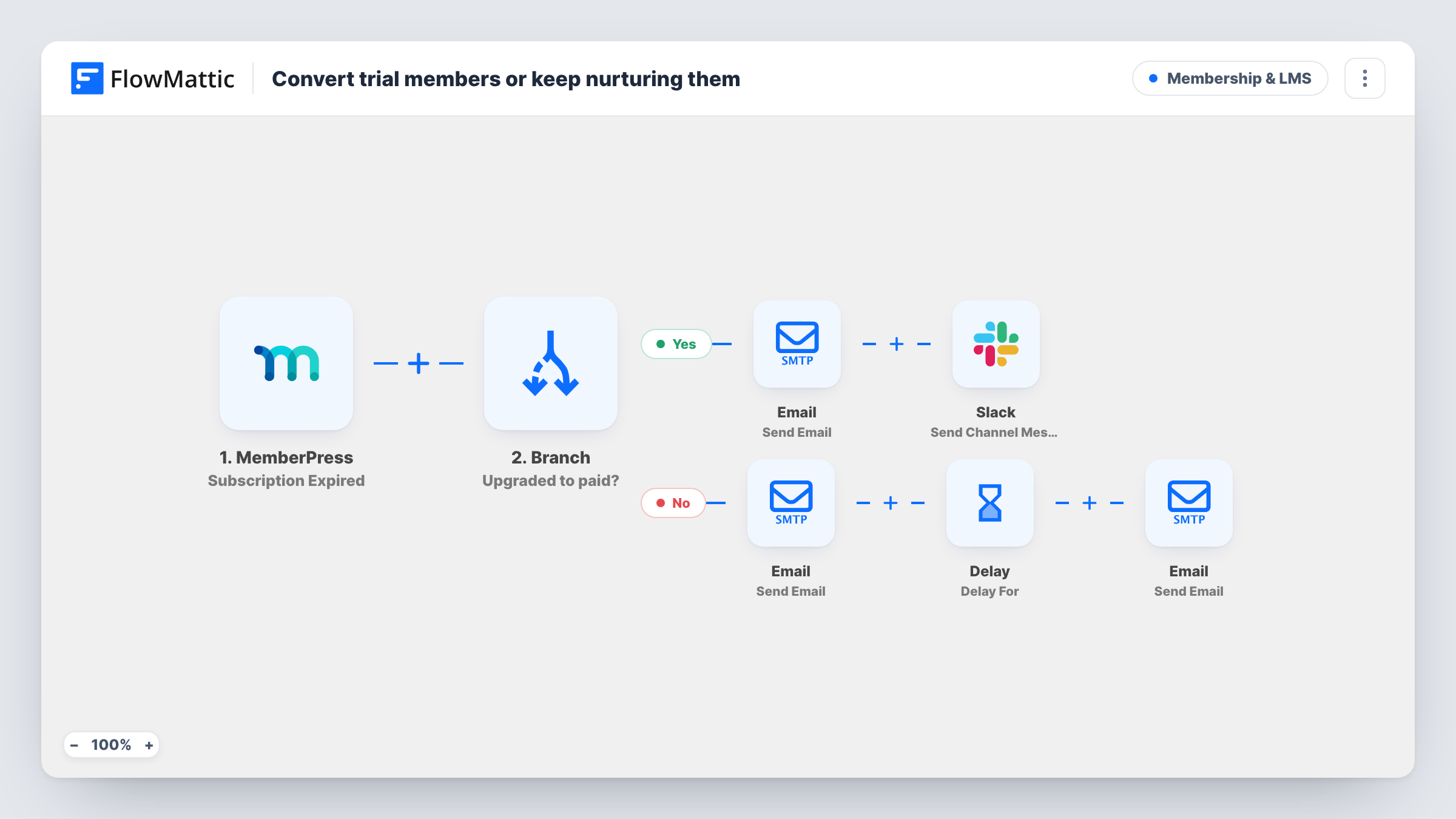
When a MemberPress trial-ending reminder fires, the member gets an email asking them to stay, your team sees a Slack note, and three days later a second email lists what upgrading adds.
 MemberPress
 Email
Email
 Slack
Slack
 Delay
Delay5 steps Setup ~8 min Used on 3.0k sites Community Free to import
What this workflow does
A free trial is the moment a member decides whether to pay, and a reminder that only says the trial is ending leaves the decision to chance. This workflow pairs MemberPress's own trial reminder with two emails from you and a heads-up for the team, so someone can follow up personally with members who look worth a call.
The MemberPress trigger fires whenever a Before Subscription Trial Ends reminder fires, so the timing comes from the reminder you set up in MemberPress. FlowMattic's Email module then sends the first email to the member's address. Its subject mentions 20% off, but the body only says "here's a nudge to continue" with their first name and holds no code or link, so add your offer before you turn the workflow on.
Next, a Slack message tells your channel whose trial is ending, by first name. A Delay then waits three days, and a second email with the subject "One more reason to upgrade" goes to the same address. Its body is one short sentence, so write out the benefits you want to name.
Nothing checks whether the member upgraded in those three days, so the second email goes out either way. Time the MemberPress reminder so three days later still falls before the trial ends, or the follow-up arrives after it.
Online course with a seven-day trial
A course site sets its MemberPress reminder a week ahead of the trial end, so members get the discount email, then the benefits email three days later, while the trial is still running.
Community manager follow-up
A paid community posts each trial ending in Slack so the community manager can send a personal welcome to members who have been active.
Software membership upsell
A plugin shop sells access through MemberPress and uses the second email to list the premium features trial members haven't tried yet.
How this workflow runs
What happens at each step once the workflow is on, and what you need before you import it.
 MemberPress Before Subscription Trial Ends
Fires when a MemberPress Before Subscription Trial Ends reminder fires. The member's email address and first name are passed to the emails and the Slack message.
 Email Send Email
Emails the member with the subject "Your trial ends soon - here's 20% off" and a short line using their first name. Add the discount code or checkout link to the body, since the template's text has neither.
- Slack Send Channel Message
Posts a Slack message to the channel you choose, telling the team a trial is ending and giving the member's first name.
- Delay Delay For
Waits three days before the last step. Change the number of days to fit the gap between your MemberPress reminder and the trial's end date.
- Email Send Email
Sends a second email to the member, subject "One more reason to upgrade". The body is a single sentence about what upgrading adds, so replace it with your own list of benefits.
What you need
- FlowMatticCore
- MemberPress PluginPlugin
- Slack AccountAccount
After importing, map your own data. To keep the template universal, not every step is pre-filled. Open each step in the builder and connect your accounts and fields (channels, lists, sheets, recipients) before you switch the workflow on.
Make it yours
Changes worth making after you import it.
- Set the MemberPress reminder to fire at least four days before the trial ends, so the email after the three-day Delay still reaches members while their trial is active.
- Add the member's email to the Slack message as well as the first name, so the team can tell members with the same first name apart.
- If the subject keeps the 20% off, create the coupon in MemberPress first and paste its code into the first email.
- For a private team channel, swap the Slack step for the Send Private Channel Message action.
Questions about this workflow
When does the MemberPress trial reminder trigger fire?
When a Before Subscription Trial Ends reminder you set up in MemberPress fires. The workflow follows that reminder's timing, so change the reminder in MemberPress to send earlier or later.
Does the second email stop if the member upgrades during the Delay?
No. As imported, nothing checks the subscription after the Delay, so the second email is sent to everyone whose reminder fired, including members who have already upgraded.
Is the 20% discount created by this workflow?
No. Only the subject line mentions it. Create the coupon in MemberPress and add the code to the first email, or change the subject if you don't run an offer.
Which email account sends the trial emails?
FlowMattic's Email module, using WordPress mail or the SMTP connection you configure in it. Send a test to yourself to check the emails don't land in spam.
More Membership & LMS workflows
Other ready-to-import templates from the same category.







Import this workflow into your WordPress site
Download the JSON, import it from the Workflows screen and connect your accounts. Every run stays on your server, with no per-task fees.
30-day money-back guarantee Unlimited workflows and runs Self-hosted