

Text your sales team when a new contact form comes in
Each Contact Form 7 submission triggers a Twilio text to your sales phone with the visitor’s name, phone number and subject, so a rep can see the lead without checking email.
 Contact Form 7
 Twilio
2 steps Setup ~5 min Used on 563 sites Growth Free to import
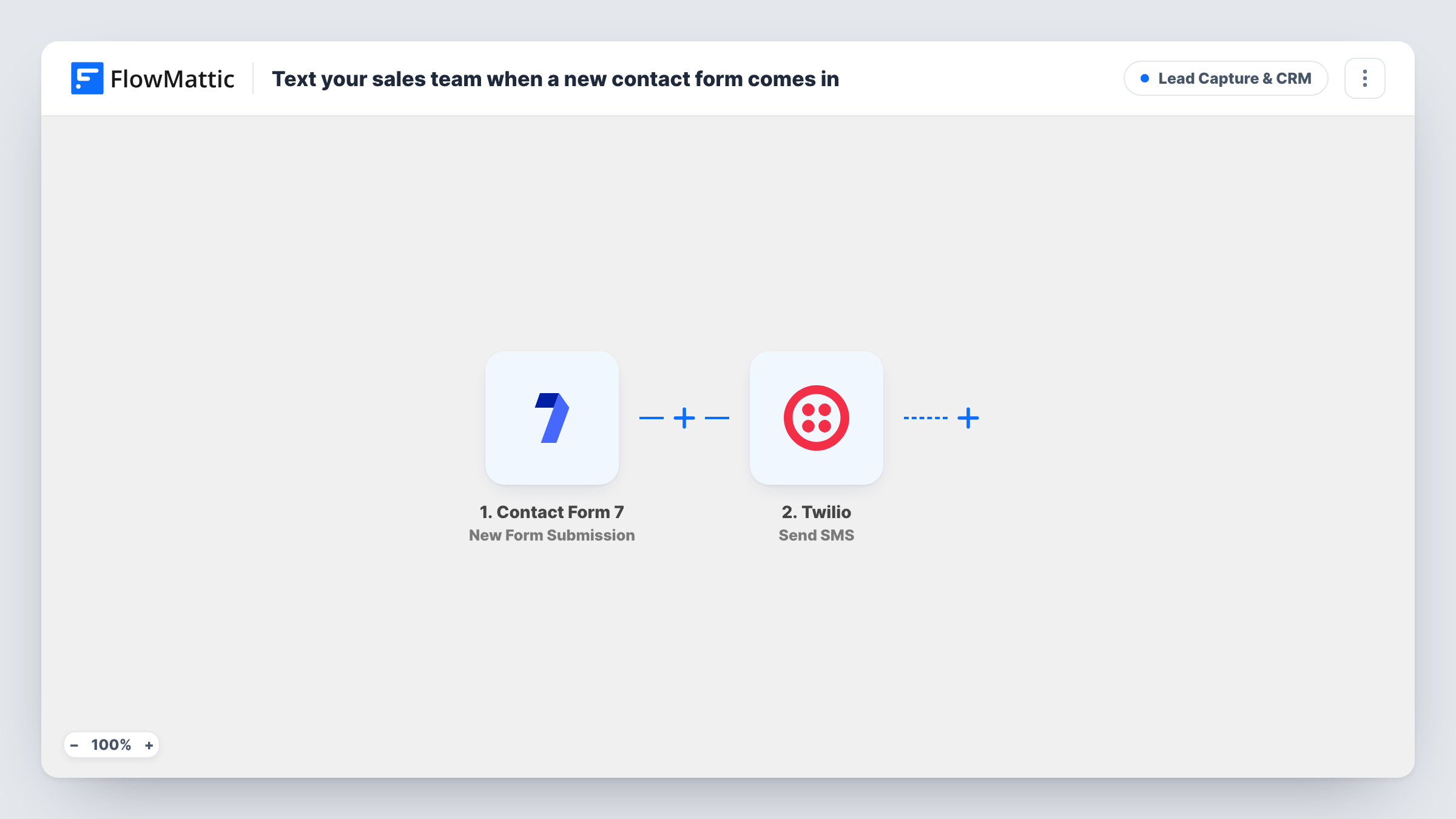
What this workflow does
Contact Form 7 emails each submission to an inbox, and a salesperson out of the office may not see it for hours. A text message reaches them on their phone. This workflow sends one through Twilio for every form that comes in.
The Contact Form 7 trigger fires when a visitor submits a form on your site. FlowMattic then uses Twilio to send an SMS reading "New lead:" followed by the visitor's name, phone number and subject.
The recipient in the template is a placeholder number, so replace it with your rep's mobile number before you turn the workflow on. The message also expects your form to have fields called name, phone and subject. Contact Form 7's default form uses different names and has no phone field, so add one if you need it and remap the message after a test submission.
Each text is logged in Task History, with Twilio's response if the message could not be sent.
Local service business
A plumber's website has a call-back form. The owner gets each request as a text while on a job and can phone the customer back between visits.
Real estate enquiries
An agent's listing page has a Contact Form 7 enquiry form. Each enquiry arrives as a text with the buyer's number, ready to call.
Small sales team on the road
Reps who spend the day at client sites get new website leads by SMS instead of waiting until they're back at a laptop.
How this workflow runs
What happens at each step once the workflow is on, and what you need before you import it.
 Contact Form 7 New Form Submission
Runs when a visitor submits a Contact Form 7 form on your site. The template's text uses the name, phone and subject answers from that form.
- Twilio Send SMS
Sends an SMS through your Twilio account with the lead's name, phone number and subject. Replace the placeholder recipient number with your rep's mobile and connect Twilio on import.
What you need
- FlowMatticCore
- Contact Form 7 PluginPlugin
- Twilio AccountAccount
After importing, map your own data. To keep the template universal, not every step is pre-filled. Open each step in the builder and connect your accounts and fields (channels, lists, sheets, recipients) before you switch the workflow on.
Make it yours
Changes worth making after you import it.
- Make the phone field required in Contact Form 7 (use tel* in the form tag) so every text includes a number to call back.
- Need to alert two reps? Add a second Twilio Send SMS step with a different recipient number.
- If the site has several Contact Form 7 forms, add a Filter after the trigger so only sales enquiries send a text, not newsletter or support forms.
Questions about this workflow
Do I need a Twilio account to get Contact Form 7 leads by SMS?
Yes. The text is sent through your Twilio account and a sending number on it. Connect the account in the Twilio step after import.
Does Contact Form 7 still send its email?
Yes. The workflow only listens for submissions and leaves the form's mail settings unchanged, so the text arrives alongside the usual email.
Why does my text show blank values?
The message expects fields named name, phone and subject. If your form uses other names, such as the default your-name, remap them in the Twilio step after a test submission.
Who receives the text as imported?
Nobody real. The recipient is a placeholder number, so the workflow won't reach your team until you replace it with a real mobile number.
More Lead Capture & CRM workflows
Other ready-to-import templates from the same category.






Import this workflow into your WordPress site
Download the JSON, import it from the Workflows screen and connect your accounts. Every run stays on your server, with no per-task fees.
30-day money-back guarantee Unlimited workflows and runs Self-hosted