

Save every FlowMattic Forms submission as a row in Supabase
Each submission to your FlowMattic form is inserted as a new row in a Supabase leads table, with the visitor’s name, email and phone, so your leads live in Postgres.
 Form Builder
 Supabase
2 steps Setup ~5 min Used on 3.3k sites Databases & Sync Free to import
What this workflow does
If your app, dashboard or sales tooling reads from Supabase, the leads your website collects should end up there too. FlowMattic's own form builder runs inside WordPress, so the shortest route is straight from the form to the database. This workflow writes each submission as a row.
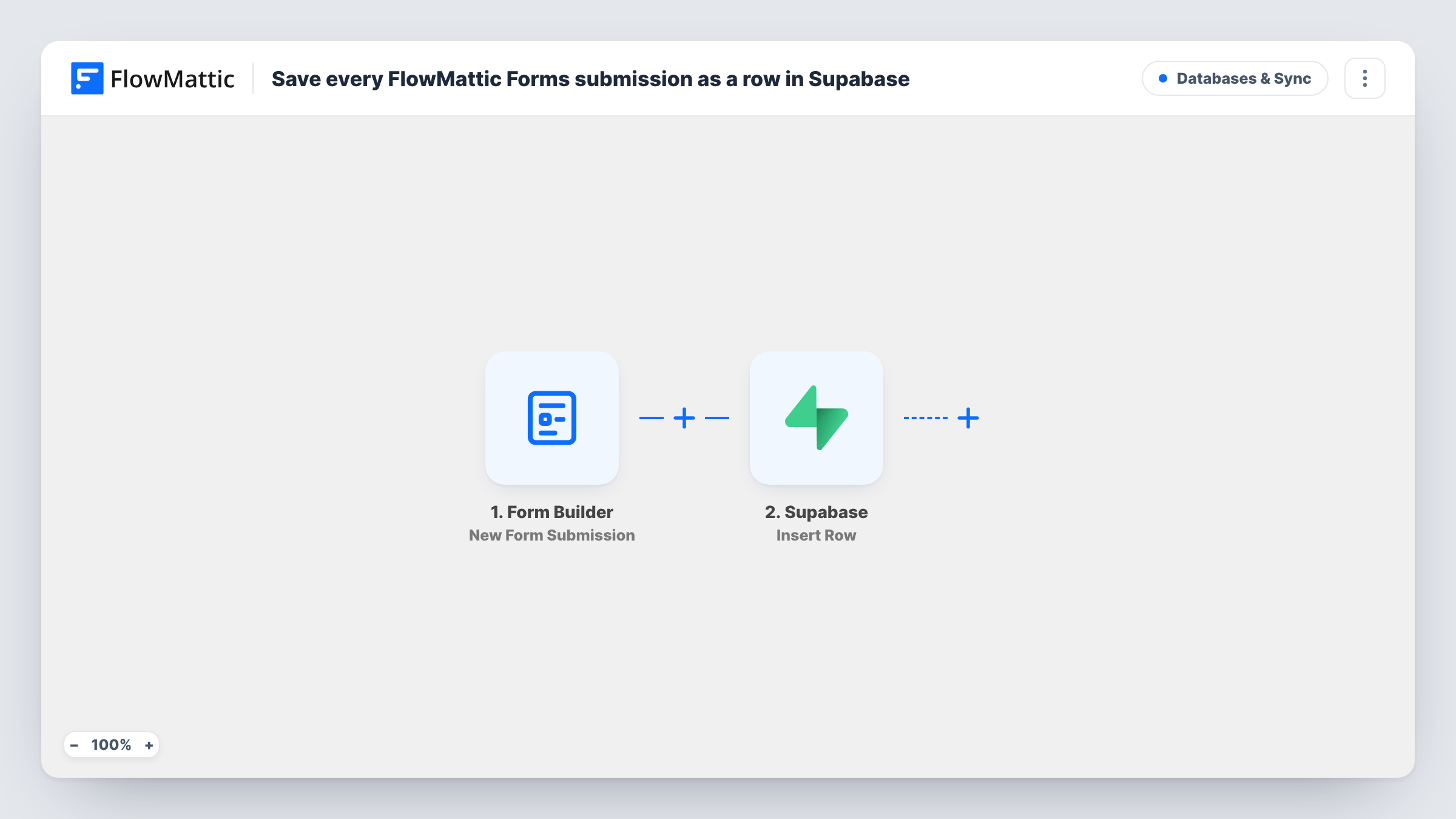
The FlowMattic Forms trigger fires whenever the form you select receives a new submission, and every field value becomes workflow data. FlowMattic then runs Insert Row in Supabase on a table named leads. The form's name, email and phone fields fill the columns name, email and phone.
Set up the leads table with those columns before you turn the workflow on, or change the table and mapping to match your own. Every submission adds a new row, including repeat sign-ups from the same person. Task History lists each insert and any error Supabase returns, such as a missing column.
Leads for an in-house sales app
A startup's sales team works from an internal app built on Supabase, and every enquiry from the WordPress site appears in its leads table.
Waitlist sign-ups for a product launch
A FlowMattic form on the landing page collects names, emails and phone numbers, and the launch team queries the Supabase table to count sign-ups.
One lead store for several sites
An agency points forms on several client sites at one Supabase project, keeping each client's leads in a table it can report on.
How this workflow runs
What happens at each step once the workflow is on, and what you need before you import it.
 Form Builder New Form Submission
Fires whenever your selected FlowMattic form receives a submission. Every field becomes workflow data; the template reads fields called name, email and phone.
- Supabase Insert Row
Inserts one row into the Supabase table leads, filling name, email and phone from the submission. Create that table first, or edit the table name and mapping to suit your own.
What you need
- FlowMatticCore
- Supabase AccountAccount
After importing, map your own data. To keep the template universal, not every step is pre-filled. Open each step in the builder and connect your accounts and fields (channels, lists, sheets, recipients) before you switch the workflow on.
Make it yours
Changes worth making after you import it.
- Add a created_at column defaulting to now() in Supabase, so each lead carries its submission time without an extra mapping.
- If your form fields have other names, send one test submission after import and remap the Supabase step from the captured fields.
- To avoid duplicate leads, switch the step to Supabase's Upsert Row action and use email as the unique key in your table.
Questions about this workflow
What does the Supabase leads table need?
Columns called name, email and phone that accept text. If they are named differently, or the table has another name, change the Insert Row step to match.
Does the FlowMattic form still keep its own submission record?
The workflow only reads the submission and writes it to Supabase. It doesn't change how your FlowMattic form handles or stores entries.
Does a second FlowMattic Forms entry from the same visitor add another Supabase row?
You get two rows, because Insert Row always adds one. Use Supabase's Upsert Row action instead if each email should appear only once.
More Databases & Sync workflows
Other ready-to-import templates from the same category.






Import this workflow into your WordPress site
Download the JSON, import it from the Workflows screen and connect your accounts. Every run stays on your server, with no per-task fees.
30-day money-back guarantee Unlimited workflows and runs Self-hosted