

Sync Grist inventory changes back to WooCommerce stock
When a record changes in your Grist inventory table, this workflow updates the stock quantity of the matching WooCommerce product or variation, found by its SKU or product ID.
 Grist
 WooCommerce
2 steps Setup ~5 min Used on 1.7k sites Databases & Sync Free to import
What this workflow does
Some shops count stock in a spreadsheet or database first, then copy the numbers into WooCommerce. That copying is where mistakes creep in. If Grist is where your team adjusts inventory, this workflow pushes each change into your store.
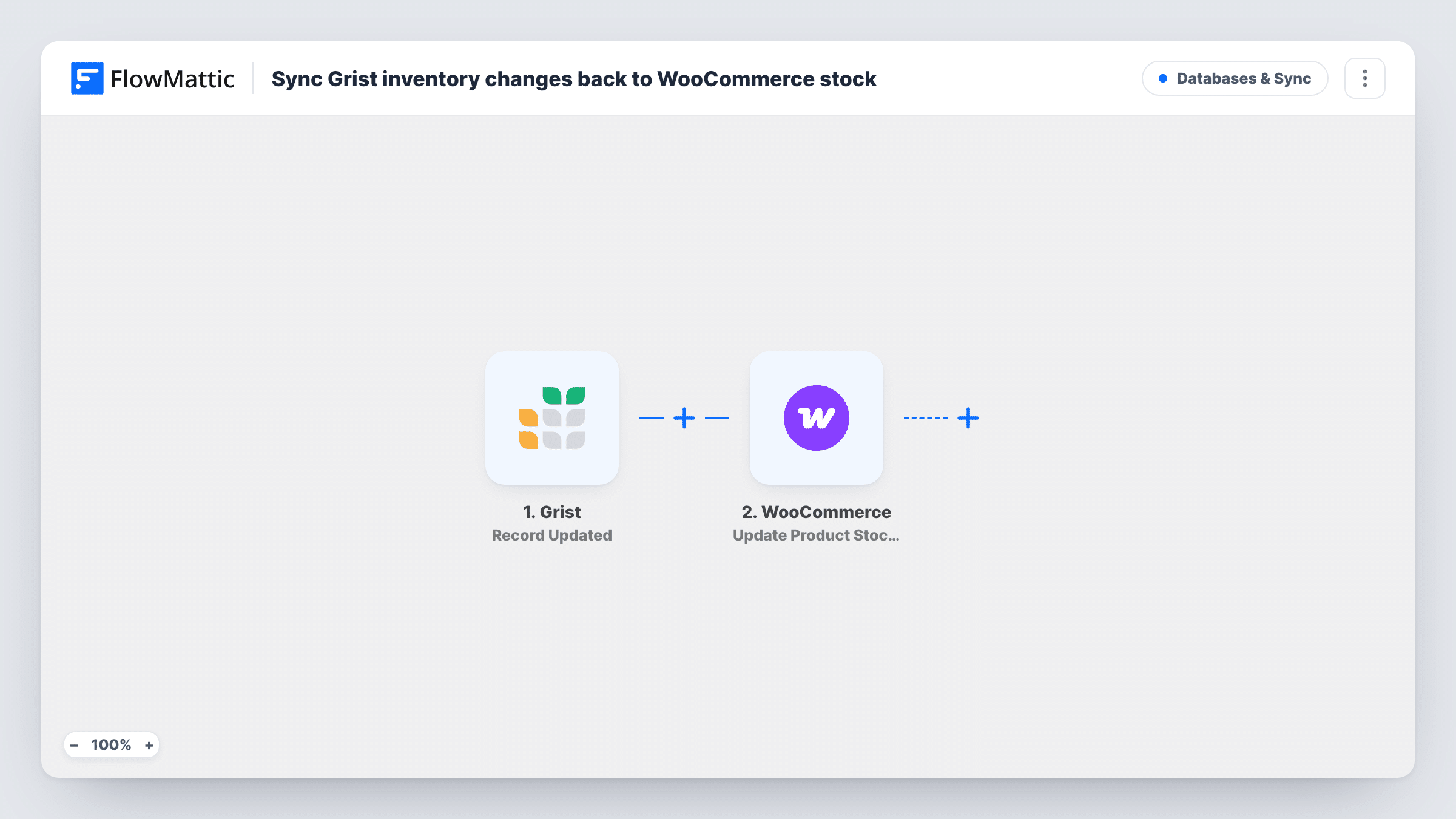
The Grist trigger fires when a record in your table is updated. FlowMattic then runs Update Product Stock Quantity in WooCommerce. FlowMattic describes this action as managing the stock quantity and stock status of an existing product or variation by SKU or ID. You map the identifier and the new quantity from the Grist record.
That means your Grist table must keep each product's SKU or WooCommerce ID in its own column. The sync runs one way. Sales in WooCommerce lower the store's stock but don't change Grist, and any later edit to a Grist row, even to another column, sends that row's quantity to WooCommerce again. Keep Grist up to date if it is meant to be the source, and test with a known product first.
Stock counts done in Grist
After a weekly stocktake, staff correct the quantities in the Grist table, and each corrected row updates the matching WooCommerce product.
Deliveries logged by the warehouse
A warehouse worker raises the quantity in Grist when a delivery arrives, and the product page in WooCommerce shows the new stock.
Managing variations by SKU
A clothing shop keeps one Grist row per size and colour with its SKU, so each variation's stock in WooCommerce follows the table.
How this workflow runs
What happens at each step once the workflow is on, and what you need before you import it.
 Grist Record Updated
Fires when a record in your Grist table is updated. The record's values, including the SKU or product ID and the quantity columns you keep, are passed to the WooCommerce step.
- WooCommerce Update Product Stock Quantity
Updates the stock of an existing WooCommerce product or variation, found by SKU or ID. Map the identifier and the quantity from the Grist record, then run a test edit on one known product.
What you need
- FlowMatticCore
- Grist AccountAccount
- WooCommerce PluginPlugin
After importing, map your own data. To keep the template universal, not every step is pre-filled. Open each step in the builder and connect your accounts and fields (channels, lists, sheets, recipients) before you switch the workflow on.
Make it yours
Changes worth making after you import it.
- Add a Filter after the trigger that continues only when the SKU column is not empty, so rows that aren't linked to a product don't send failed updates.
- If stock also changes through WooCommerce sales, decide which side is the source. Otherwise an edit to an old Grist row can put a stale number back into the store.
- Keep the quantity column numeric in Grist, so the value sent to WooCommerce is a whole number rather than text.
Questions about this workflow
How does WooCommerce know which product to update from the Grist row?
By the SKU or product ID you map from the Grist record. Your table needs a column holding one of these for every product, and it must match the value in WooCommerce exactly.
Do WooCommerce sales update the Grist table?
No. This workflow only sends changes from Grist to WooCommerce. Stock that drops because of orders is not written back to Grist.
What happens when I edit a Grist column other than quantity?
The record still counts as updated, so the workflow runs and sends that row's current quantity to WooCommerce. If the number hasn't changed, the stock stays the same.
Can it create WooCommerce products from new Grist rows?
No. The action changes the stock of an existing product or variation only. A row whose SKU or ID matches nothing in the store produces an error in Task History.
More Databases & Sync workflows
Other ready-to-import templates from the same category.





Import this workflow into your WordPress site
Download the JSON, import it from the Workflows screen and connect your accounts. Every run stays on your server, with no per-task fees.
30-day money-back guarantee Unlimited workflows and runs Self-hosted