

Add a new Ortto record to a Google Sheets spreadsheet
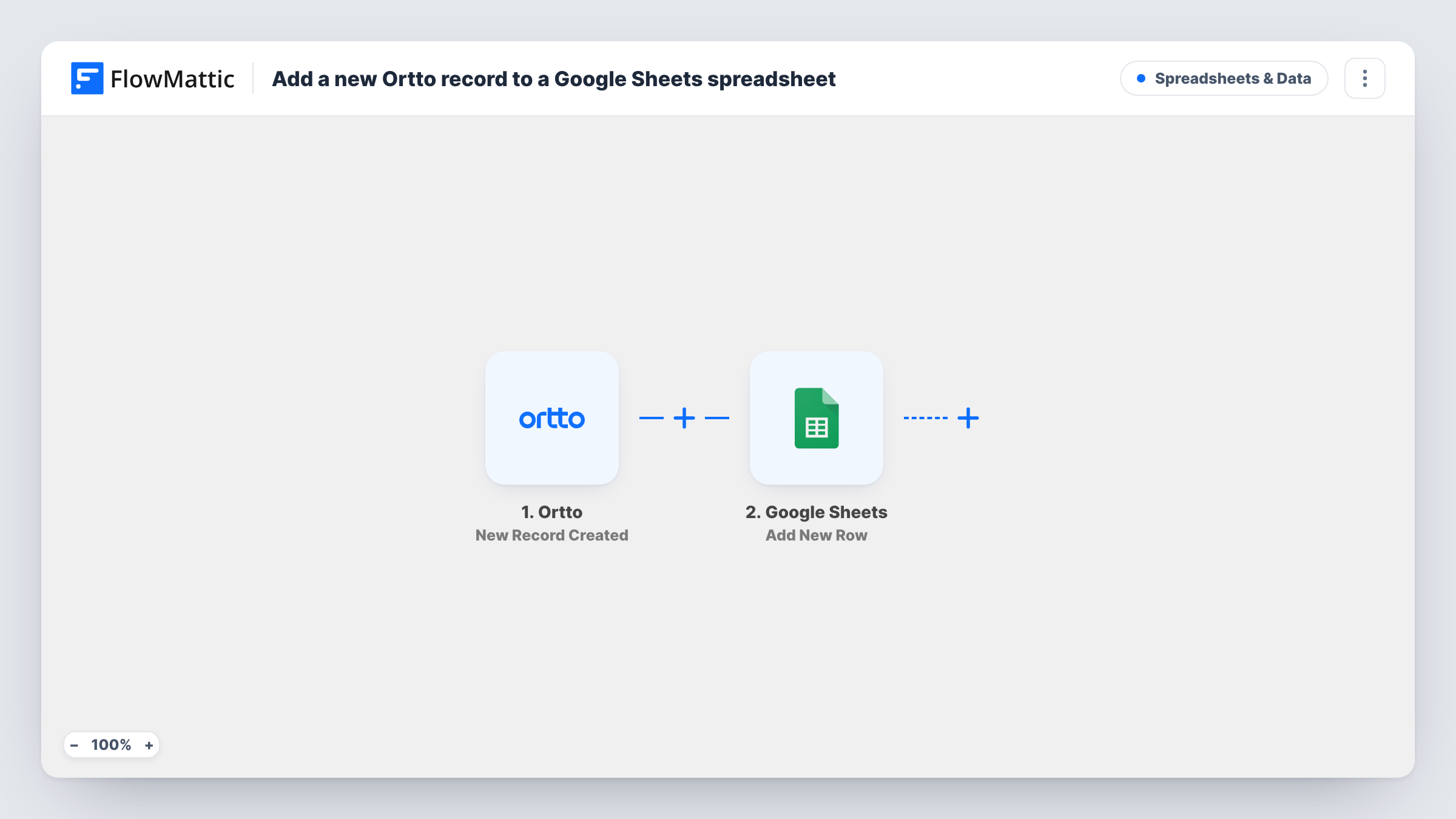
Whenever a new record is created in Ortto, this workflow writes its details to a new row in Google Sheets, building a spreadsheet list of people as they enter your Ortto account.
 Ortto
Ortto
 Google Sheets
2 steps Setup ~5 min Used on 1.0k sites Free to import
What this workflow does
Ortto holds your customer data and marketing journeys, but not everyone who needs that list has an Ortto login. Finance, sales partners or a client may just want a spreadsheet. This workflow adds each new Ortto record to Google Sheets as it is created.
The Ortto trigger, New Record Created, fires when a new record is created. FlowMattic passes the record's values to Google Sheets, where Add New Row writes them into the spreadsheet you pick. You map each value, such as email, name or a custom field, to a column.
Only creation starts a run. When a record's fields change later in Ortto, the sheet keeps the values from the moment the record was made, because the template doesn't watch updates. Each new record adds one row, with no Filter, so a large import into Ortto can add many rows at once.
Shared lead list for a partner
A reseller wants to see new sign-ups without an Ortto seat. The sheet gives them a view of each new record with only the columns you choose.
Daily count of new people
Add a date column and chart new Ortto records per day in Google Sheets for a quick growth view in a team meeting.
Independent backup of new contacts
Keep a copy of every new Ortto record in a spreadsheet you control, separate from the platform.
How this workflow runs
What happens at each step once the workflow is on, and what you need before you import it.
 Ortto New Record Created
Fires when a new record is created in Ortto. The record's fields are passed to Google Sheets so you can choose what to store.
- Google Sheets Add New Row
Adds a row to your chosen Google Sheets spreadsheet with the Ortto record's values. Put column headers in the sheet first, connect Google, and map each column.
What you need
- FlowMatticCore
- Ortto AccountAccount
- Google Sheets AccountAccount
After importing, map your own data. To keep the template universal, not every step is pre-filled. Open each step in the builder and connect your accounts and fields (channels, lists, sheets, recipients) before you switch the workflow on.
Make it yours
Changes worth making after you import it.
- Create one test record in Ortto after import so FlowMattic captures the fields before you map the sheet columns.
- Add a Filter after the trigger if you only want records that meet a condition, such as a particular source value, once you've seen it in a test run.
- Want the sheet to reflect later changes too? Build a second workflow on Ortto's Fields Updated trigger that writes those changes to a separate tab.
Questions about this workflow
Does the Google Sheet update when an Ortto record changes?
No. This workflow only runs when a record is created. Ortto's Fields Updated trigger can drive a separate workflow if you need changes logged.
Will importing a CSV into Ortto add rows?
If Ortto reports each imported record as newly created, yes, one row per record. Test a small import first to see how your account behaves.
Which Ortto fields can go into the sheet?
Whatever the New Record Created event carries. Check a test record's captured data, then map the values you want to columns.
Are records that already exist in Ortto copied over?
No. Only records created after you turn the workflow on reach the sheet.
More Spreadsheets & Data workflows
Other ready-to-import templates from the same category.




Import this workflow into your WordPress site
Download the JSON, import it from the Workflows screen and connect your accounts. Every run stays on your server, with no per-task fees.
30-day money-back guarantee Unlimited workflows and runs Self-hosted