

When a new submission is received in Formspark, add a new row in Smartsheet
Each time someone submits a Formspark form, FlowMattic adds a new row to the Smartsheet sheet you choose, with the submitted answers in the columns you map.
 Formspark
 Smartsheet
2 steps Setup ~5 min Used on 3.0k sites Free to import
What this workflow does
Your Formspark forms gather entries, but the follow-up happens elsewhere. If your team plans and tracks work in Smartsheet, those submissions are more useful as rows there, where you can assign owners, set dates and build reports. This workflow writes each one into a sheet.
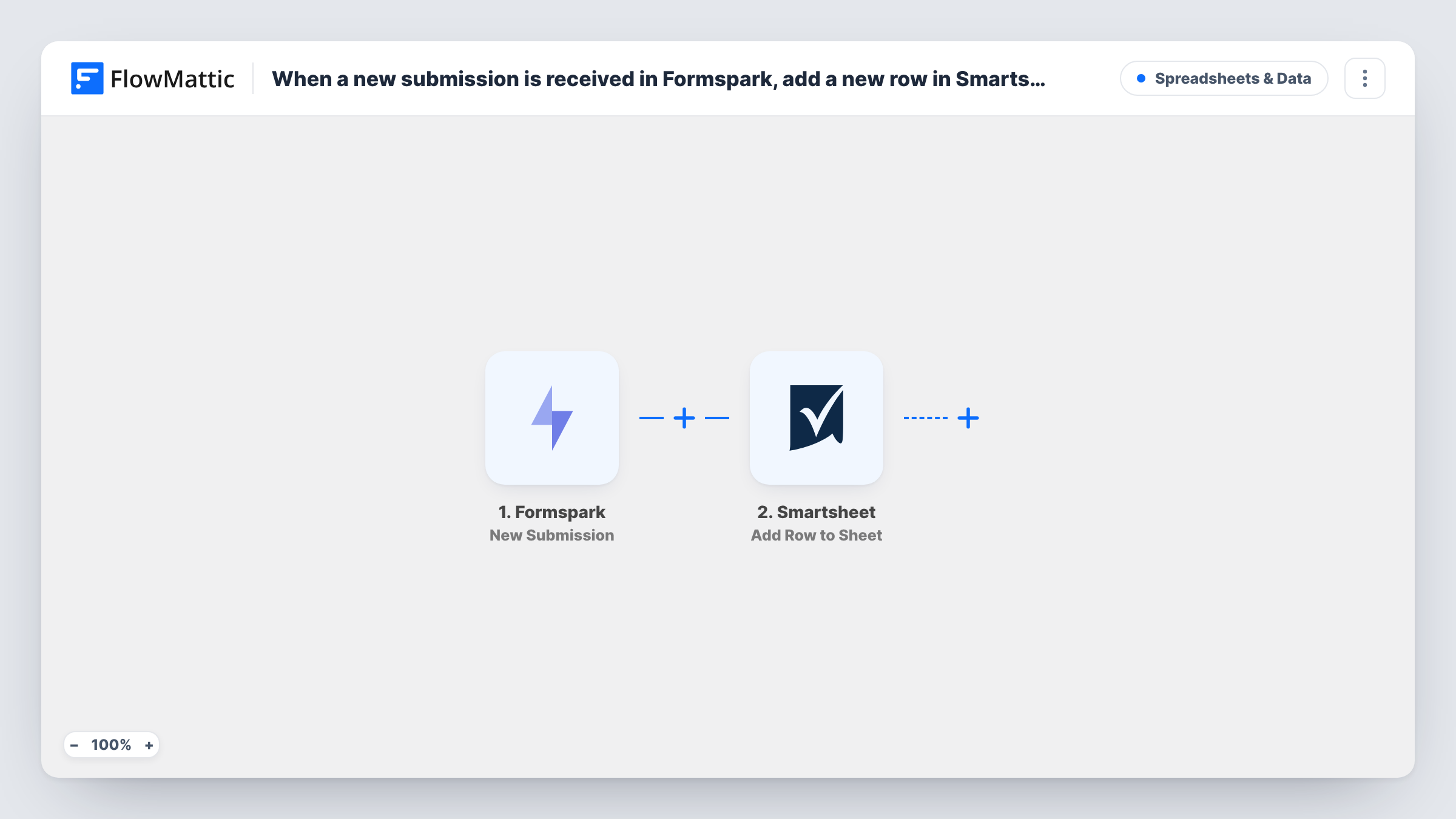
The Formspark trigger, New Submission, fires when a user submits to your form. FlowMattic passes the answers to Smartsheet, where Add Row to Sheet adds a row to the sheet you pick. You match each Formspark field to a Smartsheet column.
Every submission makes a new row, including repeat submissions from the same person. Once a row is in, your team can work on it in Smartsheet like any other row.
Event registrations from a static site
Registrations from a Formspark form on your event page land in a Smartsheet attendee sheet, where the events team tracks badges and dietary needs.
Project intake requests
An internal request form posts to Formspark, and each request becomes a Smartsheet row the project office can assign and schedule.
Agency lead tracking
Contact form leads from a client's landing page appear in a shared Smartsheet so the account team can mark each one as contacted.
How this workflow runs
What happens at each step once the workflow is on, and what you need before you import it.
 Formspark New Submission
Fires when a user submits to your Formspark form. The submitted fields are passed on to the Smartsheet step for mapping.
- Smartsheet Add Row to Sheet
Writes the submission into a fresh row of your chosen Smartsheet sheet. Connect your Smartsheet account, pick the sheet, and map each Formspark field to a column.
What you need
- FlowMatticCore
- Formspark AccountAccount
- Smartsheet AccountAccount
After importing, map your own data. To keep the template universal, not every step is pre-filled. Open each step in the builder and connect your accounts and fields (channels, lists, sheets, recipients) before you switch the workflow on.
Make it yours
Changes worth making after you import it.
- Set up the Smartsheet columns before you map, with names that match your Formspark fields, so each answer is easy to place.
- If one Formspark account serves several forms, add a Filter after the trigger on a value that identifies the form, so only one form's entries reach this sheet.
- Use a Smartsheet date column for the submission time if Formspark sends one, which lets you sort requests by when they came in. Check a test run for the field.
Questions about this workflow
Does each Formspark submission add its own Smartsheet row?
Yes. Add Row to Sheet adds a new row every time, so two submissions from the same person create two rows.
Will Formspark entries from before I import reach Smartsheet?
No. Only submissions made while the workflow is on are added. Export older ones from Formspark if you need them in the sheet.
Can a Smartsheet automation react to the new rows?
It should, since the workflow adds ordinary rows to the sheet. Send a test submission and confirm your Smartsheet automation fires on it before you rely on it.
More Spreadsheets & Data workflows
Other ready-to-import templates from the same category.





Import this workflow into your WordPress site
Download the JSON, import it from the Workflows screen and connect your accounts. Every run stays on your server, with no per-task fees.
30-day money-back guarantee Unlimited workflows and runs Self-hosted