

Add a row to Airtable for each FullStory custom event for analysis
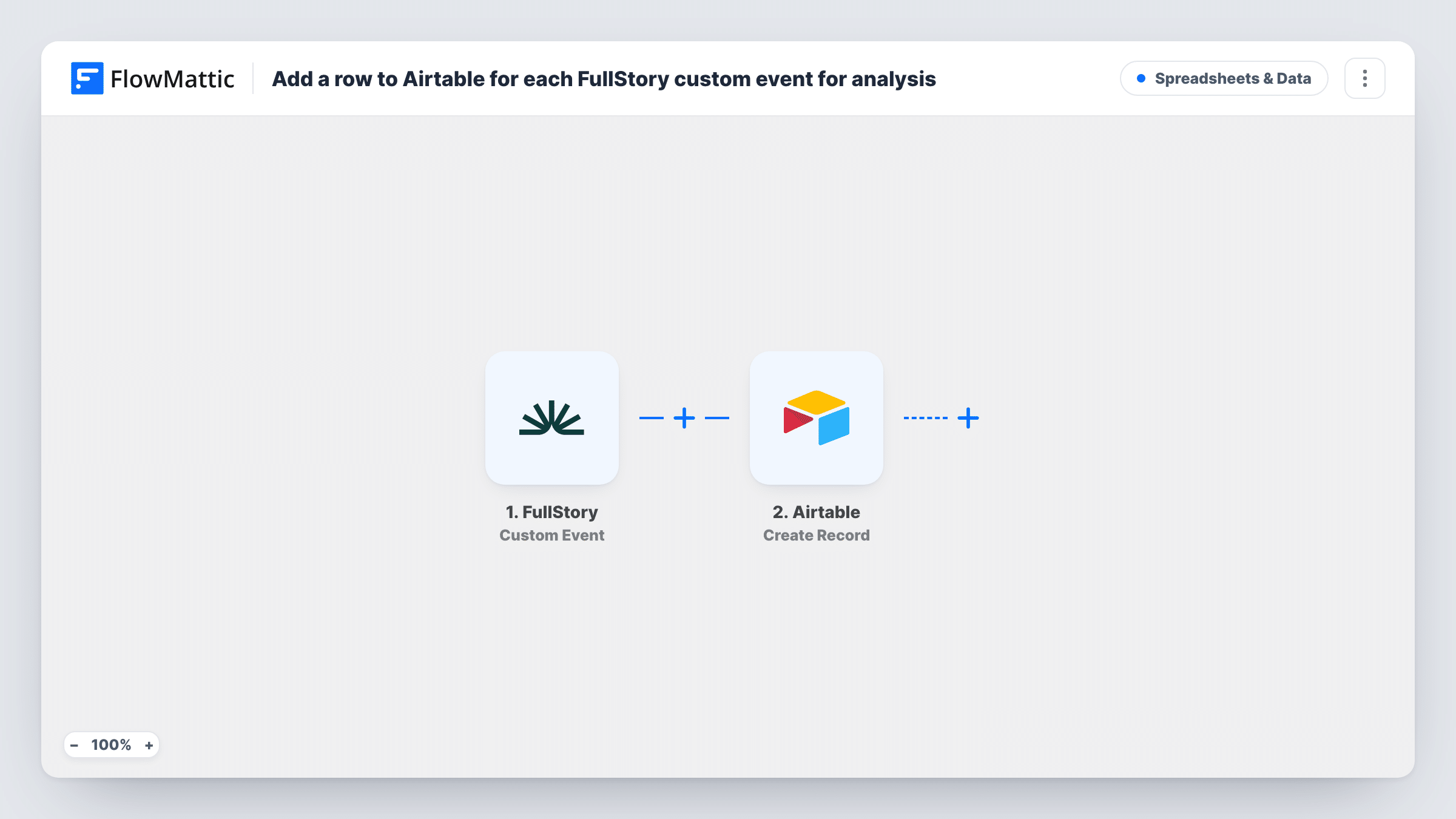
Each time FullStory detects one of your custom events, this workflow creates a record in Airtable with the event data, so you build a table of those events that your team can sort, group and review.
 FullStory
 Airtable
2 steps Setup ~5 min Used on 3.3k sites Free to import
What this workflow does
Custom events in FullStory mark the moments you chose to track, such as a plan picked, a feature opened or an error shown. Reviewing them inside FullStory works for one session at a time. When you want a table you can sort, tag and share with people outside your analytics tool, you need the events somewhere else. This workflow writes them to Airtable as they happen.
The FullStory trigger starts a run whenever FullStory picks up one of your custom events, and the data sent with that event is carried into the workflow. The Airtable step then creates a new record in the base and table you pick, with each field filled from the event data you map to it.
Every detected custom event becomes its own record. Nothing is grouped, counted or skipped on the way, so the table grows by one row per event. If you only care about some events, add a Filter after the trigger. Task History keeps a log of each run, with the data that came in and what Airtable returned.
Track feature adoption by account
You fire a custom event in FullStory when someone opens a new feature. Each one lands in Airtable, where a product manager groups the records by account or by week.
Review checkout errors with the dev team
A custom event marks each payment error shown on your site. The Airtable table gives developers a list of occurrences they can tag as fixed, duplicate or open.
Share signup milestones with marketing
Custom events for steps like trial started or onboarding finished become Airtable records that a marketing team views without a FullStory login.
How this workflow runs
What happens at each step once the workflow is on, and what you need before you import it.
 FullStory Custom Event
Runs when FullStory detects a custom event on your site or app. The data FullStory sends about that event becomes available to map in the Airtable step.
- Airtable Create Record
Adds one record per custom event to the Airtable table you select. Connect your Airtable account, then map the FullStory event data into the record's fields.
What you need
- FlowMatticCore
- FullStory AccountAccount
- Airtable AccountAccount
After importing, map your own data. To keep the template universal, not every step is pre-filled. Open each step in the builder and connect your accounts and fields (channels, lists, sheets, recipients) before you switch the workflow on.
Make it yours
Changes worth making after you import it.
- Add a Filter right after the FullStory trigger that continues only when the event name matches the ones you want in the table, so routine events stay out of Airtable.
- Set up the Airtable table with its columns before import, then fire one test custom event so FlowMattic captures the event data you need to map.
- Put a date field in the table and map the event time into it, so you can build Airtable views that group the records by day or week.
Questions about this workflow
Does every FullStory custom event create an Airtable record?
Yes, as imported. Each custom event FullStory detects starts a run, and each run creates one record. Add a Filter after the trigger to limit it to particular events.
Will past FullStory events be copied into Airtable?
No. The trigger reacts to custom events detected after the workflow is turned on. Events recorded before that are not sent.
Which FullStory event fields can go into Airtable?
Whatever data FullStory sends with the event. Fire a test custom event after import, then look at the captured data in the Airtable step to see what you can map.
Do I need to create the Airtable table first?
Yes. The Create Record step writes into an existing base and table that you pick, so set up the table and its fields before you map the event data.
More Spreadsheets & Data workflows
Other ready-to-import templates from the same category.





Import this workflow into your WordPress site
Download the JSON, import it from the Workflows screen and connect your accounts. Every run stays on your server, with no per-task fees.
30-day money-back guarantee Unlimited workflows and runs Self-hosted