

Add a row to a Zoho Analytics table for each new Notion database item
Every new item created in your Notion database is added as a row to a Zoho Analytics table, so the projects, leads or tasks you track in Notion show up in your Zoho reports and dashboards.
 Notion
 Zoho Analytics
2 steps Setup ~5 min Used on 935 sites Free to import
What this workflow does
Notion is a comfortable place to log work, but it isn't built for charts across hundreds of entries. Zoho Analytics is. This workflow feeds each new Notion database item into a Zoho Analytics table, so the reports built on that table include new entries without a CSV export.
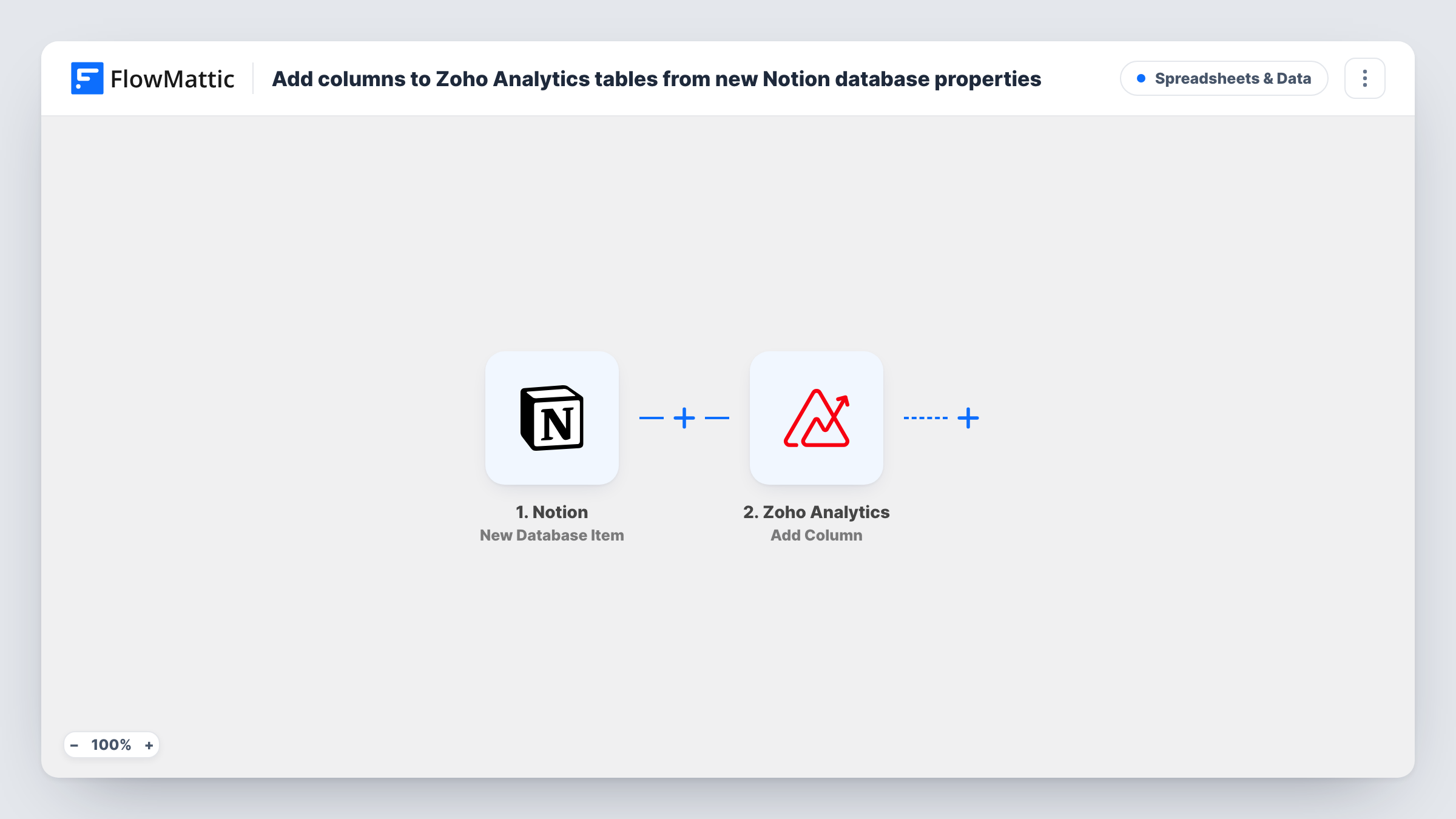
The Notion trigger fires when a new item is created in the database you choose, and passes its properties on, such as the title, status, dates, owner and any numbers you track.
The Zoho Analytics step then adds a new row to a table view. It ships unmapped: after import you connect Zoho, pick the workspace and table, and match the Notion properties to the table's columns. Create the table with those columns before you set up the step, so there is something to map into.
Each new item gives one row. Changes you make to the Notion item later don't reach Zoho, because the trigger only fires on creation. Add a test item to the database and check Task History to see the row values Zoho Analytics received.
Project pipeline reporting
An agency logs new projects in a Notion database. Each one becomes a row in Zoho Analytics, where a dashboard shows new projects by client and month.
Content calendar metrics
A content team plans articles in Notion and charts how many pieces per topic and author enter the plan each week in Zoho Analytics.
Support or bug intake
A product team files bug reports as Notion items and tracks volume by area and severity in a Zoho Analytics report.
How this workflow runs
What happens at each step once the workflow is on, and what you need before you import it.
 Notion New Database Item
Starts a run when an item is created in the Notion database you select. The item's properties are passed on so you can map them to Zoho Analytics columns.
- Zoho Analytics Add Row
Adds a new row to a Zoho Analytics table view. The step ships unmapped: pick the workspace and table, then match each Notion property to a column.
What you need
- FlowMatticCore
- Notion AccountAccount
- Zoho Analytics AccountAccount
After importing, map your own data. To keep the template universal, not every step is pre-filled. Open each step in the builder and connect your accounts and fields (channels, lists, sheets, recipients) before you switch the workflow on.
Make it yours
Changes worth making after you import it.
- Map the Notion item's ID or URL into its own column, so you can trace any row in Zoho Analytics back to its Notion entry.
- Use matching data types in Zoho Analytics, such as date columns for Notion date properties and number columns for Notion numbers, so your reports can sort and sum them.
- To keep rows current after edits, build a second workflow on Notion's Updated Database Item trigger with Zoho Analytics' Update Row action, matching on that stored ID.
Questions about this workflow
Do edits to a Notion item update the Zoho Analytics row?
No. This one only reacts to newly created Notion items. For edits, use Notion's Updated Database Item trigger with Zoho Analytics' Update Row action, which changes rows matching criteria you set.
Will items already in my Notion database be copied?
No. Only items created after the workflow is on start a run. Import the existing items into Zoho Analytics once, by hand, before you switch it on.
Do I need the Zoho Analytics table before importing?
Yes. Add Row writes to a table that already exists, so create it with the columns you want before mapping the Notion properties.
More Spreadsheets & Data workflows
Other ready-to-import templates from the same category.





Import this workflow into your WordPress site
Download the JSON, import it from the Workflows screen and connect your accounts. Every run stays on your server, with no per-task fees.
30-day money-back guarantee Unlimited workflows and runs Self-hosted