

Create Heartbeat threads from new Google Sheets spreadsheet rows
Every new row in a Google Sheets spreadsheet becomes a thread in your Heartbeat community, so you can plan discussion topics or announcements in a sheet and have them posted for you.
 Google Sheets
 Heartbeat
2 steps Setup ~5 min Used on 2.5k sites Free to import
What this workflow does
Community managers often plan posts in a spreadsheet: discussion prompts, weekly questions, event recaps. Copying each one into Heartbeat by hand takes time and is easy to forget. This workflow turns the sheet into the input, so adding a row is enough to start a thread.
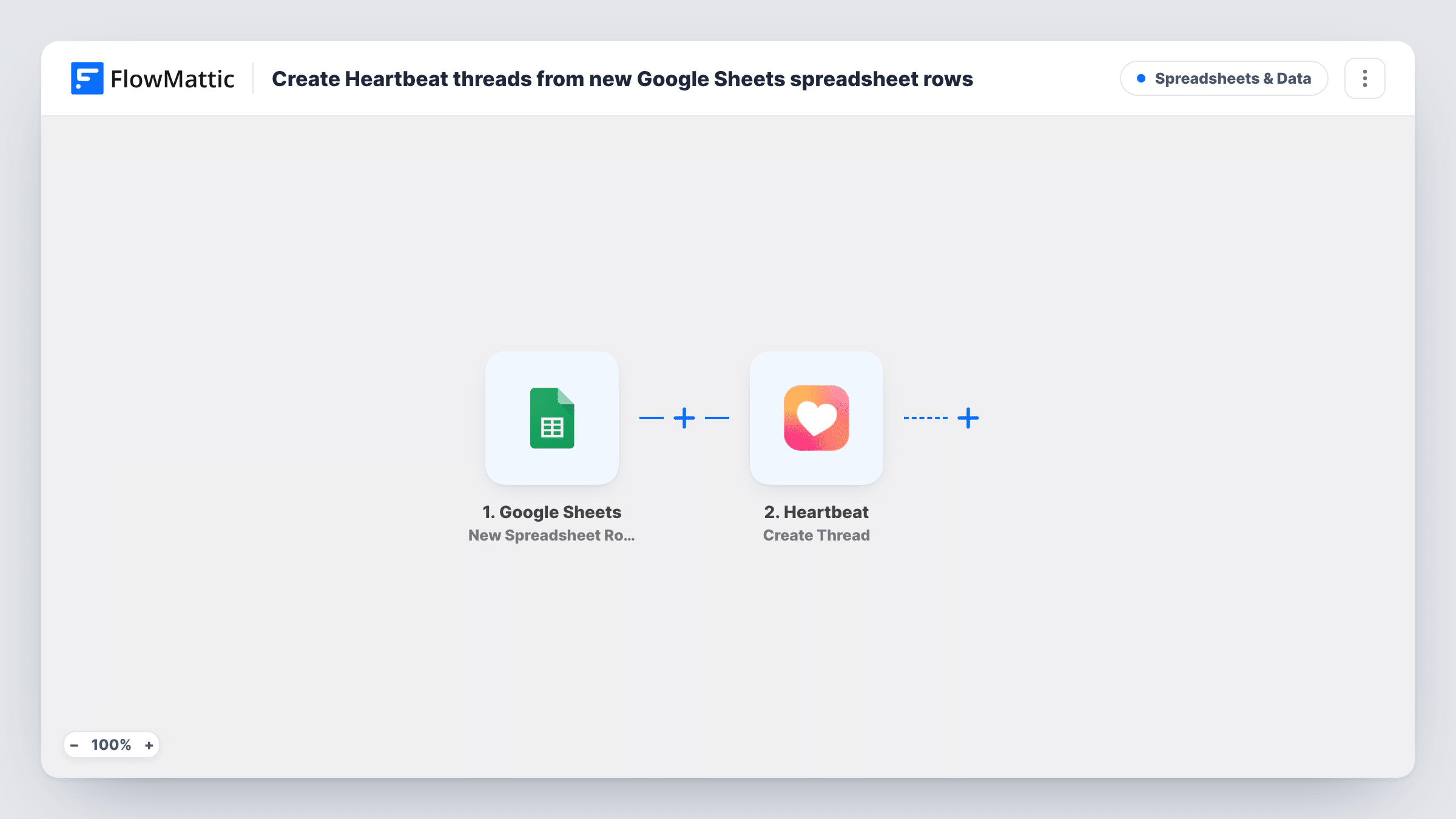
The Google Sheets trigger runs when a new row is added to the spreadsheet you connect. FlowMattic receives the values in that row. The Heartbeat step then creates a thread, and you map the row's columns into it.
Each new row creates one thread, with no check in between. Edits to a row after it has been picked up do not change the thread. Add a test row after import to confirm the trigger sees it and the thread appears where you expect. Task History lists every run and any error Heartbeat returns.
Weekly discussion prompts
You fill a sheet with a prompt for each week. Adding the next row posts it as a Heartbeat thread for members to answer.
Announcements written by a team
Staff without Heartbeat admin access add announcements to a shared sheet, and each new row becomes a thread in the community.
Resource drops for a course community
Each time you log a new resource in the sheet, with its title and link, members get a thread where they can discuss it.
How this workflow runs
What happens at each step once the workflow is on, and what you need before you import it.
 Google Sheets New Spreadsheet Row
Starts whenever a row is added to the spreadsheet and sheet you link in this step. The row's values are passed to the Heartbeat step for mapping.
- Heartbeat Create Thread
Creates a thread in your Heartbeat community from the new row. Connect Heartbeat, map the row's columns into the thread, and run a test to see the options the step offers.
What you need
- FlowMatticCore
- Google Sheets AccountAccount
- Heartbeat AccountAccount
After importing, map your own data. To keep the template universal, not every step is pre-filled. Open each step in the builder and connect your accounts and fields (channels, lists, sheets, recipients) before you switch the workflow on.
Make it yours
Changes worth making after you import it.
- Give the sheet clear column headers, such as Title and Body, before you import. The test row then shows those names, which makes mapping easier.
- Add a Filter after the trigger that continues only when a Ready column says yes, so draft rows in the sheet do not get posted.
- Add a Delay before the Heartbeat step if you want a short window to fix a row before it is posted.
Questions about this workflow
Will rows already in the Google Sheet become Heartbeat threads?
No. Only rows added after the workflow is on start a run. Existing rows stay as they are.
If I edit a row, does the Heartbeat thread change?
No. The trigger reacts to new rows, and the step only creates threads. Fix a posted thread in Heartbeat itself.
Can rows go to different Heartbeat channels?
Not as imported. Use a Router that checks a column in the row, with a separate Create Thread step on each route, then check with a test run that each step posts where you expect.
More Spreadsheets & Data workflows
Other ready-to-import templates from the same category.



Import this workflow into your WordPress site
Download the JSON, import it from the Workflows screen and connect your accounts. Every run stays on your server, with no per-task fees.
30-day money-back guarantee Unlimited workflows and runs Self-hosted