

Create Google Sheets rows for new Discord messages posted to a channel
Each new message posted in the Discord text channel you pick is added as a row in Google Sheets, giving you a record of that channel you can search, sort and share outside Discord.
 Discord
 Google Sheets
2 steps Setup ~5 min Used on 3.2k sites Free to import
What this workflow does
Discord is good for talking and poor for keeping records. Feature requests, bug reports or sign-ups posted in a channel scroll out of view, and pulling them out later means scrolling and copying. A spreadsheet that fills as people post keeps a plain record next to the chat.
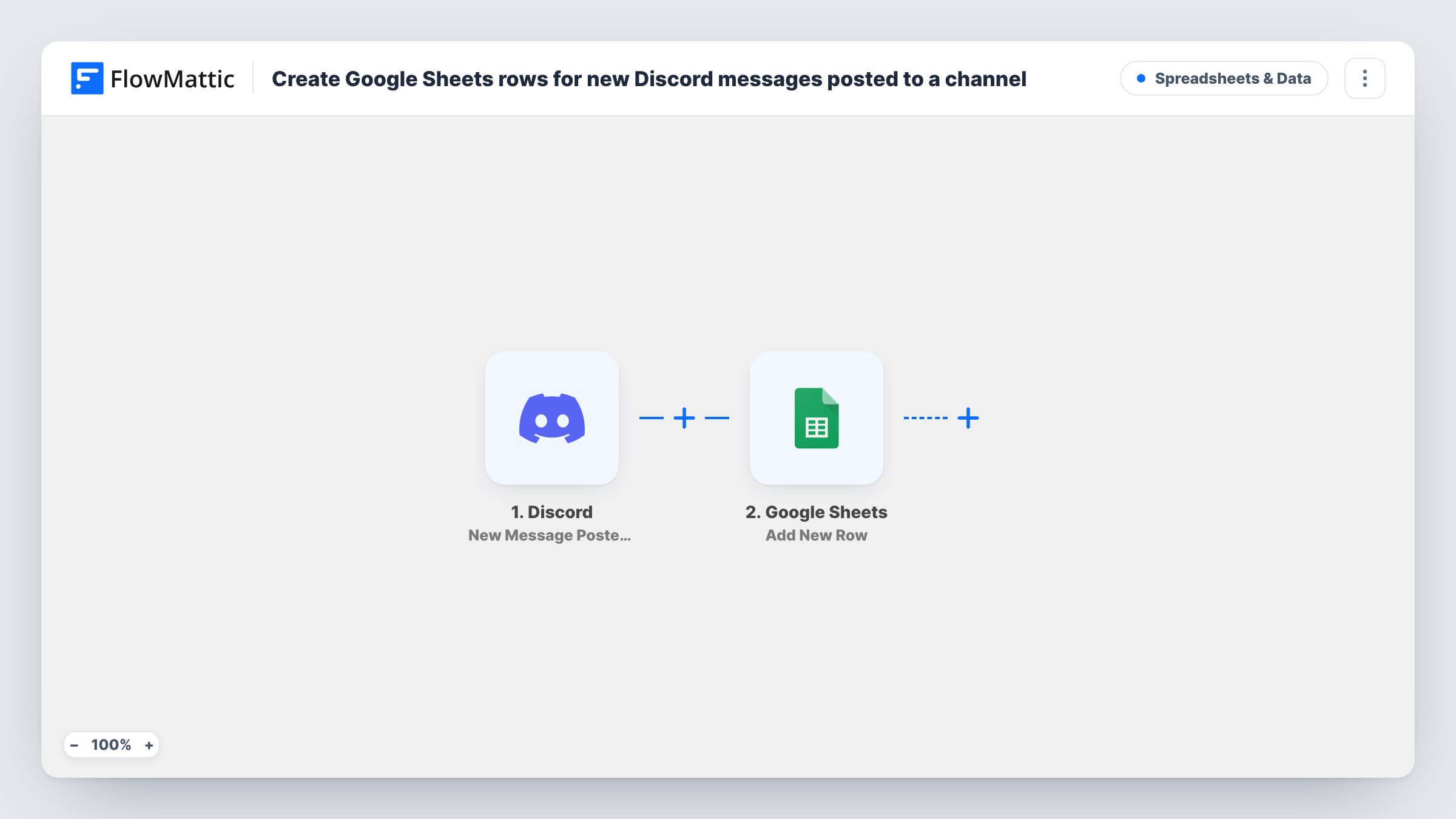
The Discord trigger fires when a new message is posted to a specific text channel in your server. The message details become data you can map, such as the text, the author and when it was sent. The Google Sheets step then adds a new row to the spreadsheet you choose, with each detail in the column you map it to.
Every message in the channel creates a row, including short replies, because the template has no conditions. For a busy channel the sheet grows quickly, so pick a channel whose messages you actually want to keep. Post a test message after import and check Task History to see the fields Discord sends.
Feature request channel
Community members post ideas in a #feature-requests channel. Each one lands in a sheet the product team can sort, tag and vote on.
Bug reports from players
A game studio logs every message in its #bug-reports channel to a spreadsheet, so testers can track which reports have been looked at.
Event sign-up channel
Members reply in a sign-up channel to join a tournament or meetup, and the organiser works from the sheet to build the attendee list.
How this workflow runs
What happens at each step once the workflow is on, and what you need before you import it.
 Discord New Message Posted to Channel
Fires when a new message is posted to the Discord text channel you set in the trigger. The message details are passed on for mapping into the sheet.
- Google Sheets Add New Row
Adds a row to your chosen Google Sheets spreadsheet for each message. Map the message text, author and time into the columns you want to keep.
What you need
- FlowMatticCore
- Discord AccountAccount
- Google Sheets AccountAccount
After importing, map your own data. To keep the template universal, not every step is pre-filled. Open each step in the builder and connect your accounts and fields (channels, lists, sheets, recipients) before you switch the workflow on.
Make it yours
Changes worth making after you import it.
- If bots also post in the channel, add a Filter after the trigger that checks the author, so the sheet only holds messages from people.
- Use a Filter that continues only when the message contains a tag such as [idea] or [bug], and ask members to start their posts with it.
- Add a Status column to the sheet and map a fixed value such as New into it, so your team can change it to Done as they work through the Discord messages.
Questions about this workflow
Which Discord channel does the workflow watch?
The trigger listens to one specific text channel that you choose in the trigger. For a second channel, duplicate the workflow and change the channel.
Are earlier Discord messages copied to the sheet?
No. Only messages posted after the workflow is live are added.
Does editing or deleting a Discord message change the Google Sheets row?
No. The row is written once when the message is posted. Later edits or deletions in Discord don't touch the sheet.
Can posts in a Discord forum channel be logged too?
Not with this trigger. Discord has separate New Forum Post and New Forum Message triggers in FlowMattic that you can use in another workflow.
More Spreadsheets & Data workflows
Other ready-to-import templates from the same category.




Import this workflow into your WordPress site
Download the JSON, import it from the Workflows screen and connect your accounts. Every run stays on your server, with no per-task fees.
30-day money-back guarantee Unlimited workflows and runs Self-hosted