

Add Google AI responses to tasks in Todoist for new incomplete tasks in Todoist
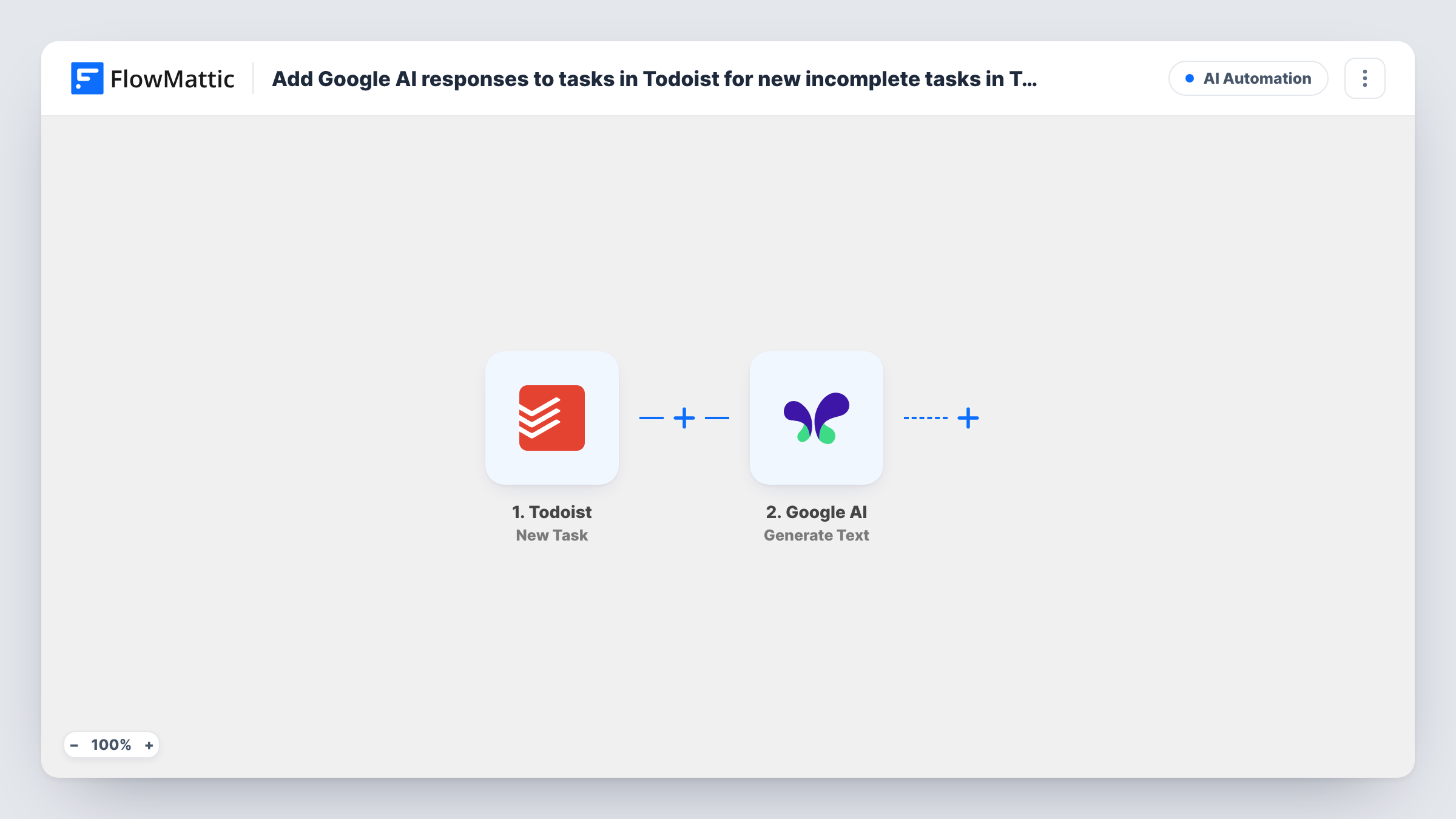
When you add a new task in Todoist, Google AI writes a response from the task’s text, such as first steps or a checklist, and FlowMattic posts it as a comment on that same task.
 Todoist
 Google AI
3 steps Setup ~5 min Used on 2.7k sites Free to import
What this workflow does
A task name like "Plan the product launch" or "Prepare tax documents" is easy to write and hard to start. This workflow gives every new Todoist task a head start: Google AI reads the task and leaves its suggestions as a comment, so you open the task and see a first plan waiting.
The Todoist trigger fires when a new task is created and passes its details on, such as the task text and its ID. New tasks are open when they're created, which is why the title speaks of incomplete tasks. The Google AI Generate Text step then answers the instruction you give it. It ships unmapped, so write the instruction after import and map the task text into it, for example "List three concrete first steps for this task".
Back in Todoist, the final step posts that answer as a task comment. It is unmapped too: map the task ID from the trigger so the comment lands on the task that started the run, and map the Google AI response as the comment text.
Every new task starts a run, including quick reminders that need no advice. Add a test task and check Task History for the text Google AI returned.
Breaking big tasks into steps
A freelancer adds "Redesign client website" to Todoist and finds a comment listing the first steps to take, ready to turn into subtasks.
Checklists for recurring chores
A small business owner adds tasks like "Close the month's books" and gets a short checklist as a comment to work through.
Drafting replies for follow-up tasks
A salesperson creates "Follow up with Dana about the proposal" and the comment holds a draft email to adapt and send.
How this workflow runs
What happens at each step once the workflow is on, and what you need before you import it.
 Todoist New Task
Starts a run whenever a new task is created in Todoist. The task's details, including its text and ID, are passed to Google AI and to the comment step.
- Google AI Generate Text
Asks Google AI to respond to your instruction about the task. The step ships unmapped: add your instruction and map the new task's text into it so the response is about that task.
- Todoist Add a Task Comment
Adds a comment to a Todoist task. Nothing is mapped: map the task ID from the trigger and the Google AI response as the comment.
What you need
- FlowMatticCore
- Todoist AccountAccount
- Google AI AccountAccount
After importing, map your own data. To keep the template universal, not every step is pre-filled. Open each step in the builder and connect your accounts and fields (channels, lists, sheets, recipients) before you switch the workflow on.
Make it yours
Changes worth making after you import it.
- To get AI comments only on certain tasks, put a Filter between the Todoist trigger and the Generate Text step that checks the task's project or a label you add, using a field you see in a test run.
- Ask Google AI for a short, fixed format such as three bullet points, so comments stay easy to read on your phone.
- If the trigger sends the task's due date, map it into the prompt too, so Google AI can suggest steps that fit the time you have. Add one test task to see what Todoist sends.
Questions about this workflow
Can I keep the AI suggestions out of the task comments?
Yes. Swap the last step for Todoist's Update Task action and write the Google AI response into the task description instead, or send it to yourself by email. Add a test task to see where it lands.
Will the comment the workflow adds start another run?
No. The trigger reacts to new tasks, and a comment on an existing task isn't a new task.
Does Google AI see anything besides the Todoist task?
Only what you map into the prompt. Map the task text, and the description or project if you want more context in the answer.
Do I need a Google AI account to use this Todoist workflow?
Yes. The Generate Text step runs through your Google AI connection, which you add in the step after import.
More AI Automation workflows
Other ready-to-import templates from the same category.






Import this workflow into your WordPress site
Download the JSON, import it from the Workflows screen and connect your accounts. Every run stays on your server, with no per-task fees.
30-day money-back guarantee Unlimited workflows and runs Self-hosted