

Add new Act-On opt-in contacts to a Mailchimp audience
When a contact opts in to all email communication in Act-On, FlowMattic adds them to your Mailchimp audience, or updates them if they’re already a member, so both tools share the same opted-in people.
 Act-On
 Mailchimp
2 steps Setup ~5 min Used on 1.1k sites Free to import
What this workflow does
If you run Act-On for marketing automation and Mailchimp for some of your newsletters, opt-ins can drift apart. Someone agrees to email in Act-On but never reaches the Mailchimp audience. This workflow copies each global opt-in across.
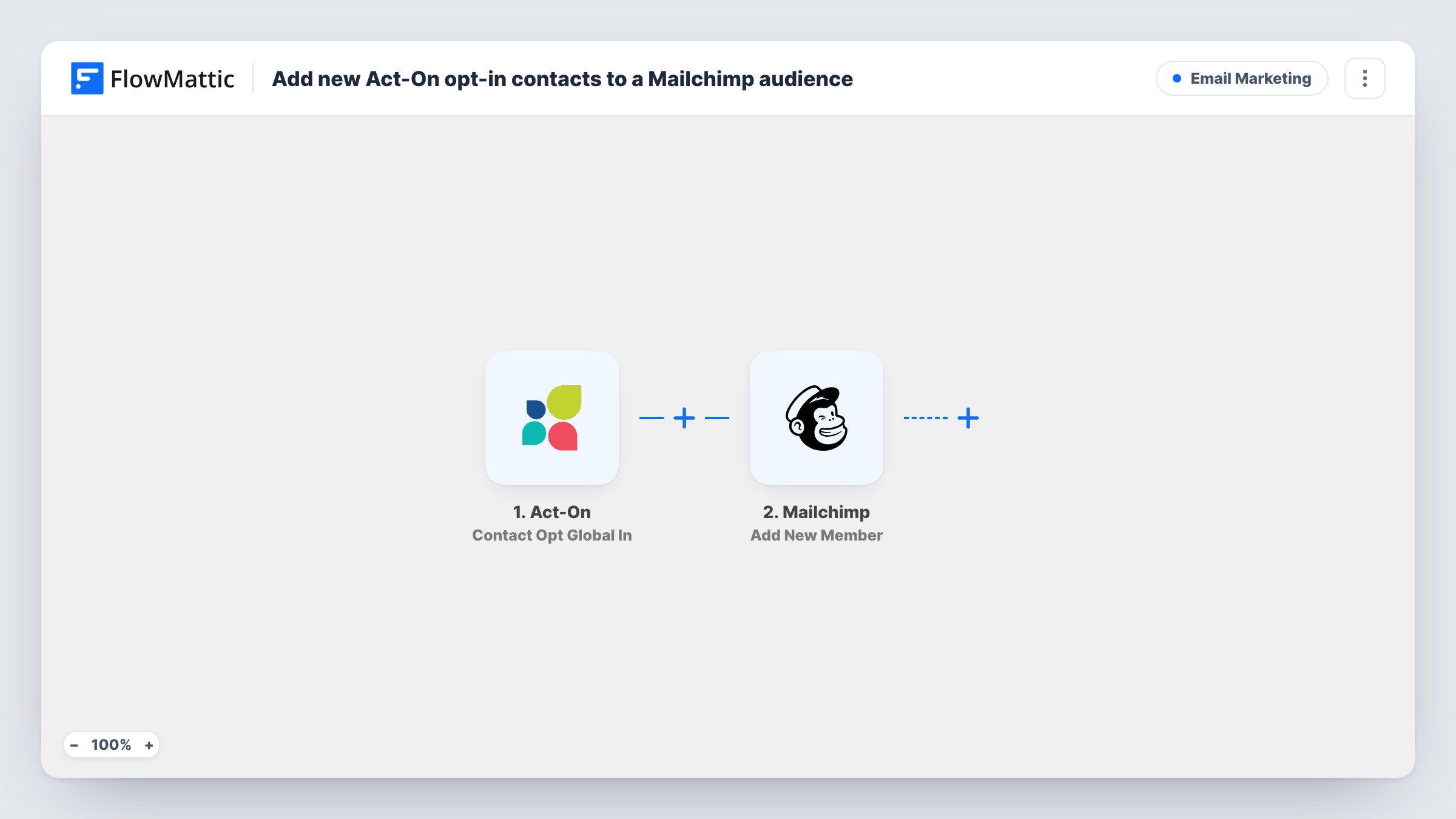
The Act-On trigger, Contact Opt Global In, fires when a contact opts in for all email communication. Next, FlowMattic sends the contact to Mailchimp with Add New Member. Per its catalog entry, that action adds a new member to the list, or updates them if they already exist. You map the contact's email and any name fields Act-On sends.
The trigger is about global opt-ins only. Opt-outs are not copied, so someone who later opts out in Act-On stays in Mailchimp until you change them there.
Running two email tools side by side
Your sales team works in Act-On while the content team sends the newsletter from Mailchimp. Each Act-On opt-in now reaches the newsletter audience too.
Re-permissioned contacts
After a consent campaign in Act-On, every contact who opts back in is added to your Mailchimp audience as they do it.
Moving from Act-On to Mailchimp
While you switch tools, new opt-ins in Act-On keep flowing into Mailchimp, so the new audience stays current during the move.
How this workflow runs
What happens at each step once the workflow is on, and what you need before you import it.
 Act-On Contact Opt Global In
Fires when a contact in Act-On opts in for all email communication. The contact's details are passed on for the Mailchimp step.
- Mailchimp Add New Member
Adds the contact to the Mailchimp audience you choose, or updates them if that email is already a member. Map the email from Act-On and any name fields you want stored.
What you need
- FlowMatticCore
- Act-On AccountAccount
- Mailchimp AccountAccount
After importing, map your own data. To keep the template universal, not every step is pre-filled. Open each step in the builder and connect your accounts and fields (channels, lists, sheets, recipients) before you switch the workflow on.
Make it yours
Changes worth making after you import it.
- For opt-outs, build a second workflow on Act-On's Contact Opt Global Out trigger with Mailchimp's Archive Member action, so people who leave in Act-On stop counting in the audience.
- Map only fields Act-On fills in for every contact. A blank first name sent on a later opt-in can replace the name Mailchimp already holds.
- Send a test opt-in after import, then check Task History to confirm the email and status reached Mailchimp the way you expect.
Questions about this workflow
What if the Act-On contact is already in my Mailchimp audience?
Add New Member updates an existing member instead of failing, according to its catalog description. Blank values you map could overwrite stored fields, so test with a known member first.
Does an Act-On opt-out remove the person from Mailchimp?
No. This workflow only reacts to global opt-ins. Handle opt-outs in Mailchimp or with a separate workflow.
Which Act-On event starts this workflow?
Contact Opt Global In, which fires when a contact opts in for all email communication. Opt-ins to single lists or other Act-On events don't run it.
More Email Marketing workflows
Other ready-to-import templates from the same category.






Import this workflow into your WordPress site
Download the JSON, import it from the Workflows screen and connect your accounts. Every run stays on your server, with no per-task fees.
30-day money-back guarantee Unlimited workflows and runs Self-hosted