

Add new Facebook Lead Ads to Mautic contacts
Every new lead from your Facebook Lead Ads forms is created as a contact in Mautic, so the people who fill in your ad forms are in your marketing automation without CSV downloads.
 Facebook Lead Ads
 Mautic
2 steps Setup ~5 min Used on 714 sites Free to import
What this workflow does
A Facebook lead form keeps each person's answers inside Facebook. Until you export them, your Mautic emails can't reach those people. This workflow sends each lead to Mautic as it comes in, so your Mautic segments and campaigns can work with it.
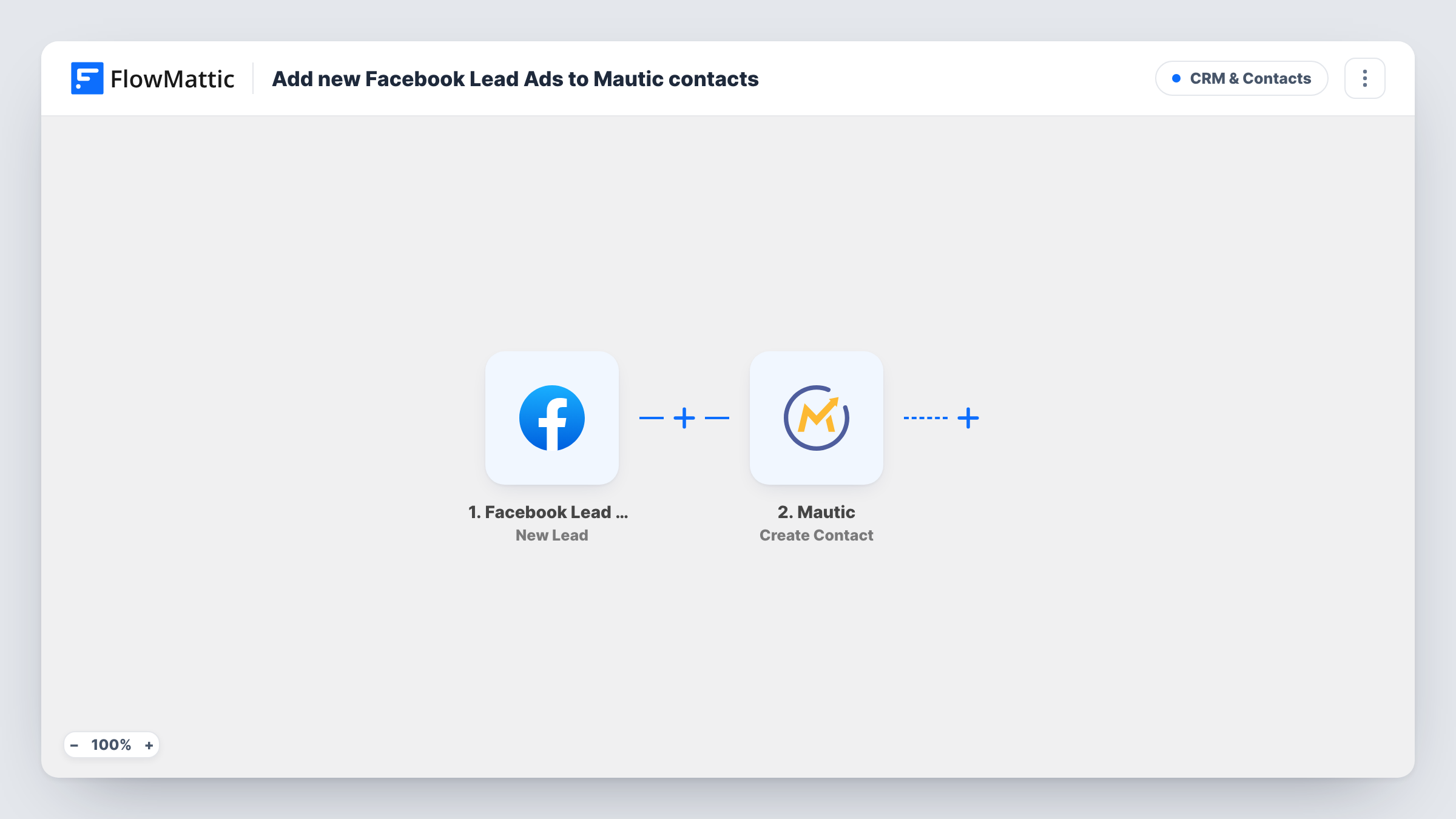
The Facebook Lead Ads trigger fires when a new lead is created through the lead forms on your connected Facebook account. FlowMattic passes the answers from the lead form to Mautic, where the Create Contact action adds a contact with the values you map, such as email, name and phone.
From there, Mautic treats the person like any other contact. If you have a segment or campaign that picks up new contacts, it applies to these leads too. Task History logs each lead the workflow handled and the response Mautic sent back, which helps you spot a field that didn't map.
Local service business running lead ads
A plumber or cleaning company runs a quote-request lead ad, and each request appears in Mautic where a follow-up email campaign is set up.
Webinar sign-ups from Facebook
People who register through a lead ad become Mautic contacts, ready for the reminder emails you send before the session.
Downloadable guide offered in an ad
Leads who ask for the guide are added to Mautic so your delivery and follow-up emails can go out from there.
How this workflow runs
What happens at each step once the workflow is on, and what you need before you import it.
 Facebook Lead Ads New Lead
Fires when someone submits one of your Facebook lead forms and a new lead is created. Connect your Facebook account, then send a test lead so its answers show up for mapping.
- Mautic Create Contact
Creates a contact in Mautic from the lead. Connect your Mautic installation and map the lead form's answers, at least the email address, to the matching Mautic contact fields.
What you need
- FlowMatticCore
- Facebook Lead Ads AccountAccount
- Mautic AccountAccount
After importing, map your own data. To keep the template universal, not every step is pre-filled. Open each step in the builder and connect your accounts and fields (channels, lists, sheets, recipients) before you switch the workflow on.
Make it yours
Changes worth making after you import it.
- Submit a test lead with Facebook's lead ads testing tool after import, so FlowMattic captures the form's answers before you map them in Mautic.
- Add a Filter after the trigger that continues only when the lead's email answer is not empty, so Mautic isn't sent leads it can't match or email.
- Map a custom question, such as the service the lead asked about, to a custom field in Mautic so you can build segments on it.
Questions about this workflow
Are leads collected before I import the workflow sent to Mautic?
No. The trigger only reacts to leads that arrive while the workflow is on. Download older leads from Facebook and import them into Mautic once.
What if the Facebook lead is already a Mautic contact?
This template uses Mautic's Create Contact action. How Mautic handles an email it already holds depends on your Mautic setup, so submit a test lead with a known email and check the result in Mautic and Task History.
Does this add the Facebook lead to a Mautic segment or campaign?
Not as imported. The step only creates the contact. Use a Mautic segment that picks up new contacts, or add a further Mautic step after this one.
More CRM & Contacts workflows
Other ready-to-import templates from the same category.






Import this workflow into your WordPress site
Download the JSON, import it from the Workflows screen and connect your accounts. Every run stays on your server, with no per-task fees.
30-day money-back guarantee Unlimited workflows and runs Self-hosted