

Add new GivingFuel registrants to a Mailchimp audience for follow-up
When someone registers through GivingFuel, this workflow adds them to your Mailchimp audience, or updates them if they are already on it, so your registrant list and your mailing list match.
 GivingFuel
 Mailchimp
2 steps Setup ~5 min Used on 1.6k sites Free to import
What this workflow does
Charities and nonprofits use GivingFuel for event and campaign registrations, then send updates from Mailchimp. Moving each registrant across by export and import leaves gaps between batches, and late sign-ups miss the next email. This workflow passes each new registration to Mailchimp as it happens.
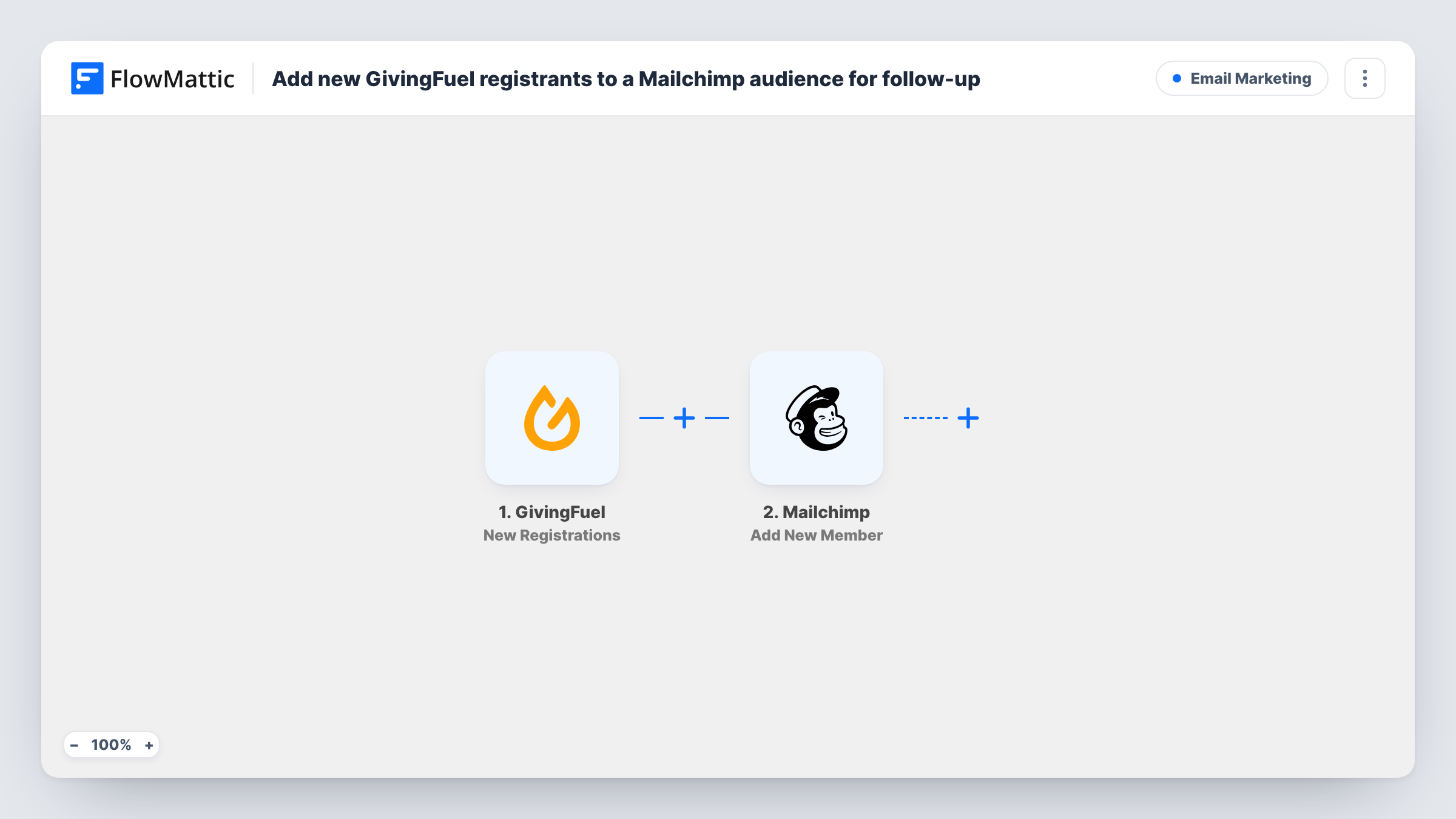
The GivingFuel trigger, New Registrations, fires for a new registration and passes the registration details to FlowMattic. The second step is Mailchimp Add New Member. It adds the person to the audience you choose, or updates them if they already exist there, using the registration values you map.
Because the Mailchimp step updates existing members instead of failing, a supporter who registers for a second event stays a single contact in your audience. Only make sure you have permission to email the people who register, for example with a consent question on the GivingFuel form and a Filter in FlowMattic. You can review every registration FlowMattic passed on in Task History.
Charity run sign-ups
Runners register through GivingFuel. Each one joins your Mailchimp audience, so you can send route details and start times from Mailchimp before race day.
Gala and dinner registrations
Guests who register for a fundraising dinner are added to Mailchimp, where you send the event programme and seating information.
Volunteer event registrations
Volunteers sign up for a clean-up day through GivingFuel. Mailchimp gets each one, ready for the briefing email you send the week before.
How this workflow runs
What happens at each step once the workflow is on, and what you need before you import it.
 GivingFuel New Registrations
Fires for each new registration in GivingFuel. Connect your GivingFuel account, and the details of the registration become available to map into Mailchimp.
- Mailchimp Add New Member
Adds the registrant to your chosen Mailchimp audience, or updates them if they already exist. Connect your Mailchimp account, pick the audience, and map the registrant's email address plus any other details you want stored.
What you need
- FlowMatticCore
- GivingFuel AccountAccount
- Mailchimp AccountAccount
After importing, map your own data. To keep the template universal, not every step is pre-filled. Open each step in the builder and connect your accounts and fields (channels, lists, sheets, recipients) before you switch the workflow on.
Make it yours
Changes worth making after you import it.
- If your GivingFuel form asks for marketing consent, add a Filter after the trigger that continues only when that answer is yes. Registrants who say no then stay out of Mailchimp.
- Running several events? A test registration shows whether GivingFuel sends the event or form name. If it does, import one copy of this workflow per event, each with a Filter on that value and its own audience.
- Register once yourself after import, then check the Mailchimp audience and Task History to confirm the right fields arrived.
Questions about this workflow
What if the GivingFuel registrant is already in my Mailchimp audience?
Add New Member updates an existing member instead of adding a duplicate, so the person stays one contact with the details from the latest registration.
Are earlier GivingFuel registrations sent to Mailchimp?
No. The trigger fires for new registrations, so only people who register after the workflow is on are added.
Does this workflow handle GivingFuel donations as well?
No. It listens only for New Registrations. GivingFuel has other triggers in FlowMattic, such as Subscription/Deposit Processed, which you could use in a separate workflow.
Do I need accounts in both GivingFuel and Mailchimp?
Yes. You connect GivingFuel for the trigger and Mailchimp for the audience the registrants join.
More Email Marketing workflows
Other ready-to-import templates from the same category.




Import this workflow into your WordPress site
Download the JSON, import it from the Workflows screen and connect your accounts. Every run stays on your server, with no per-task fees.
30-day money-back guarantee Unlimited workflows and runs Self-hosted