

When a new customer is created in Perfex CRM, add their details to a Mailchimp mailing list
Each new customer created in Perfex CRM is added to the Mailchimp audience you choose, or updated if their email is already there, so clients receive your newsletters and updates.
 Perfex CRM
 Mailchimp
2 steps Setup ~5 min Used on 376 sites Free to import
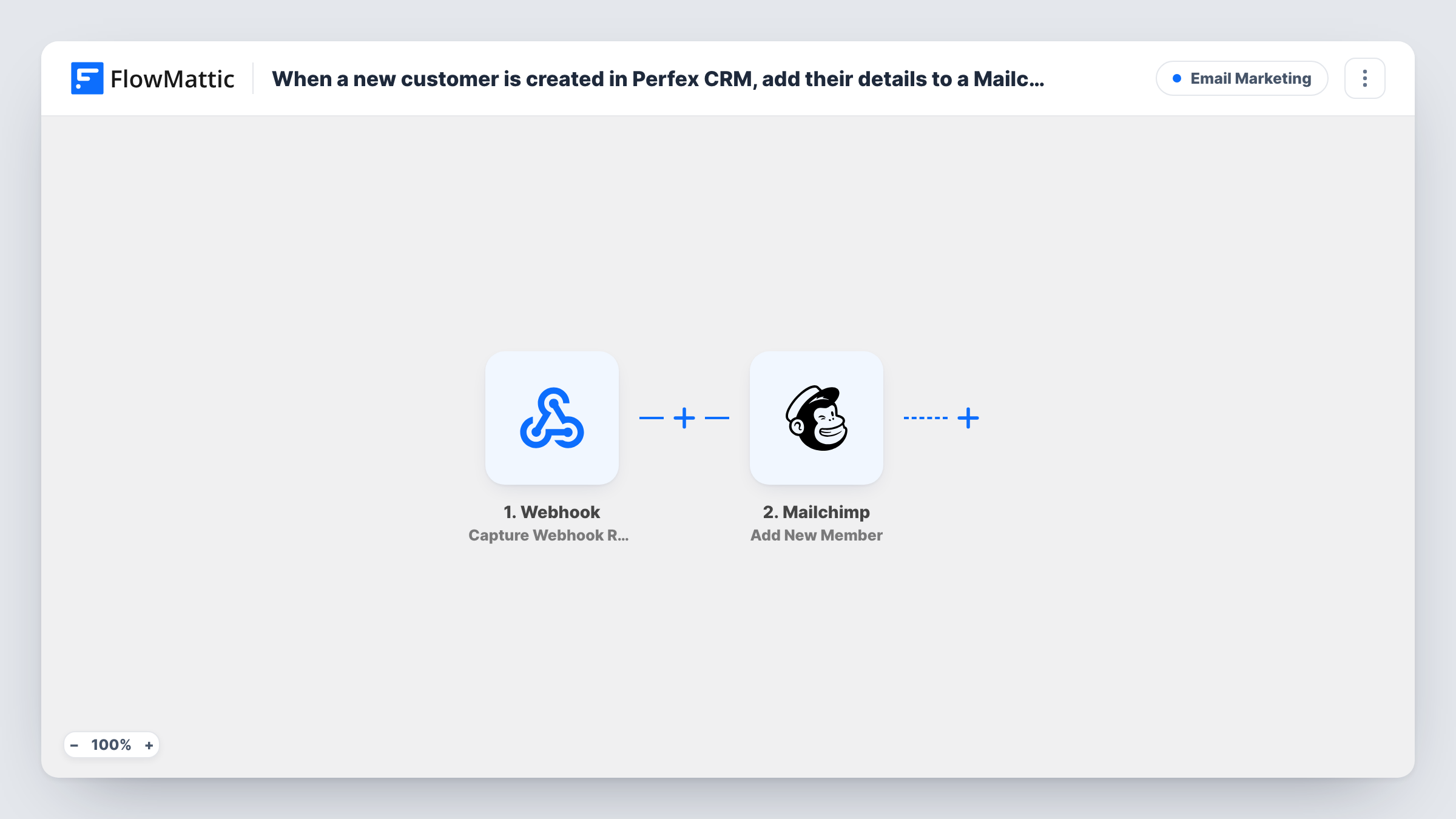
What this workflow does
Agencies and freelancers who run client work in Perfex CRM often keep a separate Mailchimp audience for client newsletters, service updates and seasonal offers. Copying each new client across is easy to forget. This workflow adds them as soon as the customer record exists in Perfex.
The Perfex CRM New Customer trigger fires when a new customer is created. The customer's details, such as the company and contact information, are passed to the next step. A new lead on its own doesn't start a run.
The Mailchimp step uses Add New Member, which adds the person to your audience or updates them if they already exist. It ships unmapped. After import, connect Mailchimp, choose the audience and map the customer's email address, plus first name, last name or company into your merge fields if you want them.
Create a test customer in Perfex first and look at the trigger data in Task History. That shows which fields Perfex sends for a new customer, including where the email address sits, so you can map the right one into Mailchimp.
Client newsletter for an agency
A web agency adds every new Perfex client to a Mailchimp audience that gets a monthly note on site care and new services.
Service announcements for accounting clients
A bookkeeping firm keeps its clients in Mailchimp so tax deadline reminders and office-hours changes reach every customer in Perfex.
Onboarding emails for new contracts
A consultancy adds new customers to an audience whose welcome automation in Mailchimp explains how projects, invoices and the client portal work.
How this workflow runs
What happens at each step once the workflow is on, and what you need before you import it.
 Perfex CRM New Customer
Fires each time a new customer is created in Perfex CRM. The customer's details are passed on, ready to map into Mailchimp.
- Mailchimp Add New Member
Adds the customer to your Mailchimp audience, or updates the member when the email already exists there. The step ships unmapped: choose the audience and map the customer's email and any name fields.
What you need
- FlowMatticCore
- Perfex CRM AccountAccount
- Mailchimp AccountAccount
After importing, map your own data. To keep the template universal, not every step is pre-filled. Open each step in the builder and connect your accounts and fields (channels, lists, sheets, recipients) before you switch the workflow on.
Make it yours
Changes worth making after you import it.
- Map the company name into a Mailchimp merge field, so you can greet clients by company or segment the audience by it.
- Add Mailchimp's Add Member Tag action after the Add New Member step to tag these people as clients, which keeps them apart from newsletter subscribers in the same audience.
- Put a Filter between the Perfex CRM trigger and the Mailchimp step that continues only when the customer's email is not empty, in case some customers are created without one.
Questions about this workflow
What happens if the Perfex customer is already in my Mailchimp audience?
Add New Member updates the existing member instead of creating a duplicate, so the details you map overwrite what Mailchimp holds for that address.
Are Perfex CRM leads added too?
No. This workflow uses the New Customer trigger. Perfex CRM also has a New Lead trigger in FlowMattic, so build a second workflow on it if you want leads in Mailchimp.
Will existing Perfex customers be added when I turn this on?
No. Only customers created after the workflow is active start a run. Export your current customers from Perfex and import them into Mailchimp separately.
Do I need Perfex CRM on my WordPress site?
No. Perfex CRM is a separate application. You connect it to FlowMattic, which then receives new customers from it.
More Email Marketing workflows
Other ready-to-import templates from the same category.





Import this workflow into your WordPress site
Download the JSON, import it from the Workflows screen and connect your accounts. Every run stays on your server, with no per-task fees.
30-day money-back guarantee Unlimited workflows and runs Self-hosted