

Add new Kickpages leads to a Mailchimp audience for nurturing
Each lead who fills in a custom form on your Kickpages funnel is added to your Mailchimp audience, or updated if they’re already on it, so your nurture emails in Mailchimp can reach them.
 Kickpages
 Mailchimp
2 steps Setup ~5 min Used on 2.1k sites Free to import
What this workflow does
Kickpages funnels are good at capturing leads, but the follow-up emails that turn them into customers usually live in Mailchimp. Exporting and importing lists between the two leaves new leads waiting. This workflow sends each lead to your Mailchimp audience when the form is submitted.
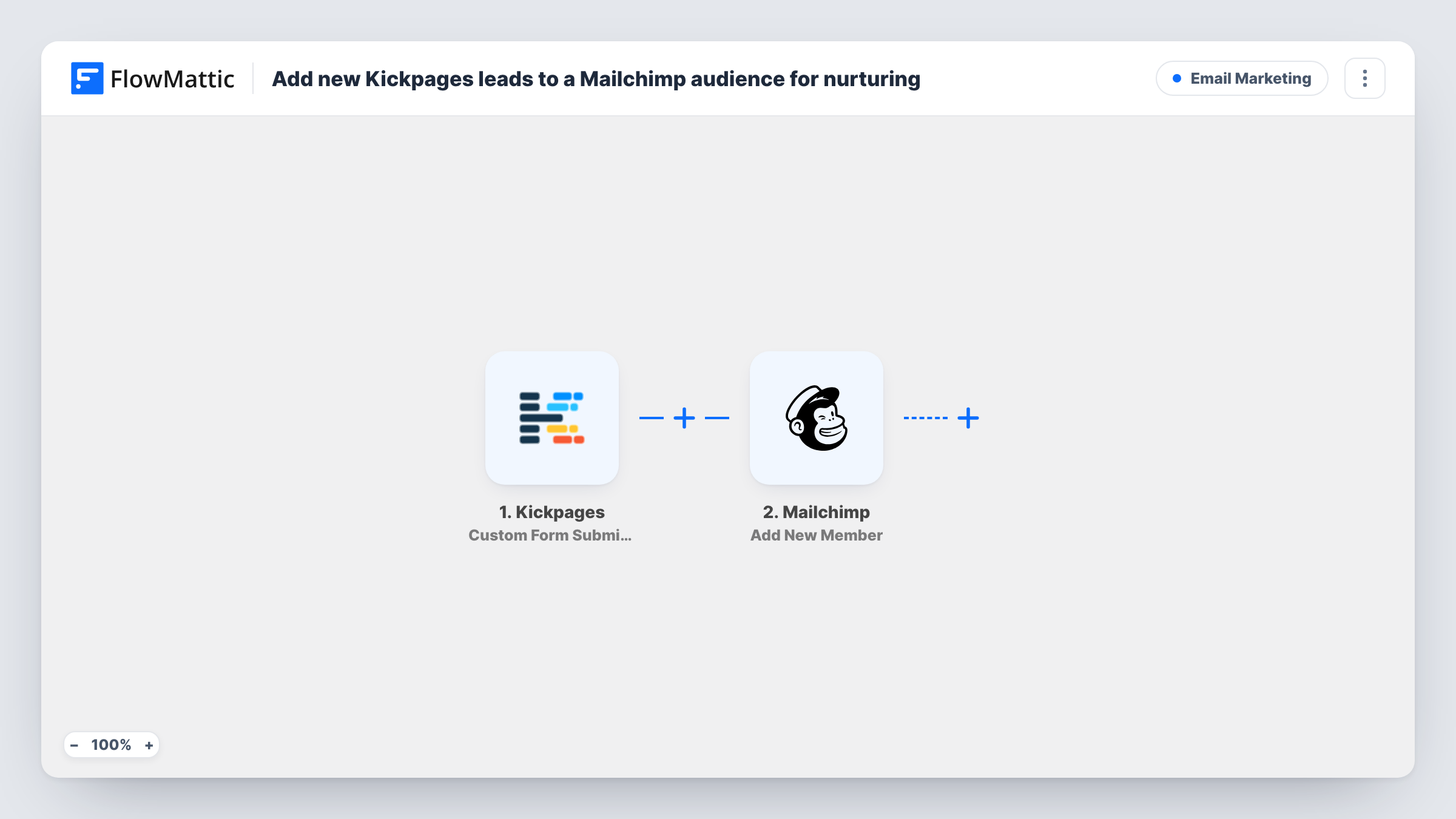
The Kickpages trigger, Custom Form Submission, fires when a custom form on one of your pages is submitted. The fields from that form become data you can map. FlowMattic then runs Add New Member in Mailchimp, which adds the person to the audience you pick, or updates them if they already exist there. Map the form's email field, and any name fields you collect, into the step.
Getting someone into the audience is the job here; the nurturing itself is set up in Mailchimp. Point a Mailchimp automation or customer journey at this audience to start the emails. Every submission runs the workflow, since there's no Filter in the template.
Lead magnet funnel
A Kickpages opt-in page offers a checklist download. Each person who submits the form joins your Mailchimp audience, where a welcome series delivers the checklist and follow-ups.
Webinar registration pages
Registrants on a Kickpages webinar page are added to Mailchimp, so you can send reminders and the replay link from the same audience.
Waiting list for a launch
A Kickpages coming-soon page collects interested buyers. They build up in a Mailchimp audience ready for your launch announcement.
How this workflow runs
What happens at each step once the workflow is on, and what you need before you import it.
 Kickpages Custom Form Submission
Fires when a visitor submits a custom form on one of your Kickpages pages. The form's fields, including the email address, are passed on to map into Mailchimp.
- Mailchimp Add New Member
Adds the lead to the Mailchimp audience you choose, or updates them if they're already a member. Map the Kickpages email field and any name fields, and connect your Mailchimp account.
What you need
- FlowMatticCore
- Kickpages AccountAccount
- Mailchimp AccountAccount
After importing, map your own data. To keep the template universal, not every step is pre-filled. Open each step in the builder and connect your accounts and fields (channels, lists, sheets, recipients) before you switch the workflow on.
Make it yours
Changes worth making after you import it.
- Make the email field required on your Kickpages form. Mailchimp needs an address to add the member, and a submission without one ends in an error in Task History.
- If several Kickpages funnels feed one Mailchimp audience, add a Filter after the trigger on a form or page value so only the funnel you want sends leads here.
- Submit a test lead after import and check the new member in Mailchimp, including their status, before you send real traffic to the page.
Questions about this workflow
What if the Kickpages lead is already in my Mailchimp audience?
Add New Member adds new people and updates ones who already exist, so the lead isn't duplicated. Mapped fields on their record may be overwritten with the new form values, including blank ones.
Will the lead start receiving Mailchimp emails right away?
Only if you've set up an automation or journey in Mailchimp for that audience. This workflow adds the member; the emails themselves are configured in Mailchimp.
Does this work with Kickpages product sales too?
Not as imported. It listens for custom form submissions. Kickpages also has a Product Sale Notification trigger in FlowMattic that you can use in a separate workflow for buyers.
Do new Mailchimp members need to confirm their subscription?
That depends on how the member's status is set in the step and on your audience settings. Check a test lead's status in Mailchimp to see what your setup does.
More Email Marketing workflows
Other ready-to-import templates from the same category.




Import this workflow into your WordPress site
Download the JSON, import it from the Workflows screen and connect your accounts. Every run stays on your server, with no per-task fees.
30-day money-back guarantee Unlimited workflows and runs Self-hosted