

Send a confirmation email via Gmail after a Frontly action runs
Each time an action runs in your Frontly app, this workflow sends an email from your Gmail account, so the person who used the app or your team gets a confirmation built from the action’s data.
 Frontly
 Gmail
Gmail2 steps Setup ~5 min Used on 1.4k sites Free to import
What this workflow does
When someone submits a request or changes a record in a Frontly app, they often want proof that it went through. Your team may also want to know. This workflow sends that confirmation by email from your own Gmail account each time an action runs.
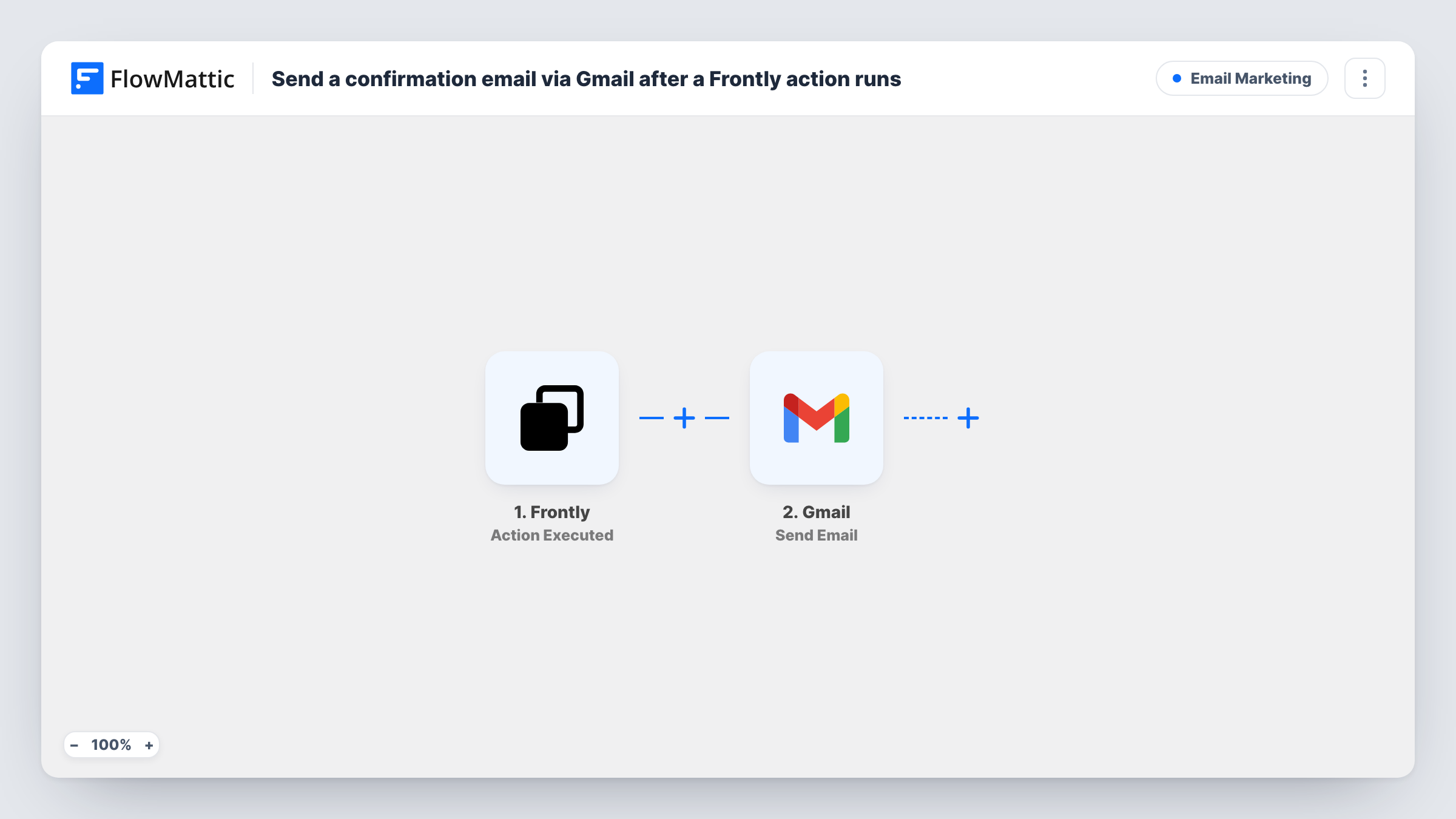
The Frontly trigger is Action Executed, which fires whenever an action in your Frontly app is executed. FlowMattic passes the action's data to Gmail, whose Send Email action sends a message to the recipient you set. You write the subject and body and map details from the action into them.
The recipient can be a fixed address, such as a team inbox, or an email field from the action data if Frontly sends one. Run an action once after import to see what arrives. Every executed action sends an email, so add a Filter if only some actions need a confirmation.
Request portal confirmations
Staff submit equipment requests through a Frontly app, and each submitter gets a Gmail confirmation with the request details mapped in.
Team inbox notice
Each time a client updates their details in your Frontly portal, a message goes to your team's shared inbox so someone can review it.
Booking changes
A Frontly app lets customers change a booking, and the email confirms the change using the data from the action.
How this workflow runs
What happens at each step once the workflow is on, and what you need before you import it.
 Frontly Action Executed
Starts each time someone in your Frontly app runs an action. Whatever Frontly sends about that action can be mapped into the confirmation email.
- Gmail Send Email
Emails the confirmation through Gmail. Set the recipient, either a fixed address or an email from the Frontly data, and write the subject and body with mapped details.
What you need
- FlowMatticCore
- Frontly AccountAccount
- Gmail AccountAccount
After importing, map your own data. To keep the template universal, not every step is pre-filled. Open each step in the builder and connect your accounts and fields (channels, lists, sheets, recipients) before you switch the workflow on.
Make it yours
Changes worth making after you import it.
- Add a Filter after the trigger so only the actions that need a confirmation send one. Run each action once to see which field tells them apart.
- Put a key detail from the action in the subject line, such as a request name, so emails are easy to find later.
- Add a Google Sheets step after Gmail to log each confirmation that went out.
Questions about this workflow
Who receives the Frontly confirmation email?
Whichever recipient address you give the Gmail step. Use a fixed address, or map an email field from the Frontly action data if the action sends one.
Does every Frontly action send an email?
Yes, as imported. There is no Filter, so each executed action triggers one email. Add a Filter to limit it.
Which mailbox sends the Frontly confirmation?
The Google account you link to the Gmail step, so replies come back to that inbox.
More Email Marketing workflows
Other ready-to-import templates from the same category.





Import this workflow into your WordPress site
Download the JSON, import it from the Workflows screen and connect your accounts. Every run stays on your server, with no per-task fees.
30-day money-back guarantee Unlimited workflows and runs Self-hosted